Fix Windows Hello Fingerprint Scanner Issue on Windows 11 💻
Learn how to troubleshoot and fix fingerprint scanner compatibility issues with Windows Hello on Windows 11 laptops.

How To Fix Tech
99.2K views • Aug 16, 2024
About this video
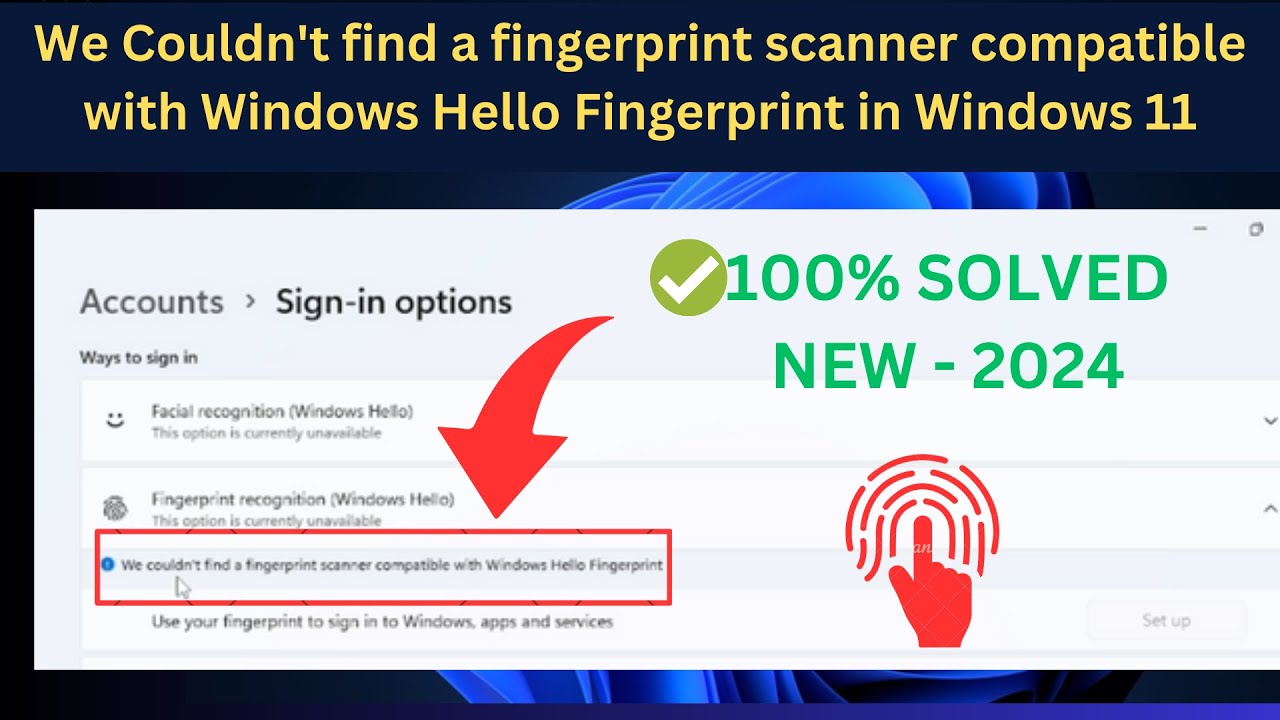
We Couldn't find a fingerprint scanner compatible with Windows Hello Fingerprint in Windows 11Laptop
Method 1: Check Biometric Service
Method 2: Make sure Bio-Metric service is enabled
Method 3: Update Latest Windows
Method 4: Delete old bios metric data
Method 5: Scan for hardware changes
✅ This instructions in this video tutorial can be applied for laptops, desktops, computers, and tablets which run the Windows 11 operating systems. This tutorial will work on all hardware manufactures, like Dell, HP, Acer, Asus, Toshiba, Lenovo, and Samsung.
✅▬▬▬▬▬▬▬▬▬▬▬▬▬▬▬▬▬▬▬▬▬▬▬▬▬▬▬▬▬▬▬▬▬▬▬▬▬▬▬▬▬▬
Visit my Website https://www.howtofixtech.com/
Method 1: Check Biometric Service
Method 2: Make sure Bio-Metric service is enabled
Method 3: Update Latest Windows
Method 4: Delete old bios metric data
Method 5: Scan for hardware changes
✅ This instructions in this video tutorial can be applied for laptops, desktops, computers, and tablets which run the Windows 11 operating systems. This tutorial will work on all hardware manufactures, like Dell, HP, Acer, Asus, Toshiba, Lenovo, and Samsung.
✅▬▬▬▬▬▬▬▬▬▬▬▬▬▬▬▬▬▬▬▬▬▬▬▬▬▬▬▬▬▬▬▬▬▬▬▬▬▬▬▬▬▬
Visit my Website https://www.howtofixtech.com/
Video Information
Views
99.2K
Likes
597
Duration
8:31
Published
Aug 16, 2024
User Reviews
4.2
(19) Related Trending Topics
LIVE TRENDSRelated trending topics. Click any trend to explore more videos.
Trending Now