Extract Face from 3D Slicer CT Segmentation 🖥️
Learn to extract a face from 3D Slicer segmentation CT scans step-by-step using built-in tools and extensions.

BlenDentCAD - Omar Koratum
1.9K views • Feb 6, 2025
About this video
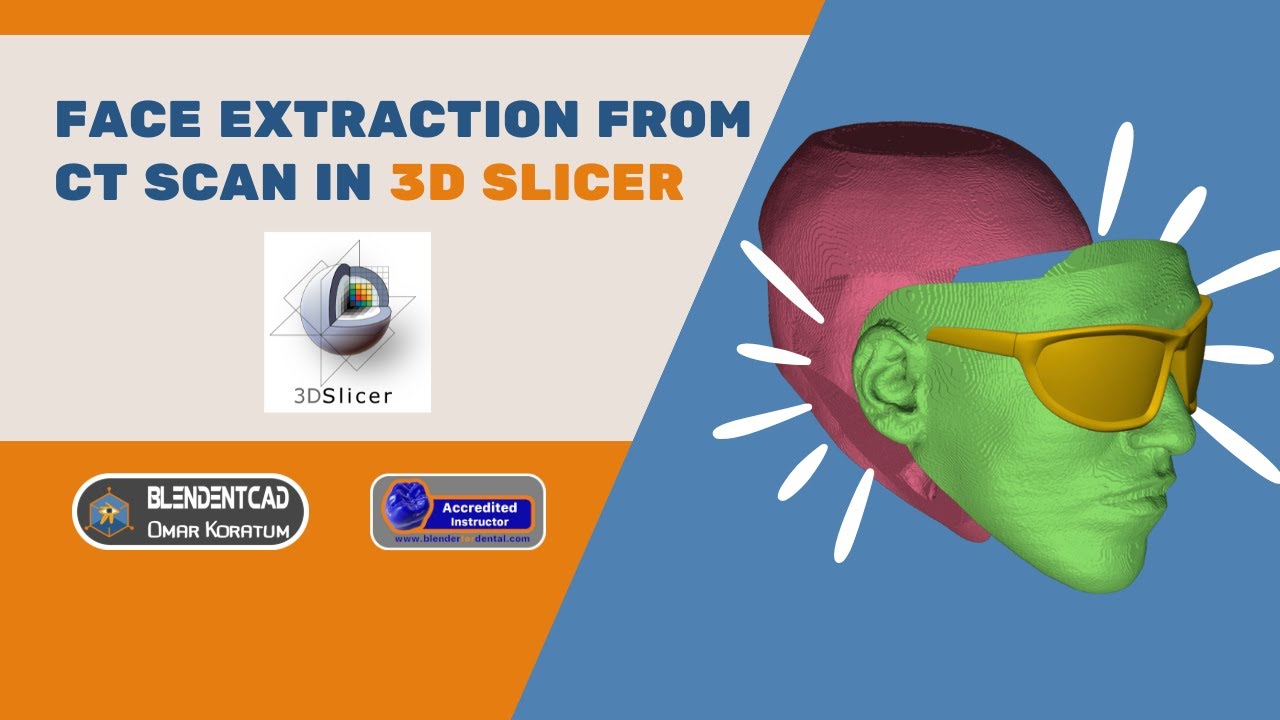
In this video, you will know how to extract a thin section of patient's face from 3d slicer segmentation using the tools and extensions inside 3d slicer 5.8.
Also how to separate the inside and outside regions of the face using dynamic modeler tool, augment this data with maxillofacial segmentations using DentalSegmentator AI extension, which use the power of artificial intelligence to do these segmentations automatically and finally how to export these data to STL files and use it in different dental design programs like Blenderfordental for example.
#3dslicer #3dslicersegmentation #blendentcad #blenderfordental #medicalimaging #dentalimaging #dentalsegmentator #artificialintelligence #maxillofacial #vsp #virtualsurgicalplanning #digitaldentistry #digitaldentist #surfacewrapsolidify #wrapsolidify
Time Stamps:
00:00 Introduction
00:26 Workflow at a glance
01:43 Installing 3D Slicer 5.8 & Recommended Extensions
03:07 Import DICOM File
03:43 Face Segmentation & Cleanup
07:19 Wrap Solidify Extension Parameters
09:07 Viewing the model
09:35 Closed Curve & Inside Point
10:47 Dynamic Modeler
11:59 Complete Virtual Patient
13:05 Exporting to STL files
13:55 Outro
Facebook : https://www.facebook.com/blendentcad
Instagram : https://www.instagram.com/blendentcad
Linkedin : https://www.linkedin.com/in/omar-koratum-blendentcad
Also how to separate the inside and outside regions of the face using dynamic modeler tool, augment this data with maxillofacial segmentations using DentalSegmentator AI extension, which use the power of artificial intelligence to do these segmentations automatically and finally how to export these data to STL files and use it in different dental design programs like Blenderfordental for example.
#3dslicer #3dslicersegmentation #blendentcad #blenderfordental #medicalimaging #dentalimaging #dentalsegmentator #artificialintelligence #maxillofacial #vsp #virtualsurgicalplanning #digitaldentistry #digitaldentist #surfacewrapsolidify #wrapsolidify
Time Stamps:
00:00 Introduction
00:26 Workflow at a glance
01:43 Installing 3D Slicer 5.8 & Recommended Extensions
03:07 Import DICOM File
03:43 Face Segmentation & Cleanup
07:19 Wrap Solidify Extension Parameters
09:07 Viewing the model
09:35 Closed Curve & Inside Point
10:47 Dynamic Modeler
11:59 Complete Virtual Patient
13:05 Exporting to STL files
13:55 Outro
Facebook : https://www.facebook.com/blendentcad
Instagram : https://www.instagram.com/blendentcad
Linkedin : https://www.linkedin.com/in/omar-koratum-blendentcad
Tags and Topics
Browse our collection to discover more content in these categories.
Video Information
Views
1.9K
Likes
38
Duration
14:06
Published
Feb 6, 2025
User Reviews
4.5
(1) Related Trending Topics
LIVE TRENDSRelated trending topics. Click any trend to explore more videos.
No specific trending topics match this video yet.
Explore All Trends