Excel Hyperlink Function Guide 🔗
Learn how to use the Hyperlink function in Excel to add links to your sheets easily and efficiently.

The Excel Cave
517 views • Apr 2, 2023
About this video
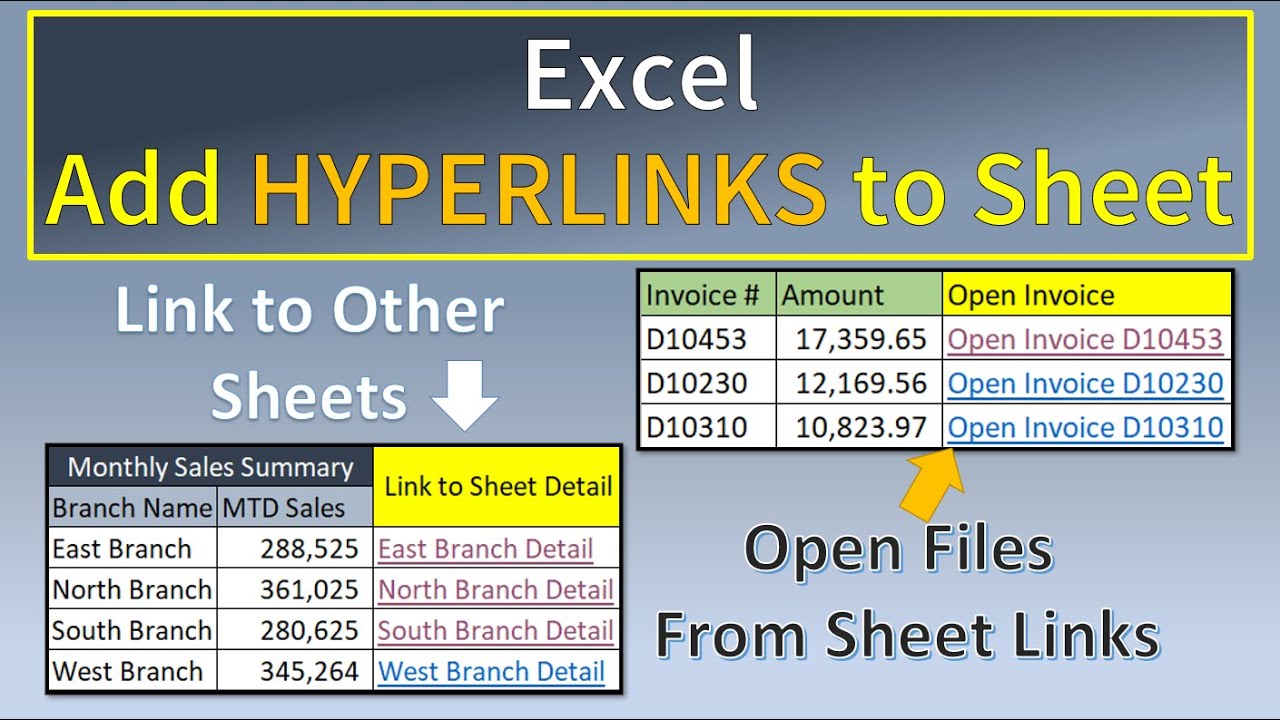
This lesson covers using the Hyperlink Function in Excel. This function allows you to add Hyperlinks on your Sheet to any of the following:
- Links to different areas of the same Sheet
- Links to Other Sheets on the same Workbook
- Links to open Files on a Network Drive
Learn more about Excel Functions & Features with this book at Amazon:
https://amzn.to/3xtLmXp
Get a Microsoft Office 365 Personal Subscription with this Amazon link:
https://amzn.to/3aV9GtL
DISCLAIMER: As an Amazon Affiliate I get a commission for every purchase via these links.
#ExcelHyperlinkFunction
#ExcelAddHyperlinksOnSheet
#ExcelHyperlinkToOpenFiles
- Links to different areas of the same Sheet
- Links to Other Sheets on the same Workbook
- Links to open Files on a Network Drive
Learn more about Excel Functions & Features with this book at Amazon:
https://amzn.to/3xtLmXp
Get a Microsoft Office 365 Personal Subscription with this Amazon link:
https://amzn.to/3aV9GtL
DISCLAIMER: As an Amazon Affiliate I get a commission for every purchase via these links.
#ExcelHyperlinkFunction
#ExcelAddHyperlinksOnSheet
#ExcelHyperlinkToOpenFiles
Tags and Topics
Browse our collection to discover more content in these categories.
Video Information
Views
517
Likes
9
Duration
12:00
Published
Apr 2, 2023
Related Trending Topics
LIVE TRENDSRelated trending topics. Click any trend to explore more videos.
No specific trending topics match this video yet.
Explore All Trends