Excel HYPERLINK Function in 10 Seconds 🚀
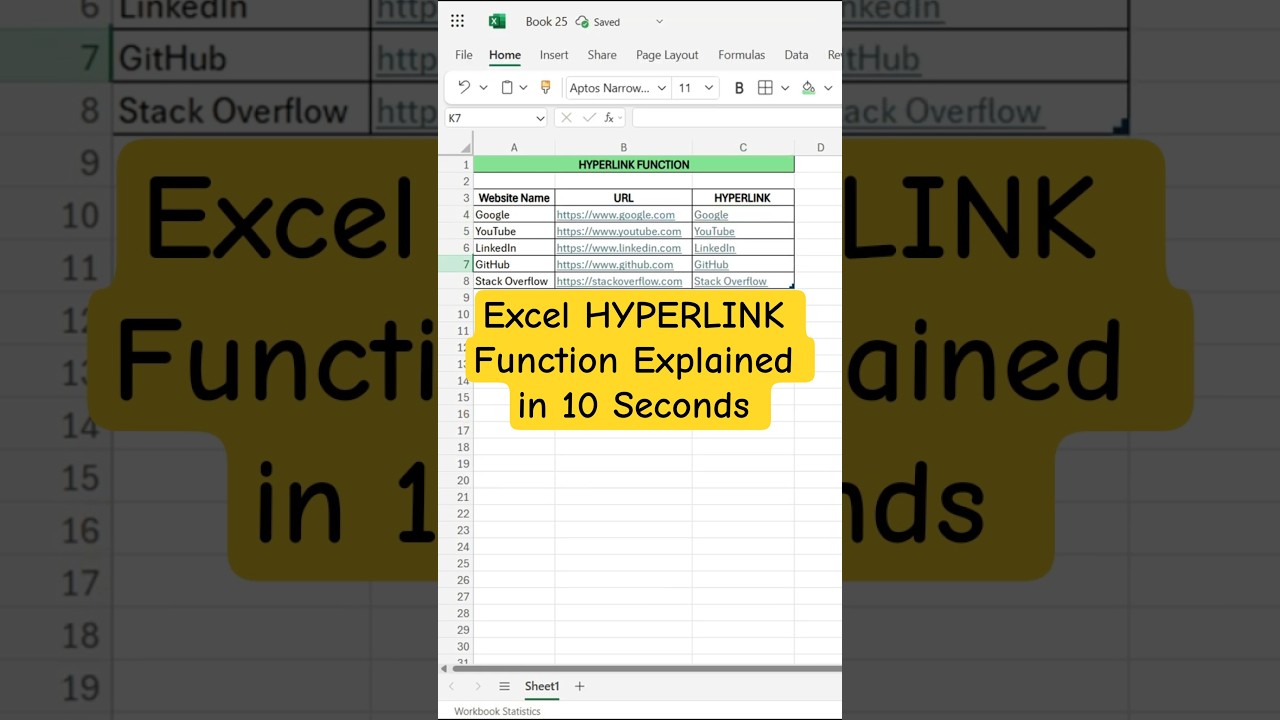
Learn how to create clickable links in Excel with the HYPERLINK function for websites, files, or emails in just 10 seconds.

WishInfinite
575 views • Sep 4, 2025
About this video
Want to create clickable links in Excel? 🚀 The HYPERLINK function lets you turn plain text into clickable links that open websites, files, or even emails – all with a simple formula. Perfect for students, professionals, and Excel beginners!
👉 In this short, you’ll learn how to use:
=HYPERLINK(URL, "Display Text")
Example: =HYPERLINK("https://www.google.com", "Google")
Try it out and make your spreadsheets smarter! 💡
#Excel #ExcelTips #ExcelShorts #ExcelFunctions #ExcelForBeginners #LearnExcel #SpreadsheetTips #ExcelFormula
Join this channel to get access to perks:
https://www.youtube.com/channel/UCf31PKYkIG9dg1yGwcOygSw/join
👉 In this short, you’ll learn how to use:
=HYPERLINK(URL, "Display Text")
Example: =HYPERLINK("https://www.google.com", "Google")
Try it out and make your spreadsheets smarter! 💡
#Excel #ExcelTips #ExcelShorts #ExcelFunctions #ExcelForBeginners #LearnExcel #SpreadsheetTips #ExcelFormula
Join this channel to get access to perks:
https://www.youtube.com/channel/UCf31PKYkIG9dg1yGwcOygSw/join
Tags and Topics
Browse our collection to discover more content in these categories.
Video Information
Views
575
Likes
1
Duration
0:09
Published
Sep 4, 2025
Related Trending Topics
LIVE TRENDSRelated trending topics. Click any trend to explore more videos.
No specific trending topics match this video yet.
Explore All Trends