Excel HYPERLINK Function: Dynamic Links to Cells & More
Learn how to create dynamic hyperlinks in Excel to cells, ranges, workbooks, websites, and emails with step-by-step guidance. 📎

BrainBell
4.1K views • Nov 20, 2024
About this video
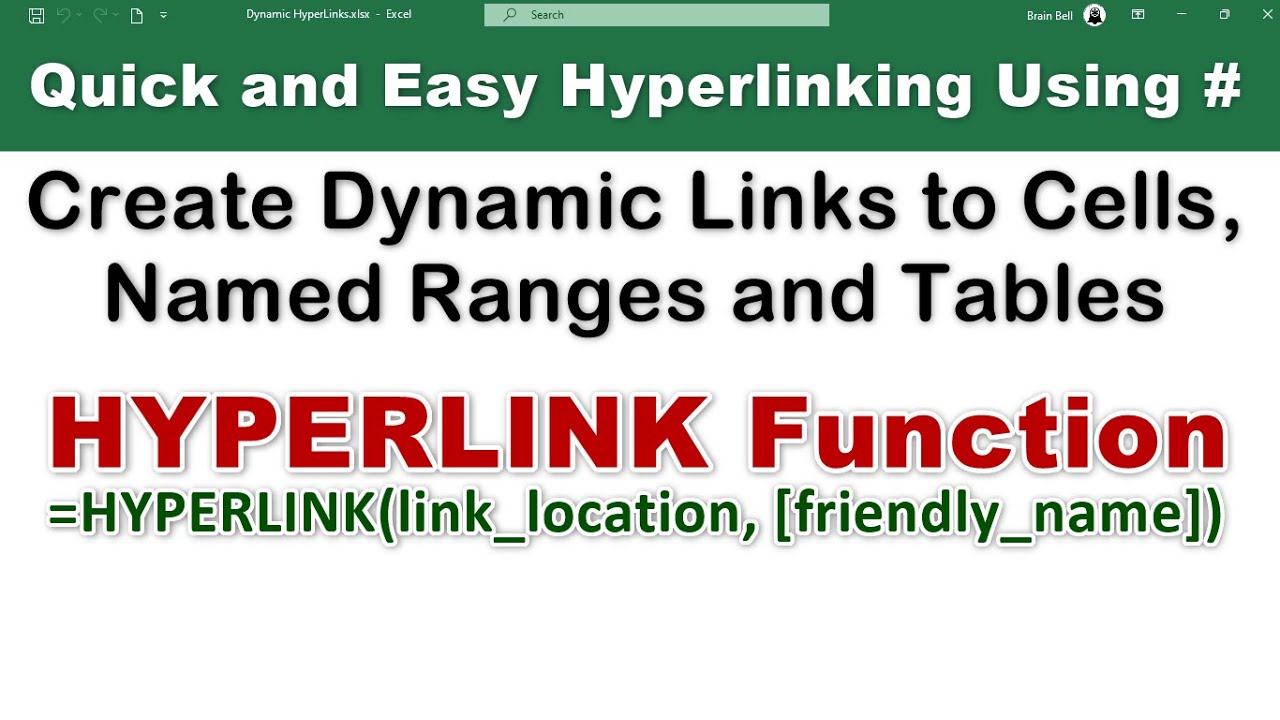
The HYPERLINK function in Excel! Learn how to create dynamic links to cells, named ranges, other workbooks, websites, and email addresses. This step-by-step guide simplifies complex hyperlink syntax and equips you with tips and tricks to enhance your productivity.
What you'll learn:
00:00 Introduction
00:16 Link to a cell in the current worksheet
01:27 Link to a cell in other worksheet
02:06 Link to a named object/range
03:46 Create a Hyperlink to another (external) workbook.
04:32 Create a Hyperlink to a cell in Sheet2 of external workbook
05:49 Create Hyperlink to a Named Range in an External Workbook
06:30 Linking Websites (URLs).
06:46 Create Email Links
#excel #hyperlinks #ExcelWithBrainBell
What you'll learn:
00:00 Introduction
00:16 Link to a cell in the current worksheet
01:27 Link to a cell in other worksheet
02:06 Link to a named object/range
03:46 Create a Hyperlink to another (external) workbook.
04:32 Create a Hyperlink to a cell in Sheet2 of external workbook
05:49 Create Hyperlink to a Named Range in an External Workbook
06:30 Linking Websites (URLs).
06:46 Create Email Links
#excel #hyperlinks #ExcelWithBrainBell
Tags and Topics
Browse our collection to discover more content in these categories.
Video Information
Views
4.1K
Likes
30
Duration
7:35
Published
Nov 20, 2024
User Reviews
4.1
(4) Related Trending Topics
LIVE TRENDSRelated trending topics. Click any trend to explore more videos.
No specific trending topics match this video yet.
Explore All Trends