Excel 2007 Demo: Applying Conditional Formatting
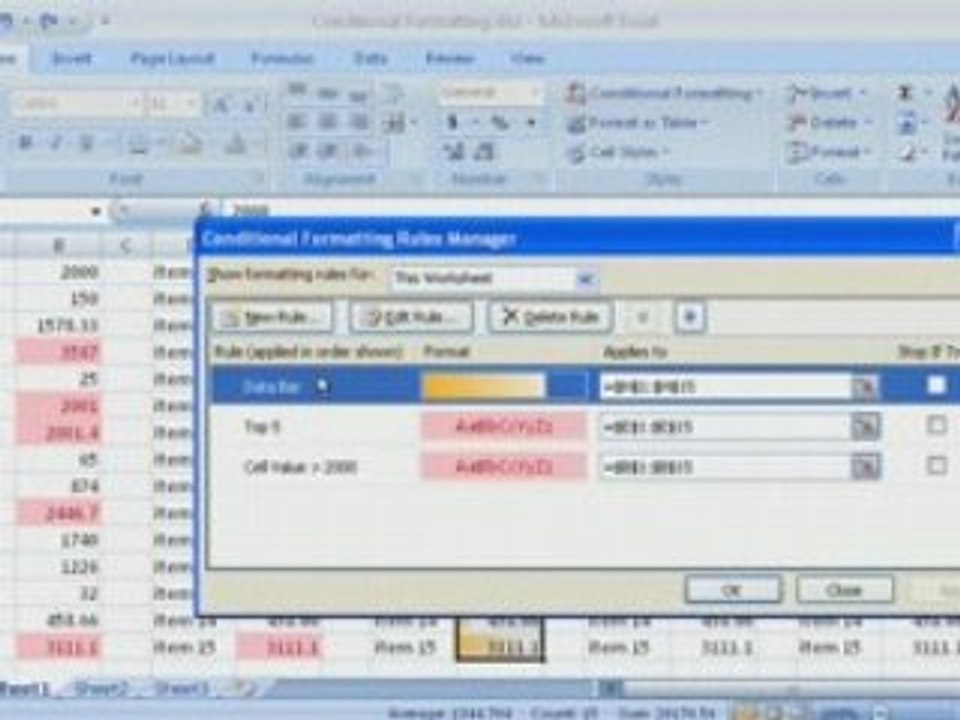
Learn how to use conditional formatting in Excel 2007 to highlight important data trends and make your worksheet more informative. For additional Excel demos, visit http://office.microsoft.com/en-us/help/FX100485311033.aspx.
DemoTrainer
3.0K views • Jun 3, 2008
About this video
See more Excel demos at <a class="link" rel="nofollow" href="http://office.microsoft.com/en-us/help/FX100485311033.aspx">http://office.microsoft.com/en-us/help/FX100485311033.aspx</a> <br />Your data has an important story to tell, but in a worksheet with row after row of numbers it's not always easy to see patterns and trends. With conditional formatting, it only takes a glance to compare worker productivity, sales figures, product performance, or other measures that are important to your business. Excel 2007 makes it easier than ever to apply rich conditional formatting. Play the demo to see how data bars, gradient colors, icon sets, and other conditional formatting can turn raw data into information you can act on.
Video Information
Views
3.0K
Duration
5:18
Published
Jun 3, 2008
User Reviews
3.7
(2) Related Trending Topics
LIVE TRENDSRelated trending topics. Click any trend to explore more videos.
No specific trending topics match this video yet.
Explore All Trends