Essential Tips to Safeguard Your iPhone Privacy and Security
Learn how to enhance your iPhone's privacy and security settings to protect your personal information, especially when using location services and social apps. Discover practical steps to maintain a balance between convenience and safety.
Rene Ritchie
162.4K views • Jun 3, 2020
About this video
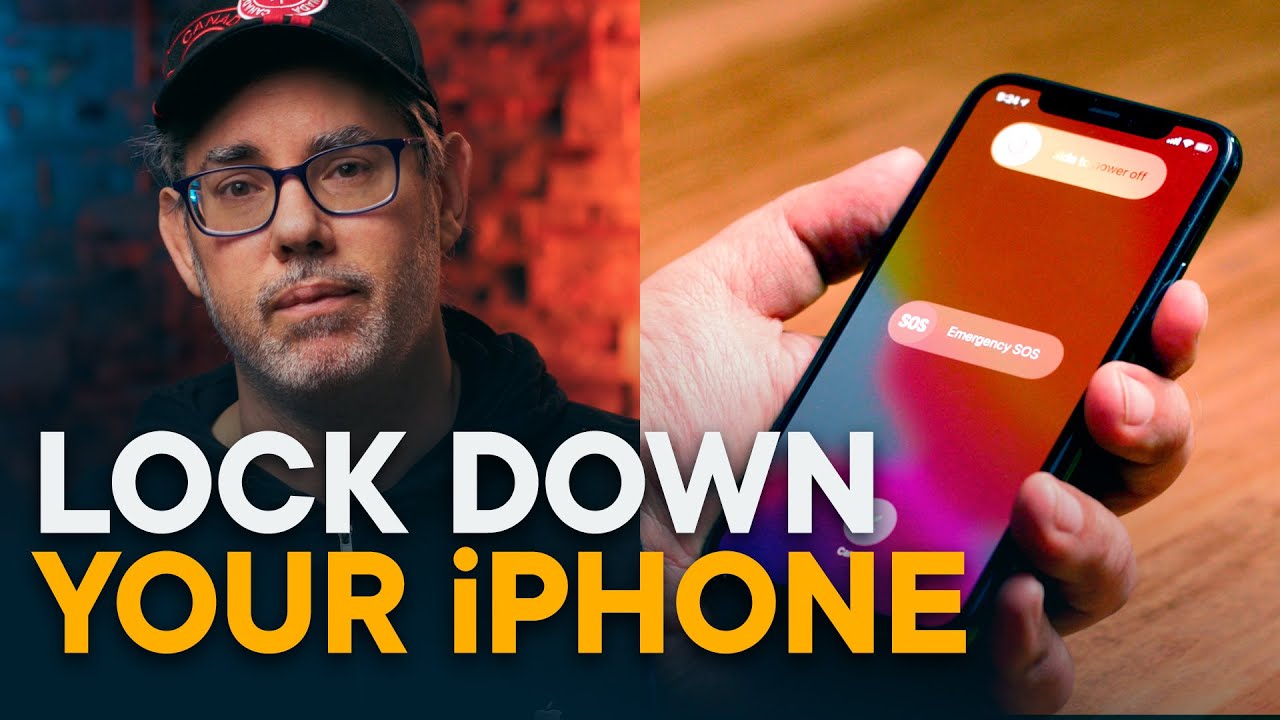
Out of the box, your iPhone tries to strike a balance between security and safety, privacy and convenience.
If you have location on, especially for social apps and photos, they can be used to find you and others in case of emergency. But they can also be used to place you and others in situations of tyranny.
Videos can help document and prosecute abusers but can also be used to identify and target people standing up to abuse.
Online backup can save your data even if your iPhone is taken on damaged, but can also expose your data to extralegal seizure from servers.
Notifications and biometrics can help you get things done faster but can also let others get to your things faster.
If you’re at home, you probably want to to keep your iPhone set to maximum convenience. Also, if you’re a bad actor of any kind, leave it like that as well. Please and thank you.
But, if you’re putting yourself in harms way, if you’re on the front lines as press or health care or to protect the rights, civil liberties, and simple dignity of your family, community, and country, then you should absolutely lock your iPhone down. Hard.
In situations where you fear for your security, the best thing to do is get a second, burner phone and lock that down. An older iPhone or iPhone SE works great. If you have the time or money.
Either way, here’s how to protect your data. In the extreme.
DONATE
https://www.youtube.com/watch?v=LpcR8-bZqpA&feature=youtu.be
https://action.aclu.org/give/now
https://blacklivesmatters.carrd.co/
LINKS
How to choose a strong password: https://support.1password.com/strong-master-password/
How to make an encrypted, local backup: https://www.imore.com/how-back-your-iphone-or-ipad#manual-backups
How to secure Android: https://www.androidcentral.com/weakest-link-your-phones-security-you
MORE
⭐️ Nebula: https://watchnebula.com/reneritchie
🐦 Twitter: https://twitter.com/reneritchie
📸 Instagram: https://instagram.com/reneritchie
🌎 Web: https://www.reneritchie.net
🍎 Podcasts: http://apple.co/reneritchie
🌥 Overcast: https://overcast.fm/p1644160-NUVafv
👖 Pocket Cast: https://pca.st/reneritchie
Thank you for helping
If you have location on, especially for social apps and photos, they can be used to find you and others in case of emergency. But they can also be used to place you and others in situations of tyranny.
Videos can help document and prosecute abusers but can also be used to identify and target people standing up to abuse.
Online backup can save your data even if your iPhone is taken on damaged, but can also expose your data to extralegal seizure from servers.
Notifications and biometrics can help you get things done faster but can also let others get to your things faster.
If you’re at home, you probably want to to keep your iPhone set to maximum convenience. Also, if you’re a bad actor of any kind, leave it like that as well. Please and thank you.
But, if you’re putting yourself in harms way, if you’re on the front lines as press or health care or to protect the rights, civil liberties, and simple dignity of your family, community, and country, then you should absolutely lock your iPhone down. Hard.
In situations where you fear for your security, the best thing to do is get a second, burner phone and lock that down. An older iPhone or iPhone SE works great. If you have the time or money.
Either way, here’s how to protect your data. In the extreme.
DONATE
https://www.youtube.com/watch?v=LpcR8-bZqpA&feature=youtu.be
https://action.aclu.org/give/now
https://blacklivesmatters.carrd.co/
LINKS
How to choose a strong password: https://support.1password.com/strong-master-password/
How to make an encrypted, local backup: https://www.imore.com/how-back-your-iphone-or-ipad#manual-backups
How to secure Android: https://www.androidcentral.com/weakest-link-your-phones-security-you
MORE
⭐️ Nebula: https://watchnebula.com/reneritchie
🐦 Twitter: https://twitter.com/reneritchie
📸 Instagram: https://instagram.com/reneritchie
🌎 Web: https://www.reneritchie.net
🍎 Podcasts: http://apple.co/reneritchie
🌥 Overcast: https://overcast.fm/p1644160-NUVafv
👖 Pocket Cast: https://pca.st/reneritchie
Thank you for helping
Video Information
Views
162.4K
Likes
5.4K
Duration
6:57
Published
Jun 3, 2020
User Reviews
4.7
(32) Related Trending Topics
LIVE TRENDSRelated trending topics. Click any trend to explore more videos.
No specific trending topics match this video yet.
Explore All Trends