Essential Settings to Safeguard Your iPhone Against Theft
Learn how to secure your iPhone from theft by adjusting key settings. Discover measures to prevent thieves from disabling tracking features or accessing your data.

Tyco Tech
86.2K views • Aug 19, 2024
About this video
If someone steals your iPhone, they could activate airplane mode, preventing you from tracking it. They might also connect a cable to access your data and format your device from a computer, or even turn off your iPhone, leaving you with no chance to find it. But here’s how you can prevent losing your iPhone.
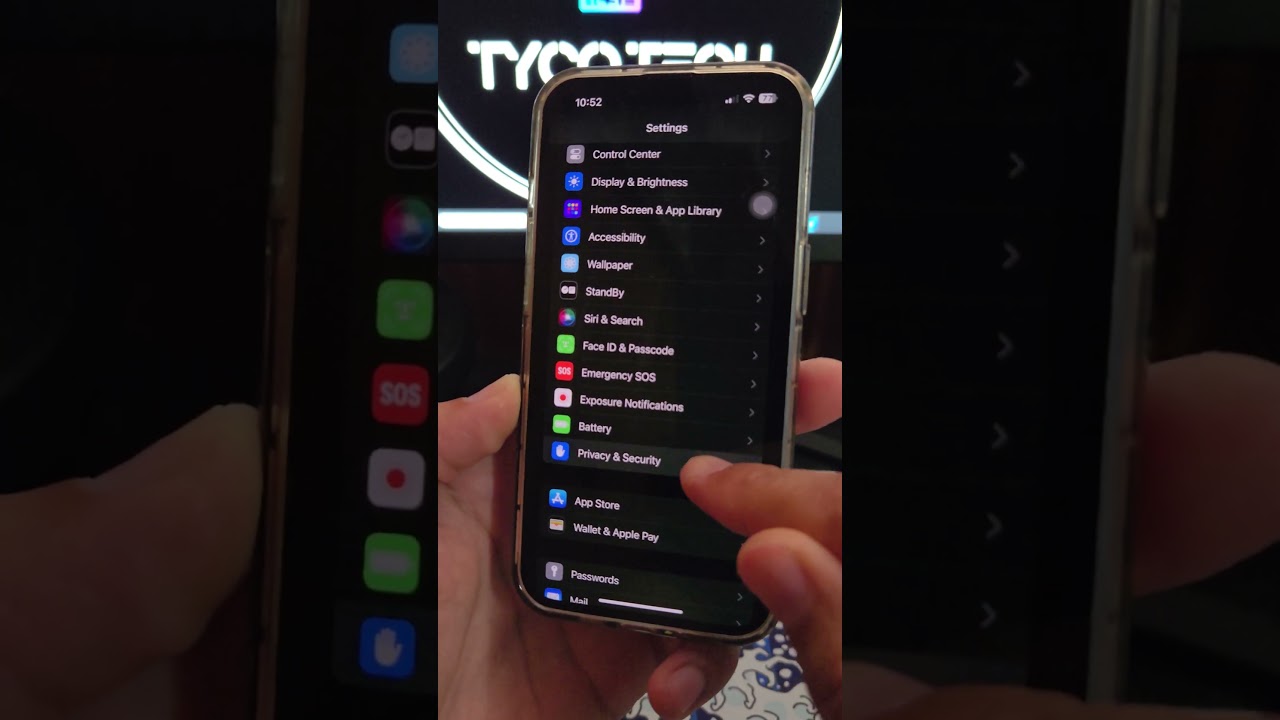
First, go to Settings, then Face ID & Passcode. Scroll down and disable Notifications and Control Center, as well as Wallet and Accessories. Next, go to Privacy & Security, select Location Services, and ensure it’s turned on. Then, go to Share My Location and make sure it’s activated. Lastly, go to Find My iPhone and verify that all the options are enabled.
Now, lock your iPhone. With these settings, a thief won’t be able to access the Control Center to enable airplane mode, nor will they have access to your data when connecting a cable. Plus, you’ll be able to track your iPhone even if it’s turned off. Follow for more security tips!
Have you secured your iPhone with these settings? Share your thoughts in the comments!
#iPhoneSecurity #FindMyiPhone #DiscoverMore #YouTubeTips #Tutorial #HowTo #TechTips #Engagement
First, go to Settings, then Face ID & Passcode. Scroll down and disable Notifications and Control Center, as well as Wallet and Accessories. Next, go to Privacy & Security, select Location Services, and ensure it’s turned on. Then, go to Share My Location and make sure it’s activated. Lastly, go to Find My iPhone and verify that all the options are enabled.
Now, lock your iPhone. With these settings, a thief won’t be able to access the Control Center to enable airplane mode, nor will they have access to your data when connecting a cable. Plus, you’ll be able to track your iPhone even if it’s turned off. Follow for more security tips!
Have you secured your iPhone with these settings? Share your thoughts in the comments!
#iPhoneSecurity #FindMyiPhone #DiscoverMore #YouTubeTips #Tutorial #HowTo #TechTips #Engagement
Video Information
Views
86.2K
Likes
1.7K
Duration
0:54
Published
Aug 19, 2024
User Reviews
4.7
(17) Related Trending Topics
LIVE TRENDSRelated trending topics. Click any trend to explore more videos.