Essential Android Security Settings to Protect Your Data
Learn quick and effective steps to enhance your Android device's security, block trackers, and maintain your privacy.

Smart & Easy
61.4K views • Jul 24, 2025
About this video
Android security settings that shield your data in seconds.
Follow this quick guide to block trackers and stay private on any Android phone.
Steps covered:
1. Open Settings → Connections → Private DNS (set to automatic)
2. Security and Privacy → Auto Blocker ON
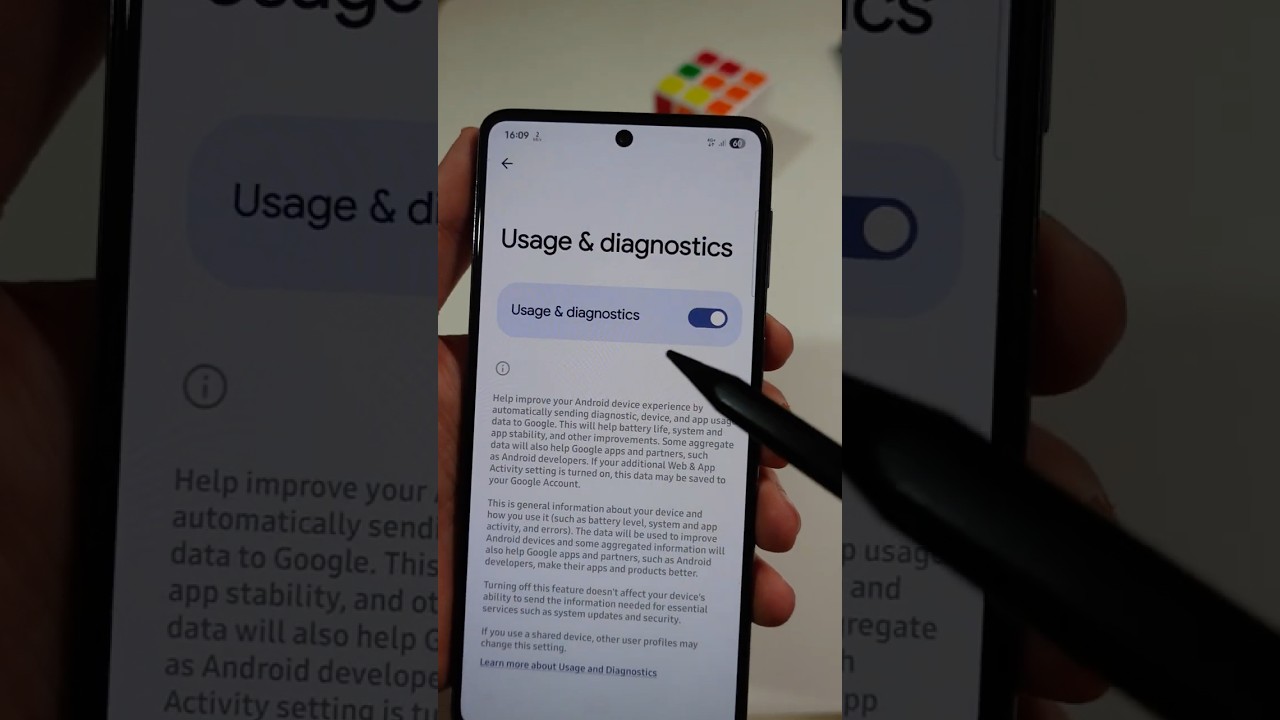
3. More Privacy Settings → Usage and Diagnostics OFF
Tools used: built-in Android settings only.
Did you know about Auto Blocker? Drop a comment and smash like 👍
#AndroidTips #CyberSecurity #Shorts
Follow this quick guide to block trackers and stay private on any Android phone.
Steps covered:
1. Open Settings → Connections → Private DNS (set to automatic)
2. Security and Privacy → Auto Blocker ON
3. More Privacy Settings → Usage and Diagnostics OFF
Tools used: built-in Android settings only.
Did you know about Auto Blocker? Drop a comment and smash like 👍
#AndroidTips #CyberSecurity #Shorts
Video Information
Views
61.4K
Likes
1.4K
Duration
1:02
Published
Jul 24, 2025
User Reviews
4.7
(12) Related Trending Topics
LIVE TRENDSRelated trending topics. Click any trend to explore more videos.
Trending Now