Enable Microsoft 365 Copilot in Excel: Quick Fixes & Setup Guide 🚀
Learn how to turn on Microsoft 365 Copilot in Excel on Windows 11. Troubleshoot common issues and start using AI-powered features today!

Free Tech Guide
9.7K views • Jun 6, 2025
About this video
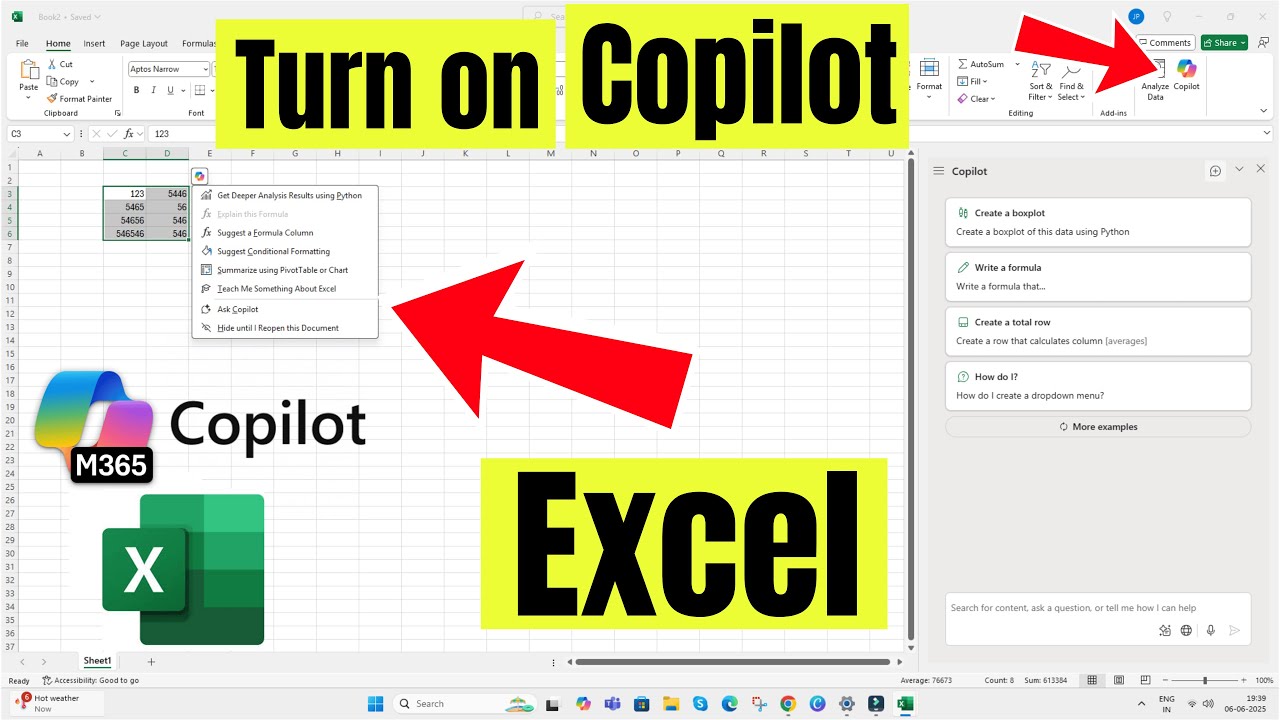
Here's How to Turn on Copilot in Excel Microsoft 365 in Windows 11 PC & Laptop | Fix Not Showing or Working, Enable and Start Using Copilot in Microsoft Excel.
00:00 intro
00:12 Steps to Enable Copilot in Excel
00:42 Not Showing, Not Working
Turn on Copilot in Microsoft Excel with Office 365. Ensure that your Excel App is updated to the latest version.
As you can see here, under the File option, click on Options.
Click Copilot on the left sidebar on the popup window, and select "Enable Copilot."
To apply these changes, a restart is required; close Excel and open it again. Click on Ok to apply the changes.
If copilot option is not showing or missing then check under the Accounts in the bottom left corner of the window.
Then, ensure that you are signed in with an active Microsoft 365 subscription and that the App is updated to the latest version.
Under the About Excel option, see the current version. Otherwise, update it from Update Options and update now.
That's it. Wait for the update to complate, then close the app and check it again.
GET CHEAP iPHONES on Amazon (US): https://amzn.to/3NrhGmd
GET CHEAP iPHONES on Amazon (CA): https://amzn.to/4h53UTU
GET CHEAP iPHONES on Amazon (UK): https://amzn.to/40570Bj
GET CHEAP iPAD on Amazon (US): https://amzn.to/4dP9XcC
GET CHEAP AirPods on Amazon (US): https://amzn.to/3BJVIsd
If you found this video helpful, give it a like!
Need more help? Drop a comment below!
Don’t forget to subscribe for regular updates!
#excel #copilot #setup #fix
Subscribe on YouTube: https://www.youtube.com/freetechguide?sub_confirmation=1
00:00 intro
00:12 Steps to Enable Copilot in Excel
00:42 Not Showing, Not Working
Turn on Copilot in Microsoft Excel with Office 365. Ensure that your Excel App is updated to the latest version.
As you can see here, under the File option, click on Options.
Click Copilot on the left sidebar on the popup window, and select "Enable Copilot."
To apply these changes, a restart is required; close Excel and open it again. Click on Ok to apply the changes.
If copilot option is not showing or missing then check under the Accounts in the bottom left corner of the window.
Then, ensure that you are signed in with an active Microsoft 365 subscription and that the App is updated to the latest version.
Under the About Excel option, see the current version. Otherwise, update it from Update Options and update now.
That's it. Wait for the update to complate, then close the app and check it again.
GET CHEAP iPHONES on Amazon (US): https://amzn.to/3NrhGmd
GET CHEAP iPHONES on Amazon (CA): https://amzn.to/4h53UTU
GET CHEAP iPHONES on Amazon (UK): https://amzn.to/40570Bj
GET CHEAP iPAD on Amazon (US): https://amzn.to/4dP9XcC
GET CHEAP AirPods on Amazon (US): https://amzn.to/3BJVIsd
If you found this video helpful, give it a like!
Need more help? Drop a comment below!
Don’t forget to subscribe for regular updates!
#excel #copilot #setup #fix
Subscribe on YouTube: https://www.youtube.com/freetechguide?sub_confirmation=1
Tags and Topics
Browse our collection to discover more content in these categories.
Video Information
Views
9.7K
Likes
37
Duration
1:14
Published
Jun 6, 2025
User Reviews
4.0
(1) Related Trending Topics
LIVE TRENDSRelated trending topics. Click any trend to explore more videos.
No specific trending topics match this video yet.
Explore All Trends