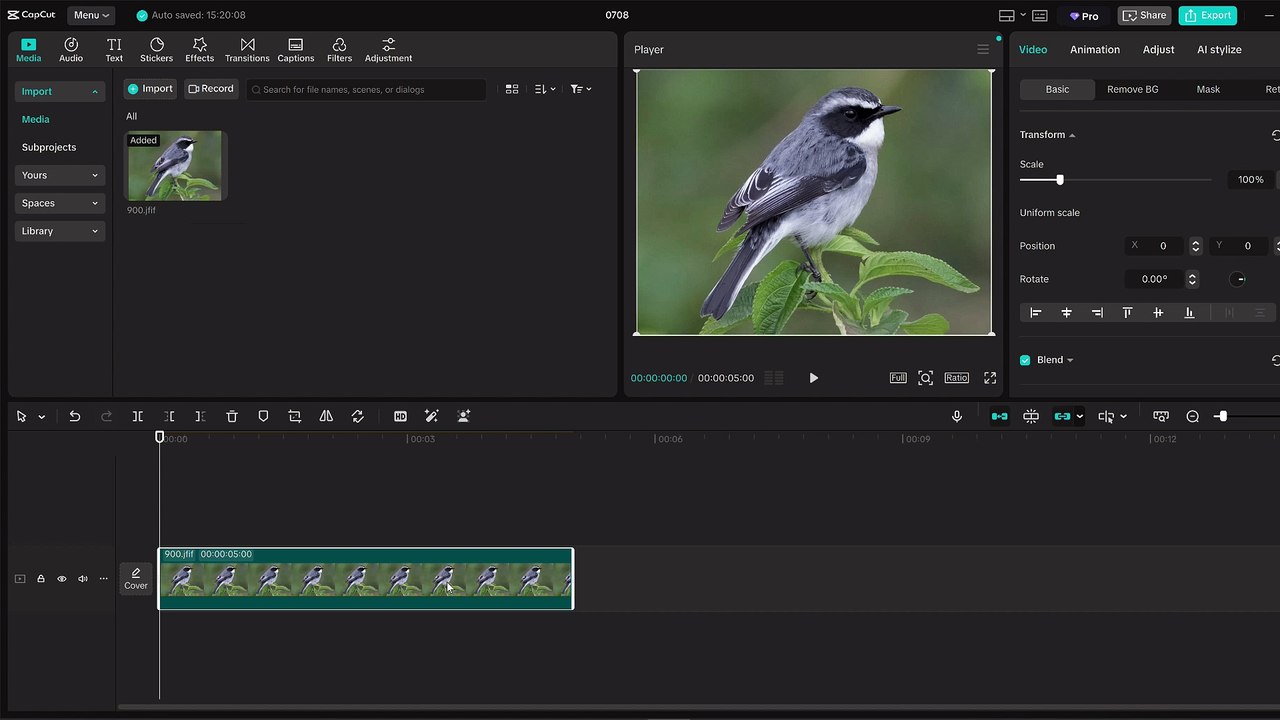
Easy Guide to Flipping Images in CapCut 📱
Learn simple steps to flip or mirror your images horizontally or vertically in CapCut with this quick and straightforward tutorial!
Mr. Devotor
1.9K views • Jul 8, 2025
About this video
📲 Want to flip or mirror an image in CapCut? <br />In this quick and easy CapCut tutorial, I’ll show you exactly how to flip an image horizontally or vertically in just a few taps. Whether you’re editing a video or adjusting a photo, CapCut makes it super simple <br /><br />👉 In this video, you will learn: <br /><br />How to import an image into CapCut <br /><br />How to use the transform and rotate tools <br /><br />Tips to make your edits look professional <br /><br />💡 Great for content creators, vloggers, editors, and anyone using CapCut for social media videos like TikTok, YouTube Shorts, and Instagram Reels. <br /><br />🧠 No experience needed—this guide is beginner-friendly! <br /><br />🎥 Make your visuals stand out by flipping images creatively in your video edits. <br /><br />👍 Don’t forget to like, subscribe, and comment if this helped you! <br /><br />#CapCut #CapCutTutorial #FlipImageCapCut #MirrorImage #PhotoEditing #VideoEditingApp #CapCutTips #CapCutBeginners #CapCutEditing #CapCutGuide
Video Information
Views
1.9K
Duration
0:53
Published
Jul 8, 2025
User Reviews
3.7
(1) Related Trending Topics
LIVE TRENDSRelated trending topics. Click any trend to explore more videos.
Trending Now