Easily Save Photos as PDFs on Your Samsung Phone 📱
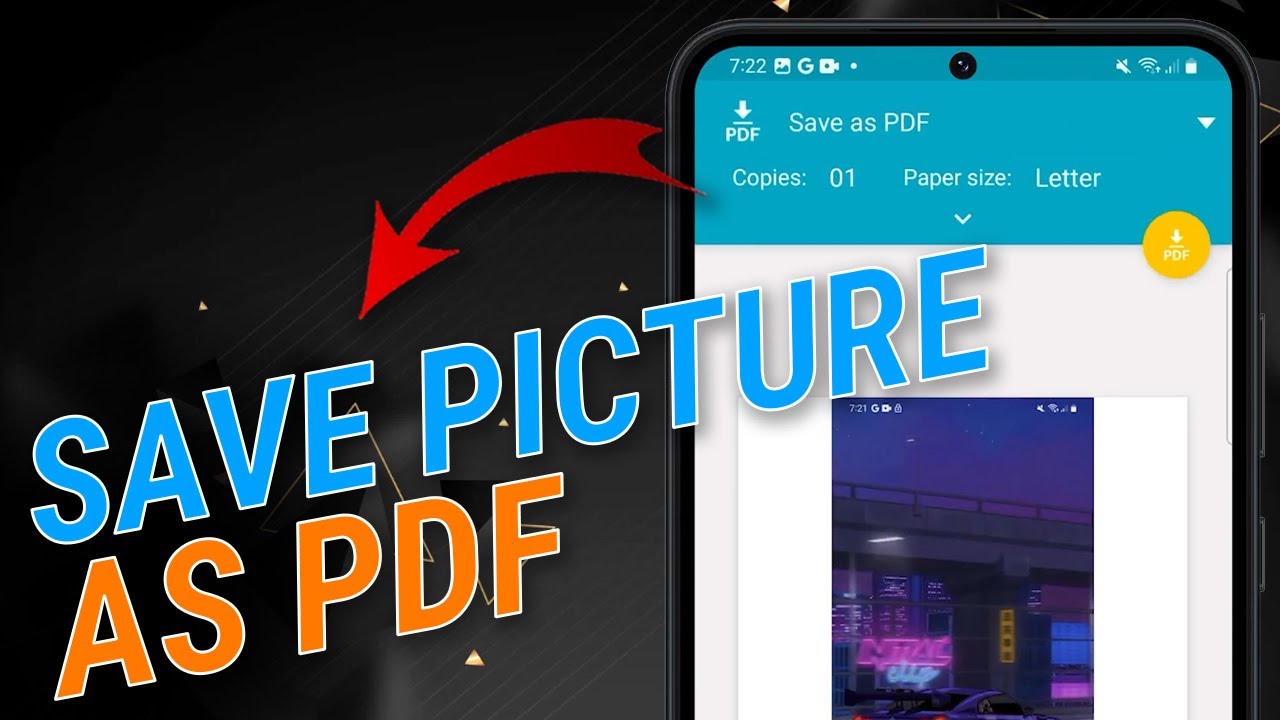
Learn how to quickly convert your images into PDF files directly from your Samsung device without needing any extra apps. Follow our simple step-by-step guide!

TheDroidGuy
32.3K views • Nov 24, 2023
About this video
In this tutorial, you can transform your Samsung phone into a PDF powerhouse without relying on external apps. Simply open your Gallery app, choose the image you want to convert, and tap the three dots in the bottom right. From there, hit 'Print,' customize your PDF settings, tap save, choose a directory, and voila—your picture is now a PDF, easily accessible through the My Files app. Watch the video for a step-by-step guide to effortlessly turn your images into PDFs and enhance your Samsung experience.
Tags and Topics
Browse our collection to discover more content in these categories.
Video Information
Views
32.3K
Likes
88
Duration
1:03
Published
Nov 24, 2023
User Reviews
4.0
(6)