Easily Merge Multiple Zip Files from Google Takeout on Mac 🖥️
Learn simple steps to combine your split Google Takeout zip files on Mac and access all your data seamlessly. Perfect for quick file management!

Tech Time With Timmy
2.3K views • Jun 10, 2025
About this video
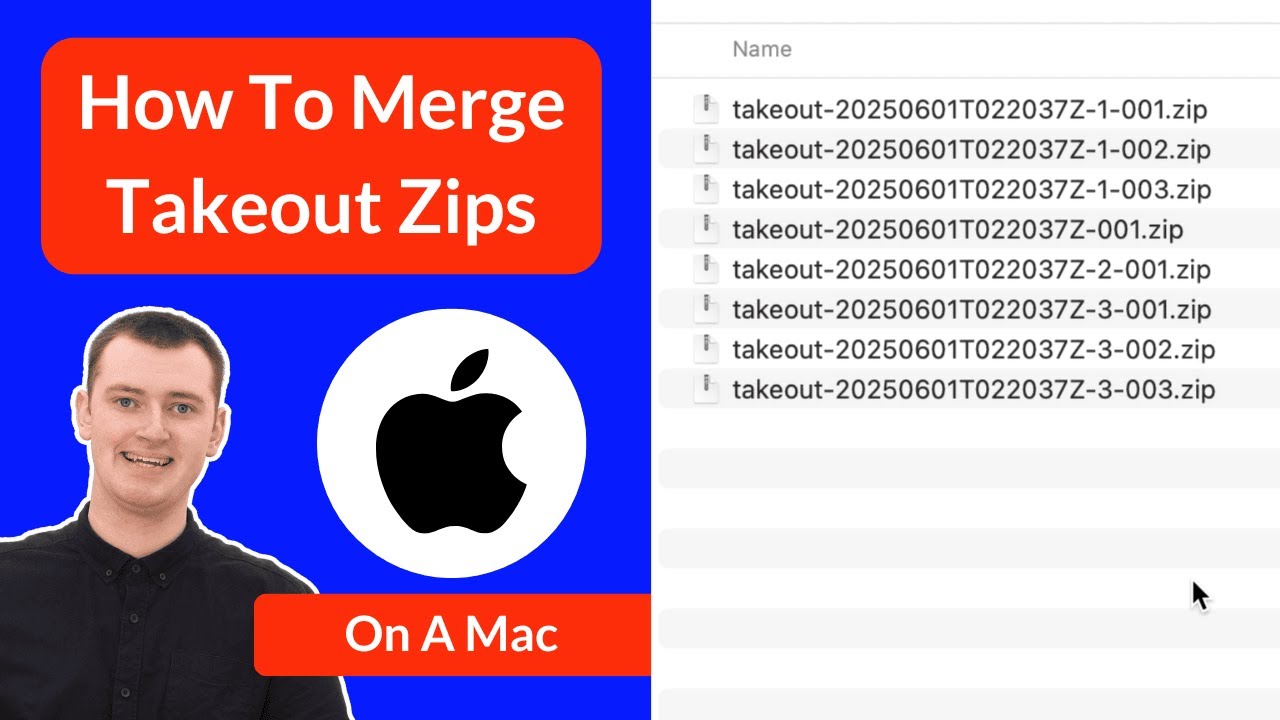
If you've downloaded files to your Mac computer using Google Takeout, and they've been split into multiple different zip files, don't worry, this video has you covered.
In this video, Timmy shows you how to correctly extract and merge multiple Google Takeout zip files back together the way they're meant to be. So that all your files will remain correctly organized in their correct folders.
If you need to do this on a Windows computer or a Chromebook instead, Timmy also has other videos for that:
Chromebook:
https://www.youtube.com/watch?v=baJncJ6RLUA
Windows:
https://www.youtube.com/watch?v=eMg1M2nH_k8
Table of contents:
00:00:00 Intro
00:00:55 Extract All The Zips
00:01:54 Merging The Folders
00:04:50 Repeat
00:05:29 The Result
00:06:27 See You Next Time
In this video, Timmy shows you how to correctly extract and merge multiple Google Takeout zip files back together the way they're meant to be. So that all your files will remain correctly organized in their correct folders.
If you need to do this on a Windows computer or a Chromebook instead, Timmy also has other videos for that:
Chromebook:
https://www.youtube.com/watch?v=baJncJ6RLUA
Windows:
https://www.youtube.com/watch?v=eMg1M2nH_k8
Table of contents:
00:00:00 Intro
00:00:55 Extract All The Zips
00:01:54 Merging The Folders
00:04:50 Repeat
00:05:29 The Result
00:06:27 See You Next Time
Tags and Topics
Browse our collection to discover more content in these categories.
Video Information
Views
2.3K
Likes
61
Duration
6:50
Published
Jun 10, 2025
User Reviews
4.5
(2) Related Trending Topics
LIVE TRENDSRelated trending topics. Click any trend to explore more videos.
No specific trending topics match this video yet.
Explore All Trends