Easily Geotag Your Photos with GpsNose, Lightroom & ExifTool 📸
Learn step-by-step how to geotag your digital camera pictures using GpsNose to record GPS tracks and then apply the location data with Lightroom or ExifTool for perfect photo organization.

SmartNose Bakery
410 views • Aug 15, 2019
About this video
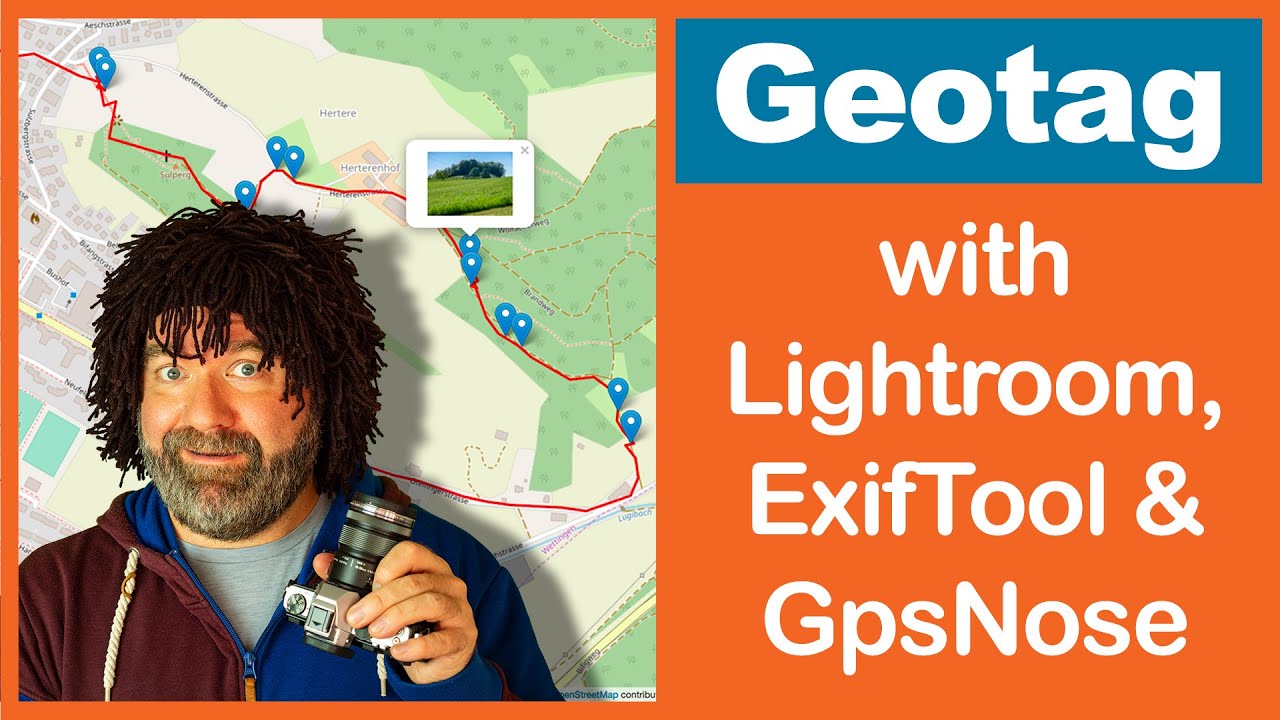
In this video, I'll explain how to Geotag Pictures from a Digital Camera by recording a Track with GpsNose and using Lightroom or ExifTool to write the location to the photos by using the created GPX-File. Additionally I'll show how to publish the track on GpsNose including the pictures.
GpsNose:
Web: https://www.gpsnose.com/
Android: https://goo.gl/4q4TGl
iOS: https://itunes.apple.com/us/app/gpsnose/id892215768
Documentation: https://www.gpsnose.com/home/doc
ExifTool:
https://www.sno.phy.queensu.ca/~phil/exiftool/
Battery optimisation on Android:
Newer versions of Android try to minimise battery consumption.
There is nothing wrong with this, unfortunately this prevents positioning in the background. But since we rely on the track that the position also works in the background, this function must not be active, otherwise Android will stop the app and the geotag of the photos will not be possible.
Equipment:
Camera: https://amzn.com/B01M4MB3DK
Lense: https://amzn.com/B00EY3YGBS
Tripod: https://amzn.com/B00G36G9Q4
Tripod head: https://amzn.com/B00T8REXY0
Microphone: https://amzn.com/B00KQPGRRE
Microphone mount: https://amzn.com/B001D7UYBO
Video editor software: https://amzn.com/B0067Z5UH0
Green screen: https://amzn.com/B0743Z892W
GpsNose:
Web: https://www.gpsnose.com/
Android: https://goo.gl/4q4TGl
iOS: https://itunes.apple.com/us/app/gpsnose/id892215768
Documentation: https://www.gpsnose.com/home/doc
ExifTool:
https://www.sno.phy.queensu.ca/~phil/exiftool/
Battery optimisation on Android:
Newer versions of Android try to minimise battery consumption.
There is nothing wrong with this, unfortunately this prevents positioning in the background. But since we rely on the track that the position also works in the background, this function must not be active, otherwise Android will stop the app and the geotag of the photos will not be possible.
Equipment:
Camera: https://amzn.com/B01M4MB3DK
Lense: https://amzn.com/B00EY3YGBS
Tripod: https://amzn.com/B00G36G9Q4
Tripod head: https://amzn.com/B00T8REXY0
Microphone: https://amzn.com/B00KQPGRRE
Microphone mount: https://amzn.com/B001D7UYBO
Video editor software: https://amzn.com/B0067Z5UH0
Green screen: https://amzn.com/B0743Z892W
Tags and Topics
Browse our collection to discover more content in these categories.
Video Information
Views
410
Likes
10
Duration
8:58
Published
Aug 15, 2019
Related Trending Topics
LIVE TRENDSRelated trending topics. Click any trend to explore more videos.
Trending Now