Easily Find and Share Your WhatsApp QR Code in 2025 📱
Discover simple steps to locate and share your WhatsApp QR code for quick and seamless profile sharing. Connect with friends and contacts effortlessly!
online
19 views • Apr 11, 2025
About this video
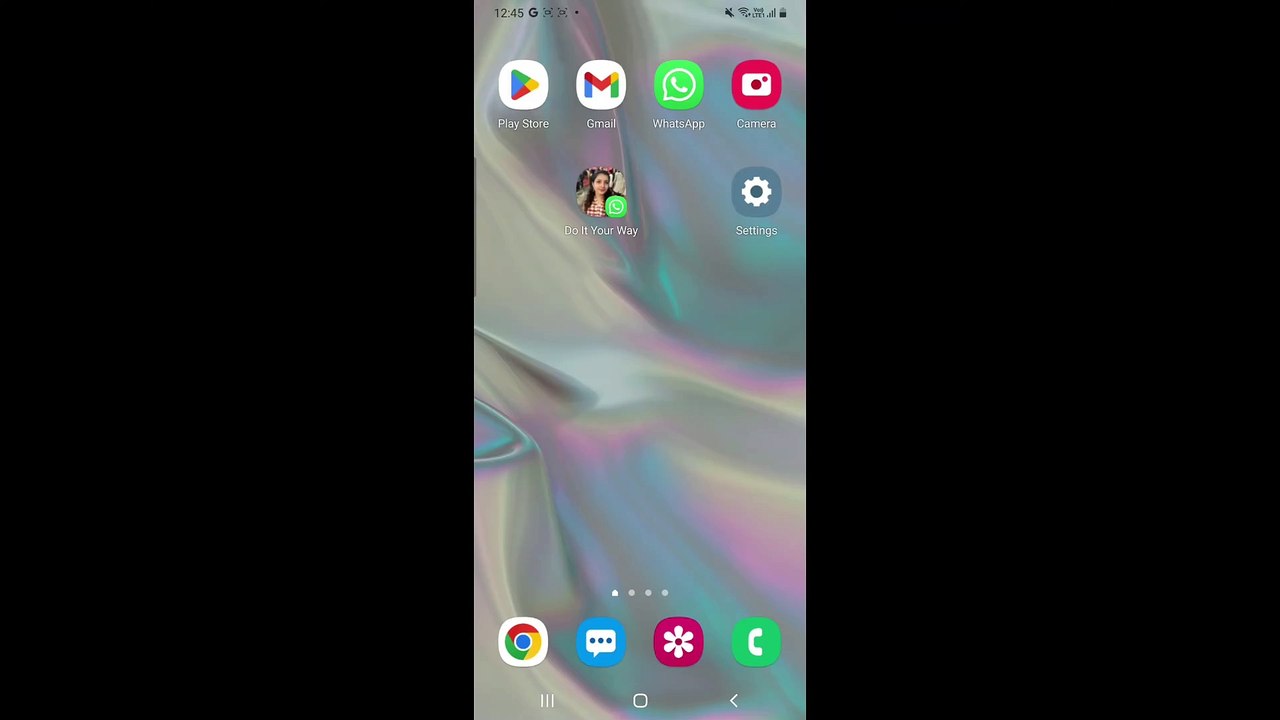
Learn how to find and share your WhatsApp QR code to connect with others quickly and easily. With WhatsApp QR codes, you can share your profile without needing to exchange phone numbers manually. This step-by-step guide will show you how to locate, scan, and share your QR code for seamless connections. <br /><br />---<br /><br />Steps to Find and Share Your WhatsApp QR Code <br /><br />#### 1. *Open WhatsApp* <br />Launch the WhatsApp app on your Android or iPhone. <br />Ensure your app is updated to the latest version for QR code functionality. <br /><br />#### 2. *Access Your QR Code* <br />Tap the *three-dot menu* (Android) or go to *Settings* (iPhone). <br />Look for the *QR Code* icon next to your profile picture and tap it. <br /><br />#### 3. *View Your QR Code* <br />Your personal QR code will be displayed. <br />Others can scan this QR code to add you to their contacts directly. <br /><br />#### 4. *Share Your QR Code* <br />Tap the *Share* icon to send your QR code via other apps like email, text, or social media. <br />You can also take a screenshot and share it manually. <br /><br />#### 5. *Scan Another Person’s QR Code* <br />To scan a QR code, tap the *Scan Code* tab at the bottom of the QR code screen. <br />Point your camera at the QR code you wish to scan, and WhatsApp will automatically add the contact. <br /><br />---<br /><br />Tips for Using WhatsApp QR Codes <br />**Privacy**: Share your QR code only with trusted individuals to maintain privacy. <br />*Reset Your QR Code**: If you feel your code has been shared with unwanted contacts, tap **Reset QR Code* to generate a new one. <br />**Quick Sharing**: Use the QR code feature for seamless contact sharing at events, business meetings, or personal exchanges. <br /><br />---<br /><br />Using WhatsApp QR codes makes connecting faster and more efficient. Try it out and simplify how you add contacts to WhatsApp. Don’t forget to like, share, and subscribe for more WhatsApp tips and tricks!
Video Information
Views
19
Duration
1:59
Published
Apr 11, 2025
Related Trending Topics
LIVE TRENDSRelated trending topics. Click any trend to explore more videos.
No specific trending topics match this video yet.
Explore All Trends