Easily Disable Professional Mode on Facebook in 2025 🔧
Learn simple steps to turn off Professional Mode on Facebook and revert to your personal profile. Perfect for users wanting a more private experience or no longer needing professional features.
online
201 views • Apr 3, 2025
About this video
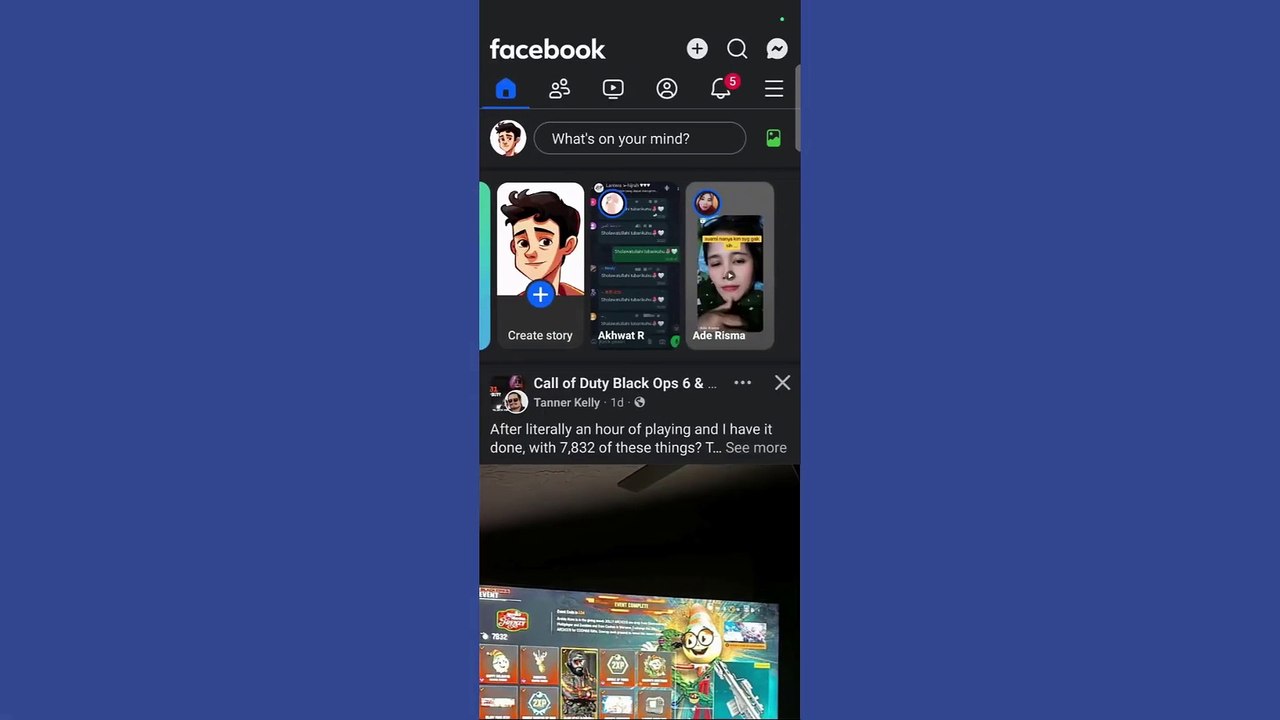
🔧 How to Disable Professional Mode in Facebook <br /><br />Are you ready to switch back from Professional Mode on Facebook? Whether you no longer need the features or just want a simpler profile experience, we’ve got you covered with this step-by-step guide for disabling Professional Mode in Facebook (2025).<br /><br />🔑 What You'll Learn in This Video:<br />✅ What is Facebook Professional Mode?<br />✅ How to turn off Professional Mode on your Facebook profile.<br />✅ What happens after you disable Professional Mode?<br /><br />📌 Steps to Disable Professional Mode on Facebook (2025):<br /><br />1️⃣ Go to Your Profile:<br /><br />Open the Facebook app or website.<br />Tap your profile picture to view your profile.<br />2️⃣ Access Professional Mode Settings:<br /><br />Tap the three dots (…) next to the "Edit Profile" button.<br />Select Professional Mode Settings from the dropdown menu.<br />3️⃣ Disable Professional Mode:<br /><br />Scroll to find the Turn Off Professional Mode option.<br />Tap it, and a confirmation prompt will appear.<br />Read the instructions carefully to understand the changes.<br />4️⃣ Confirm the Action:<br /><br />Tap Turn Off, and Professional Mode will be disabled.<br />Your profile will revert to a personal account, and all Professional Mode features will be removed.<br />💡 What Happens When You Disable Professional Mode?<br /><br />Insights and analytics related to your posts will no longer be available.<br />Your follower count may still be visible if you’ve enabled followers.<br />Monetization tools and features specific to Professional Mode will be deactivated.<br />🔔 Stay Updated on Facebook Features in 2025!<br />If you found this tutorial helpful, don’t forget to LIKE, SUBSCRIBE, and hit the notification bell for more guides on navigating Facebook’s latest features.
Video Information
Views
201
Duration
1:16
Published
Apr 3, 2025
Related Trending Topics
LIVE TRENDSRelated trending topics. Click any trend to explore more videos.
No specific trending topics match this video yet.
Explore All Trends