Easily Enable Data Saver Mode on Facebook for Android 📱
Learn step-by-step how to activate Data Saver in the Facebook app on your Android device to save data and improve browsing experience.
TechTips
2 views • Aug 3, 2020
About this video
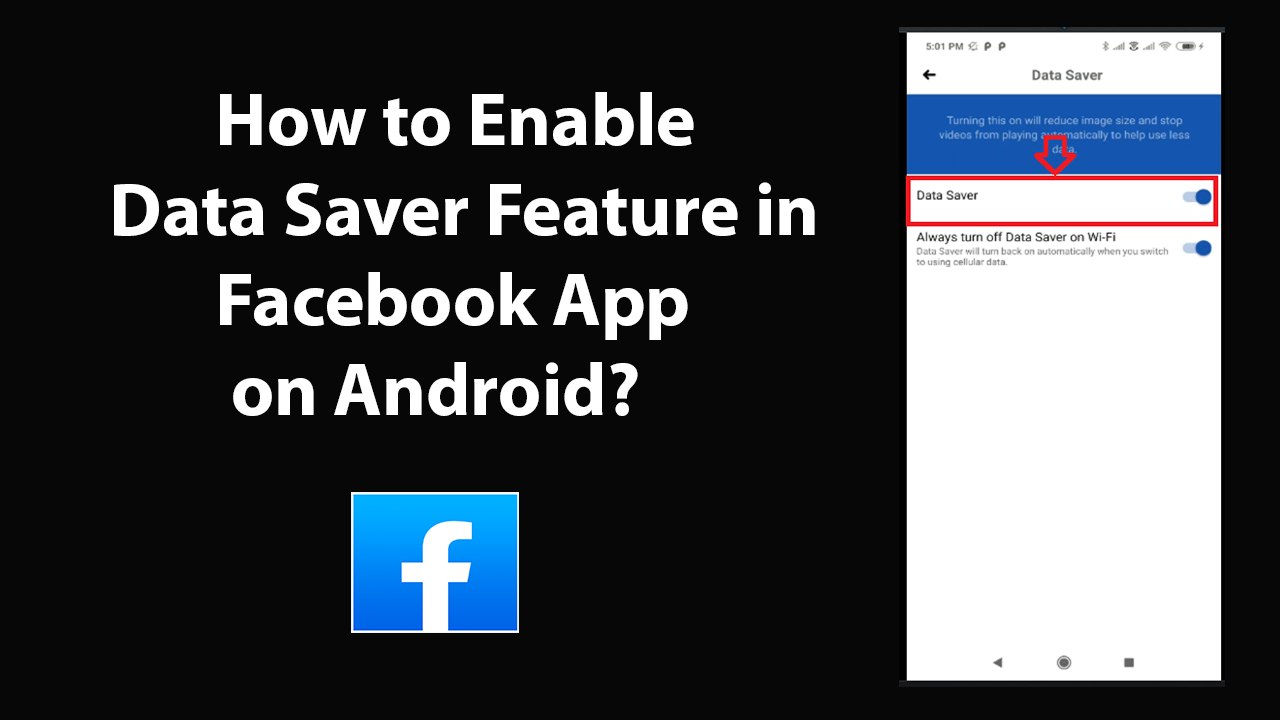
How to Enable Data Saver Feature in Facebook App on Android?<br /><br />Step 1: Open Facebook App, and then login to your account.<br /><br />Step 2: Tap on 'Three Horizontal Bars' at the top right.<br /><br />Step 3: Scroll down, and then tap on 'Settings & Privacy.'<br /><br />Step 4: Tap on 'Data Saver.'<br /><br />Step 5: Tap on toggle next to 'Data Saver,' and move the slider to right in order to enable it.<br /><br /><br />It's done.<br /><br />Thanks for watching, please like and subscribe <br /><br />==============================================<br /><br />https://www.facebook.com/HowtoTutorialsByAmit/
Video Information
Views
2
Duration
2:19
Published
Aug 3, 2020
Related Trending Topics
LIVE TRENDSRelated trending topics. Click any trend to explore more videos.
No specific trending topics match this video yet.
Explore All Trends