Download & Install SQL Server 2017 Free Trial
Learn how to download and install the SQL Server 2017 180-day free trial with simple steps. 🔧

TechMe
120.8K views • Jul 10, 2017
About this video
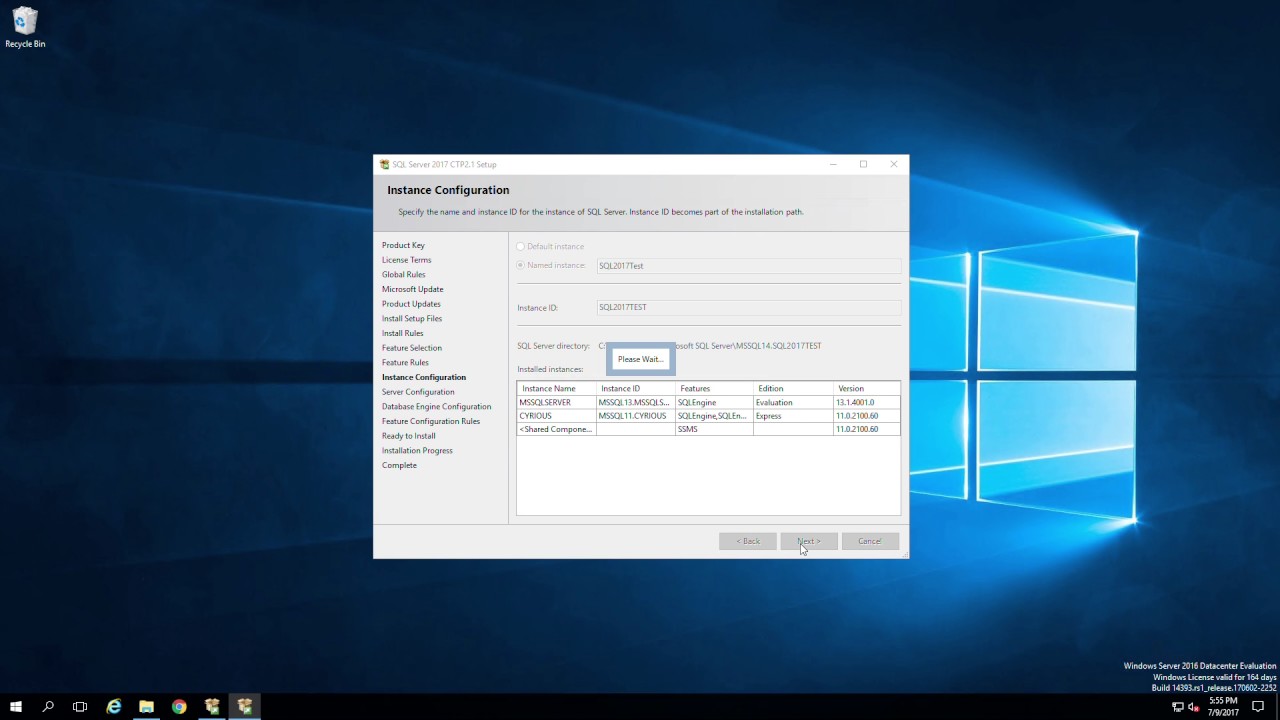
This video will show you how to download and install SQL Server 180 day trial for free.
Note: This video has been edited for time.
Basic Steps:
1. Navigate to Google
2. Type: download SQL Server 2017
https://www.microsoft.com/en-us/sql-server/sql-server-2017
3. Click Download the Preview
4. Click Windows
5. Click Install on Windows
6. Click Register to continue
7. Click Download (iso)
8. Right click the file and select Mount ISO
9. Double click Setup.exe
10. Follow the prompts to install SQL instance then reboot the PC
11. Navigate to Google
12. Type: Download SQL Server Management Studio 17.1
12. Download and install SQL Server Management Studio 17.1
13. Log into the new instance
Note: This video has been edited for time.
Basic Steps:
1. Navigate to Google
2. Type: download SQL Server 2017
https://www.microsoft.com/en-us/sql-server/sql-server-2017
3. Click Download the Preview
4. Click Windows
5. Click Install on Windows
6. Click Register to continue
7. Click Download (iso)
8. Right click the file and select Mount ISO
9. Double click Setup.exe
10. Follow the prompts to install SQL instance then reboot the PC
11. Navigate to Google
12. Type: Download SQL Server Management Studio 17.1
12. Download and install SQL Server Management Studio 17.1
13. Log into the new instance
Tags and Topics
Browse our collection to discover more content in these categories.
Video Information
Views
120.8K
Likes
202
Duration
4:40
Published
Jul 10, 2017
User Reviews
4.0
(24) Related Trending Topics
LIVE TRENDSRelated trending topics. Click any trend to explore more videos.
No specific trending topics match this video yet.
Explore All Trends