Do You Need to SWITCH from Excel VBA Macros to Office Scripts?
🔥 Join 500,000+ professionals in our courses here 👉 https://link.xelplus.com/yt-d-all-courses Dive into the world of Excel automation with our comprehensiv...
Leila Gharani
413.7K views • May 20, 2021
About this video
🔥 Join 500,000+ professionals in our courses here 👉 https://link.xelplus.com/yt-d-all-courses
Dive into the world of Excel automation with our comprehensive comparison between Office Scripts and VBA Macros. Whether you're a seasoned programmer or a business user, this video is your gateway to efficient task automation in Excel.
🎓 Get access to the complete Excel VBA Course here 👉 https://www.xelplus.com/course/excel-vba-excel-macros/
✨ Key Highlights:
▪️ Office Scripts vs VBA: Understand the fundamental differences and their applications.
▪️ VBA in Action: Explore practical VBA examples for dynamic chart creation and complex data manipulation.
▪️ Office Scripts Tutorial: Navigate through Office Scripts with live examples, including recording actions and scripting in TypeScript.
▪️ Advanced Automation: Learn how to integrate Office Scripts with Power Automate for seamless Excel automation.
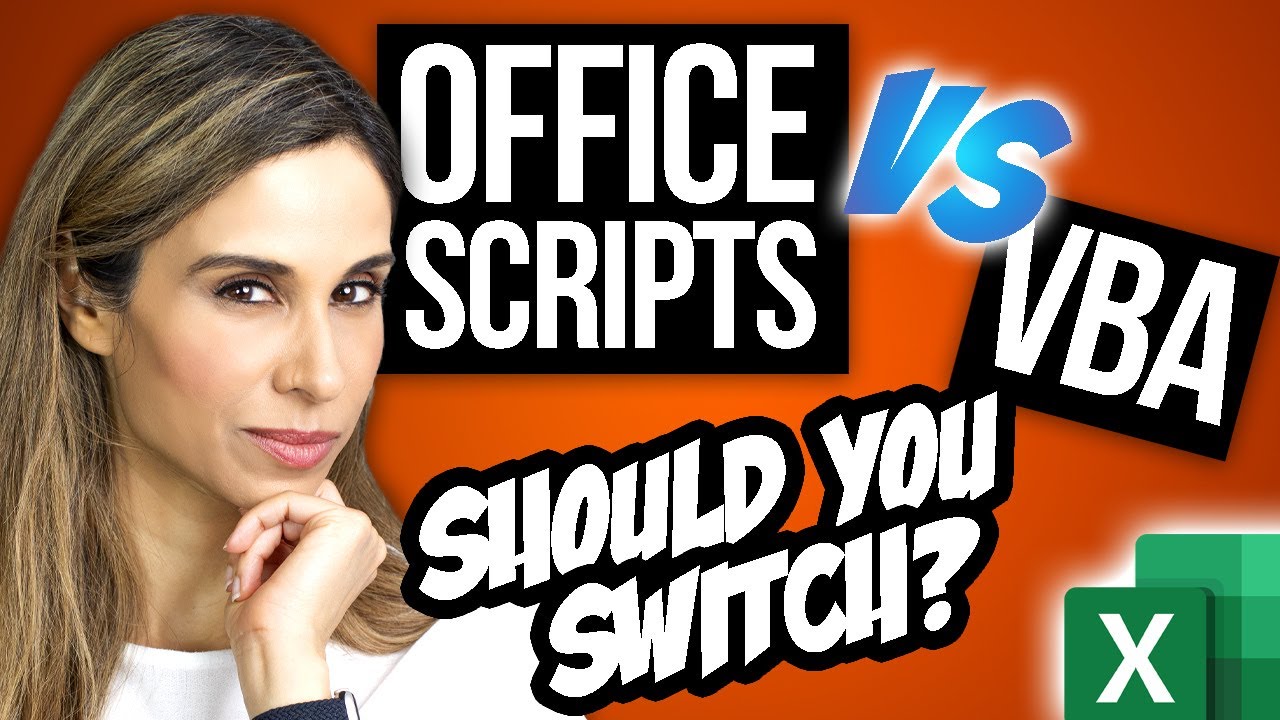
Office Scripts and VBA macros have a lot in common. They both allow users to automate solutions in Excel. The fundamental difference is that VBA macros are developed for desktop solutions and Office Scripts are designed for secure, cloud-based solutions. At the moment, Office Scripts are only supported in Excel on the web (and in Excel for Teams). The great thing about Office Scripts is that you can use Power Automate to run the script. So you can run your macro without even opening Excel.
00:00 Office Scripts Vs VBA Macros?
00:38 Differences Between VBA and Office Scripts
01:15 How to Use Excel VBA
04:26 How to Use Office Scripts
11:24 Trigger Office Scripts with Power Automate
11:52 Will Office Scripts Replace VBA Macros?
12:27 Wrap Up
LINKS to related videos:
► Introduction to Office Scripts: https://youtu.be/fny4zUycp_w
► Learn Macros in 10 Minutes: https://youtu.be/An-2Nxf_Dms
Complete blog post: https://www.xelplus.com/excel-vba-vs-office-scripts
➡️ Join this channel to get access to perks: https://www.youtube.com/channel/UCJtUOos_MwJa_Ewii-R3cJA/join
👕☕ Get the Official XelPlus MERCH: https://xelplus.creator-spring.com/
🎓 Not sure which of my Excel courses fits best for you? Take the quiz: https://www.xelplus.com/course-quiz/
🎥 RESOURCES I recommend: https://www.xelplus.com/resources/
🚩Let’s connect on social:
Instagram: https://www.instagram.com/lgharani
LinkedIn: https://www.linkedin.com/company/xelplus
Note: This description contains affiliate links, which means at no additional cost to you, we will receive a small commission if you make a purchase using the links. This helps support the channel and allows us to continue to make videos like this. Thank you for your support!
#excel #ExcelVBA #officescript
Dive into the world of Excel automation with our comprehensive comparison between Office Scripts and VBA Macros. Whether you're a seasoned programmer or a business user, this video is your gateway to efficient task automation in Excel.
🎓 Get access to the complete Excel VBA Course here 👉 https://www.xelplus.com/course/excel-vba-excel-macros/
✨ Key Highlights:
▪️ Office Scripts vs VBA: Understand the fundamental differences and their applications.
▪️ VBA in Action: Explore practical VBA examples for dynamic chart creation and complex data manipulation.
▪️ Office Scripts Tutorial: Navigate through Office Scripts with live examples, including recording actions and scripting in TypeScript.
▪️ Advanced Automation: Learn how to integrate Office Scripts with Power Automate for seamless Excel automation.
Office Scripts and VBA macros have a lot in common. They both allow users to automate solutions in Excel. The fundamental difference is that VBA macros are developed for desktop solutions and Office Scripts are designed for secure, cloud-based solutions. At the moment, Office Scripts are only supported in Excel on the web (and in Excel for Teams). The great thing about Office Scripts is that you can use Power Automate to run the script. So you can run your macro without even opening Excel.
00:00 Office Scripts Vs VBA Macros?
00:38 Differences Between VBA and Office Scripts
01:15 How to Use Excel VBA
04:26 How to Use Office Scripts
11:24 Trigger Office Scripts with Power Automate
11:52 Will Office Scripts Replace VBA Macros?
12:27 Wrap Up
LINKS to related videos:
► Introduction to Office Scripts: https://youtu.be/fny4zUycp_w
► Learn Macros in 10 Minutes: https://youtu.be/An-2Nxf_Dms
Complete blog post: https://www.xelplus.com/excel-vba-vs-office-scripts
➡️ Join this channel to get access to perks: https://www.youtube.com/channel/UCJtUOos_MwJa_Ewii-R3cJA/join
👕☕ Get the Official XelPlus MERCH: https://xelplus.creator-spring.com/
🎓 Not sure which of my Excel courses fits best for you? Take the quiz: https://www.xelplus.com/course-quiz/
🎥 RESOURCES I recommend: https://www.xelplus.com/resources/
🚩Let’s connect on social:
Instagram: https://www.instagram.com/lgharani
LinkedIn: https://www.linkedin.com/company/xelplus
Note: This description contains affiliate links, which means at no additional cost to you, we will receive a small commission if you make a purchase using the links. This helps support the channel and allows us to continue to make videos like this. Thank you for your support!
#excel #ExcelVBA #officescript
Tags and Topics
Browse our collection to discover more content in these categories.
Video Information
Views
413.7K
Likes
6.9K
Duration
13:02
Published
May 20, 2021
User Reviews
4.8
(82) Related Trending Topics
LIVE TRENDSRelated trending topics. Click any trend to explore more videos.
No specific trending topics match this video yet.
Explore All Trends