DaVinci Resolve 19 Beginner Tutorial 🎬
Learn how to start editing with DaVinci Resolve 19, a free and powerful app for Mac and PC. Perfect for beginners!

Howfinity
806.7K views • Apr 23, 2024
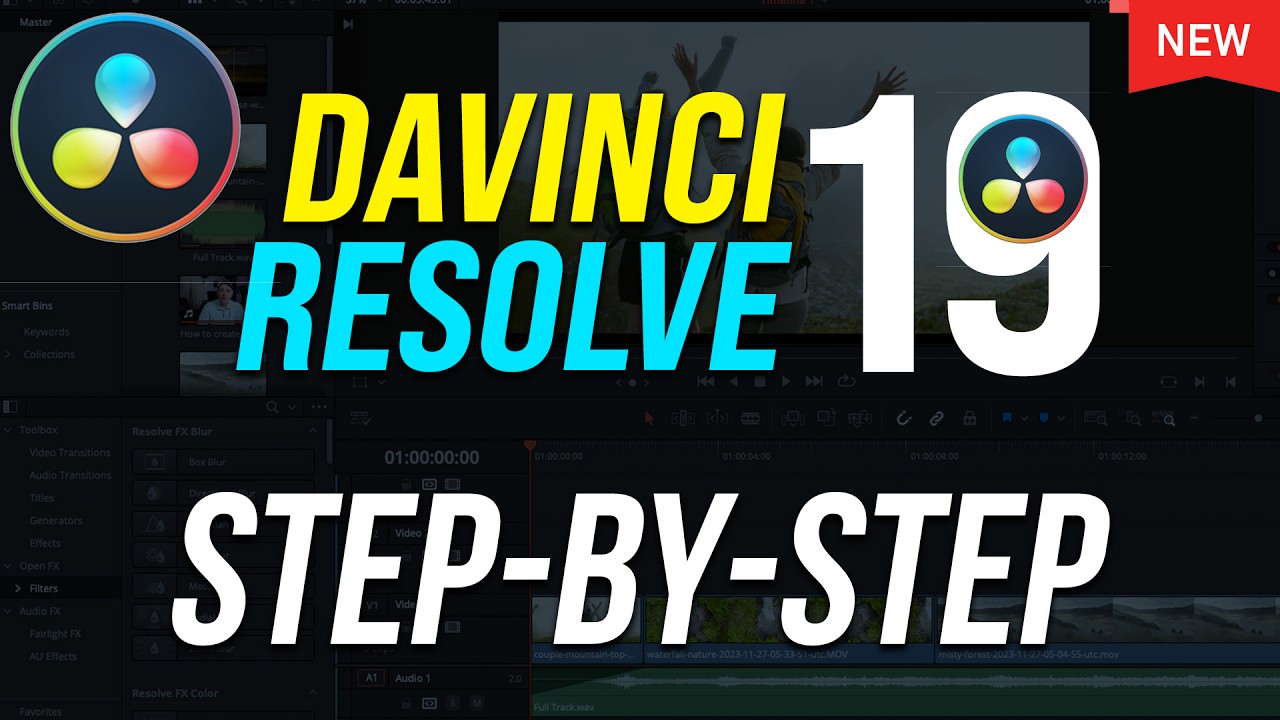
About this video
DaVinci Resolve is a free editing app for Mac and PC and it’s one of the best ways to get started with editing.
You can install the latest version of Davinci Resolve here:
https://www.blackmagicdesign.com/products/davinciresolve/
Unlimited downloads of 60+ million creative assets, including stock videos, photos and music. https://1.envato.market/c/2500859/298927/4662
In this video, I’ll show you everything you need to know to get started with DaVinci Resolve.
There is a paid version of DaVinci Resolve called Studio that gives you professional options, but we’ll focus on the free one for this video.
Here is the 10 step process for creating a video with DaVinci Resolve.
Step 1: Create a project
Step 2: Importing Media
You may want to get an external hard drive to organize everything and not take up all the space on your computer.
Step 3: Basic Editing
Adding clips to timeline, re-ordering clips, split clips.
Step 4: Adding B-Roll
Step 5: Transitions
Step 6: Adding Text
Step 7: Working with photos
Step 8: Adding music
Step 9: Colors and filters
Step 10: Exporting
You can install the latest version of Davinci Resolve here:
https://www.blackmagicdesign.com/products/davinciresolve/
Unlimited downloads of 60+ million creative assets, including stock videos, photos and music. https://1.envato.market/c/2500859/298927/4662
In this video, I’ll show you everything you need to know to get started with DaVinci Resolve.
There is a paid version of DaVinci Resolve called Studio that gives you professional options, but we’ll focus on the free one for this video.
Here is the 10 step process for creating a video with DaVinci Resolve.
Step 1: Create a project
Step 2: Importing Media
You may want to get an external hard drive to organize everything and not take up all the space on your computer.
Step 3: Basic Editing
Adding clips to timeline, re-ordering clips, split clips.
Step 4: Adding B-Roll
Step 5: Transitions
Step 6: Adding Text
Step 7: Working with photos
Step 8: Adding music
Step 9: Colors and filters
Step 10: Exporting
Tags and Topics
Browse our collection to discover more content in these categories.
Video Information
Views
806.7K
Likes
26.1K
Duration
24:22
Published
Apr 23, 2024
User Reviews
4.8
(161) Related Trending Topics
LIVE TRENDSRelated trending topics. Click any trend to explore more videos.
No specific trending topics match this video yet.
Explore All Trends