Cursor AI Editor (Vibe Coding) for Selenium Projects 🚀
Learn how Cursor AI Editor simplifies creating Selenium projects and frameworks using natural language prompts. Revolutionize your coding!
QAFox
3.4K views • May 14, 2025
About this video
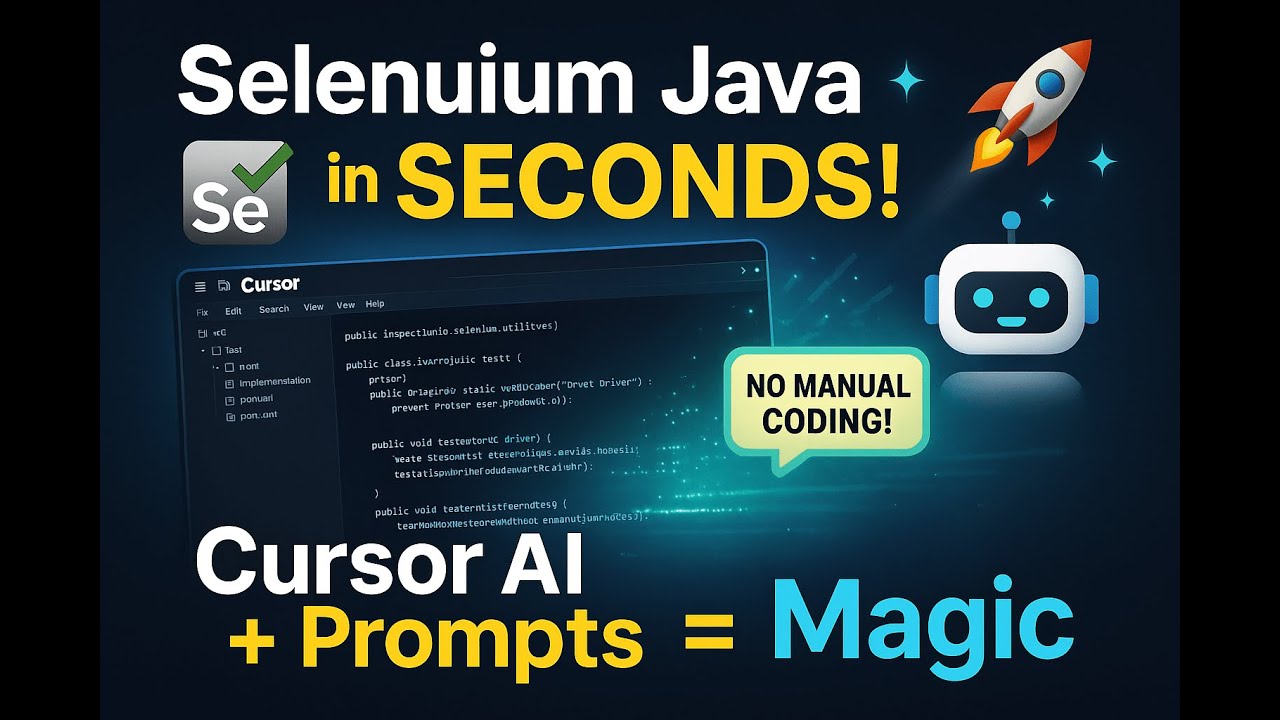
🚀 In this video, explore how Cursor AI Editor (aka Vibe Coding) is revolutionizing the way we build Selenium projects and frameworks — using just natural language prompts!
No more boilerplate code, hours of setup, or manual framework design. With Cursor AI, you can:
✅ Generate complete Selenium test scripts
✅ Set up Java-based automation frameworks
✅ Automate boilerplate code in seconds
✅ Customize test flows using simple instructions
✅ Build robust, scalable Selenium projects faster than ever
💻 Perfect For:
Test Automation Engineers
QA Professionals
Developers working with Java + Selenium
Anyone who wants to speed up automation using AI
🛠️ Tools Used:
Cursor AI Editor (VS Code-based AI tool)
Java + Selenium WebDriver
TestNG (Optional)
📌 Chapters:
00:00 – Introduction
01:15 – What is Cursor AI Editor?
03:00 – Creating a Selenium project using prompts
07:45 – Generating Selenium test scripts
10:30 – Real-world testing example
13:00 – Pros & limitations
👍 Like this video if you think AI can change automation
💬 Drop your thoughts or tools you’re using in the comments
🔔 Subscribe for more AI + Automation content
No more boilerplate code, hours of setup, or manual framework design. With Cursor AI, you can:
✅ Generate complete Selenium test scripts
✅ Set up Java-based automation frameworks
✅ Automate boilerplate code in seconds
✅ Customize test flows using simple instructions
✅ Build robust, scalable Selenium projects faster than ever
💻 Perfect For:
Test Automation Engineers
QA Professionals
Developers working with Java + Selenium
Anyone who wants to speed up automation using AI
🛠️ Tools Used:
Cursor AI Editor (VS Code-based AI tool)
Java + Selenium WebDriver
TestNG (Optional)
📌 Chapters:
00:00 – Introduction
01:15 – What is Cursor AI Editor?
03:00 – Creating a Selenium project using prompts
07:45 – Generating Selenium test scripts
10:30 – Real-world testing example
13:00 – Pros & limitations
👍 Like this video if you think AI can change automation
💬 Drop your thoughts or tools you’re using in the comments
🔔 Subscribe for more AI + Automation content
Tags and Topics
Browse our collection to discover more content in these categories.
Video Information
Views
3.4K
Likes
78
Duration
01:28:45
Published
May 14, 2025
User Reviews
4.6
(3) Related Trending Topics
LIVE TRENDSRelated trending topics. Click any trend to explore more videos.
No specific trending topics match this video yet.
Explore All Trends