Creating a 3D PDF with Visual Components 4.0
Learn how to export your design as a 3D PDF in Visual Components 4.0 to showcase your manufacturing layout interactively and clearly.
Visual Components
3.4K views • Aug 24, 2017
About this video
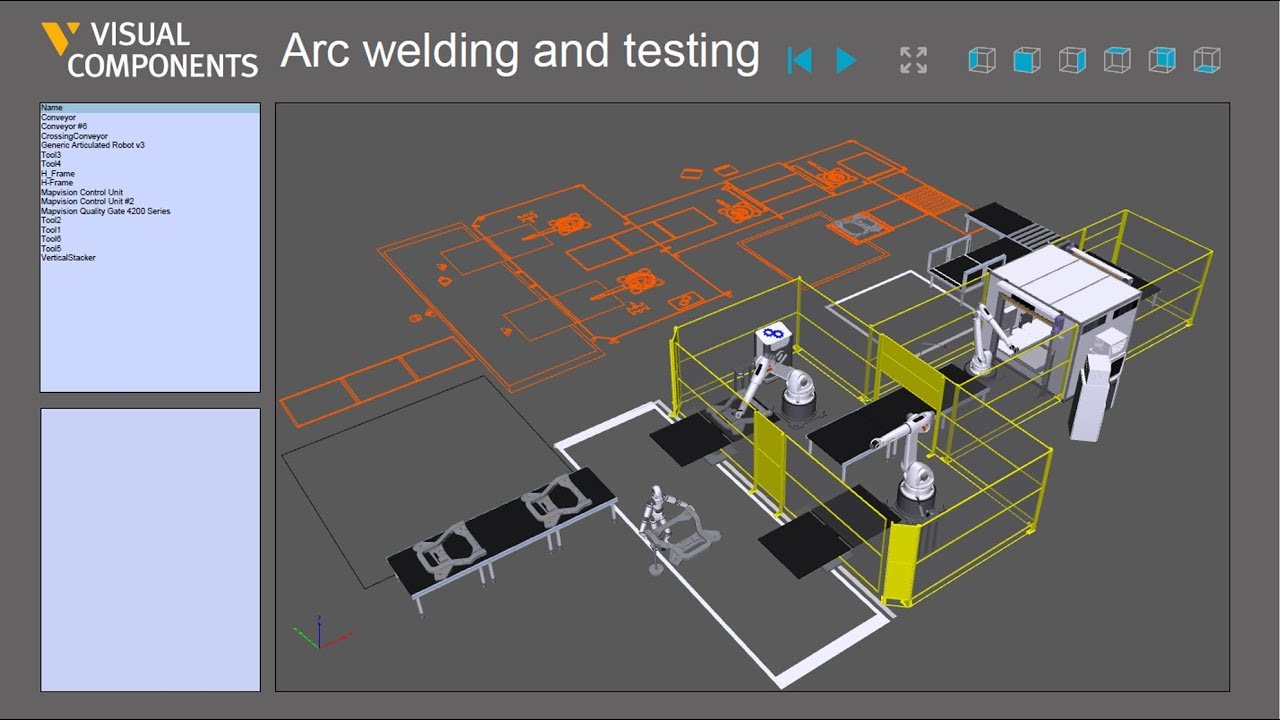
Export your design as a 3D PDF and show your manufacturing layout in action! Exporting a 3D PDF of your simulation generates an interactive, easy to understand, and animated PDF of your production solution. It’s easy to share and easy to understand. Each 3D PDF includes the bill of materials, which highlights any selected component to facilitate its identification. Further customize your document, by adding comments to any of the components in your design.
Record, export, send!
Interested to learn more on how Visual Components can help you sell your vision? Download samples of our project ready deliverables and see for yourself: http://www.visualcomponents.com/insights/blog/how-to-create-project-ready-content-with-visual-components/
http://www.visualcomponents.com
Record, export, send!
Interested to learn more on how Visual Components can help you sell your vision? Download samples of our project ready deliverables and see for yourself: http://www.visualcomponents.com/insights/blog/how-to-create-project-ready-content-with-visual-components/
http://www.visualcomponents.com
Tags and Topics
Browse our collection to discover more content in these categories.
Video Information
Views
3.4K
Likes
10
Duration
0:55
Published
Aug 24, 2017
User Reviews
3.9
(3) Related Trending Topics
LIVE TRENDSRelated trending topics. Click any trend to explore more videos.
No specific trending topics match this video yet.
Explore All Trends