Create Professional Barcode Labels Easily with Design Tools 📦
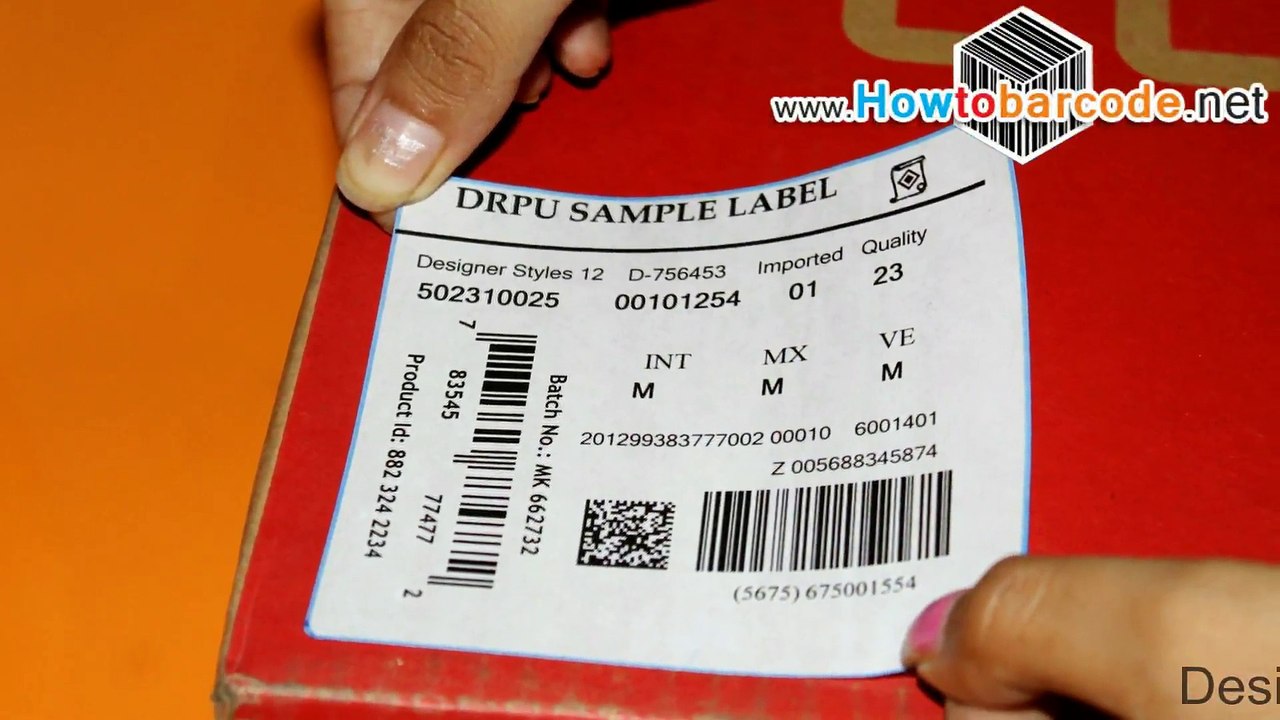
Learn how to generate barcode labels using DRPU Barcode Label Maker. Watch this step-by-step video to master both designing modes and create customized labels effortlessly.
HowToBarcode.net videos
1 views • Feb 14, 2015
About this video
Watch this descriptive video to learn, how to generate barcode labels by using both designing modes of DRPU Barcode Label Maker Program as shown. <br />Video describe here, how to use both designing modes for designing barcodes including “Barcode Setting” and “Designing View” and more. <br />You’ll see here, how to adjust various properties like barcode type, font type, inserting values (like barcode or header or footer), setting font features, color properties, adjusting image properties, setting barcode dimension, setting margins or alignment or character grouping or bearer bars and adjusting various other features as shown. <br />We discussed here, how to design card by setting various properties like card shape or size or color as well as how to insert single or multiple barcodes on same label (after setting barcode properties), how to add text (after setting text properties like font type or size or color) and more. <br />We discussed here, how to crop and then insert pictures, how to ad library images
Video Information
Views
1
Duration
2:17
Published
Feb 14, 2015
Related Trending Topics
LIVE TRENDSRelated trending topics. Click any trend to explore more videos.
No specific trending topics match this video yet.
Explore All Trends