Create Motion Graphics FAST with This AI Tool
Creating motion graphics can take hours in After Effects, but this AI motion designer can do it much faster and you don't need to have any technical skill to...
Gavin Herman
15.4K views • Aug 13, 2025
About this video
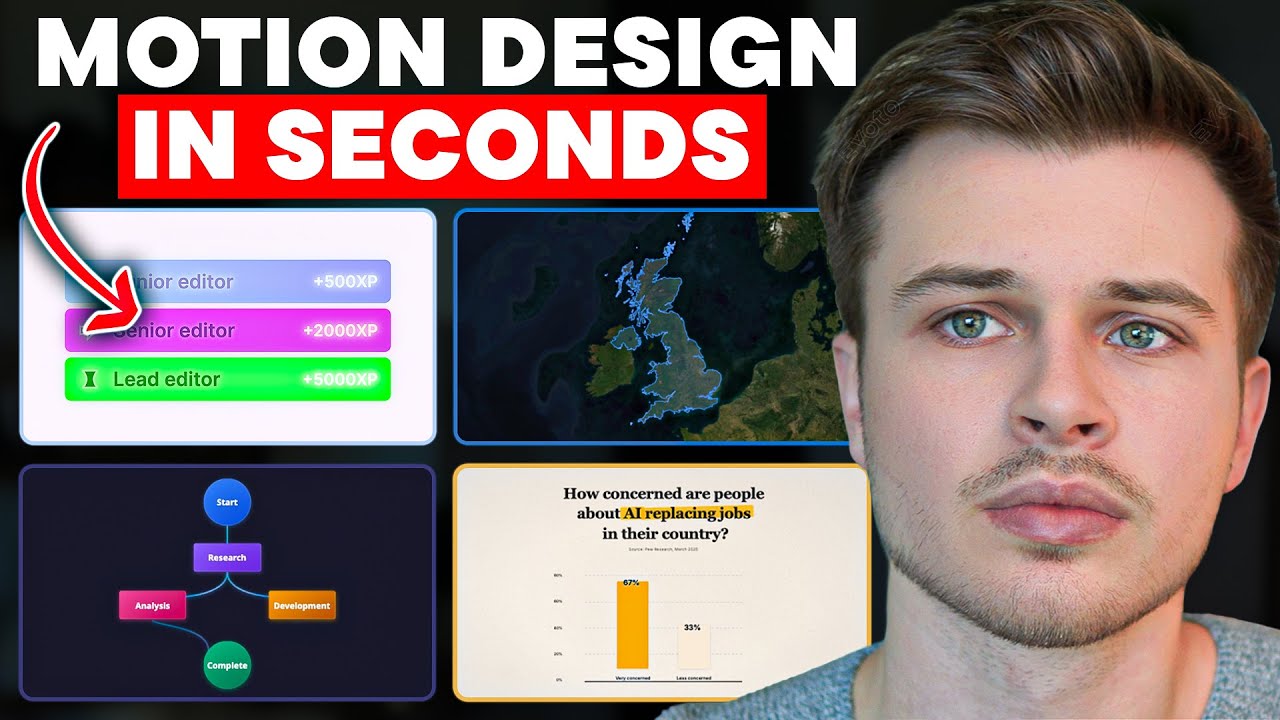
Creating motion graphics can take hours in After Effects, but this AI motion designer can do it much faster and you don't need to have any technical skill to use it! In this video, I put Hera to the test, showing how it generates maps, infographics, UI animations, and more with just a simple prompt, while customizing colors, fonts, and templates to fit your brand. I also push it to the limits, see where it still falls short, and let you decide if it’s a tool that could save you countless editing hours.
✴️ Try Hera Today (Get 15% Off With My Link!)
→ https://hera.cello.so/qPPIq9hsuVT
🌱 Join Editor Kickstart (🏷️ You Can Still Join For 10% OFF!)
Access to my community: with educational courses, resources, and weekly calls to learn from professionals and start making $ as an editor!
→ https://editorkickstart.com/
✅ Prefer Crafting Your Own Motion Graphics? Try Adobe's Creative Suite Here 👉 https://bit.ly/TryAdobeCC
__________________________
▶ SUBSCRIBE: @GavinHerman
Thank you for all your support :)
GAVIN
__________________________
DISCLAIMER: Hera reached out to me to show off their product, but in this video I share my honest opinions and showcase the good and the bad of the software. This description contains affiliate links. So when you click on one of the product links, it supports my channel and I’ll receive a small commission.
__________________________
0:00 AI That Designs Motion Graphics in Seconds
0:16 First Look at Hera’s Interface
0:30 Creating a Europe-to-France Map Animation
1:31 Customizing Text, Colors, and Layout
2:09 Exporting Your Motion Graphic
2:23 Creating a Bar Chart Animation in 20 Seconds
3:20 Using Templates & Making Them Your Own
4:53 Testing More Complex Scene Animations
6:04 Building a Brand Kit (Colors, Fonts, Guidelines)
6:58 Brand Kit in Action: UI Text Conversation Animation
7:20 Create Better Looking Designs With The "Design Agent"
8:13 Animating Existing Images
9:16 Pricing Plans & Discount Link
✴️ Try Hera Today (Get 15% Off With My Link!)
→ https://hera.cello.so/qPPIq9hsuVT
🌱 Join Editor Kickstart (🏷️ You Can Still Join For 10% OFF!)
Access to my community: with educational courses, resources, and weekly calls to learn from professionals and start making $ as an editor!
→ https://editorkickstart.com/
✅ Prefer Crafting Your Own Motion Graphics? Try Adobe's Creative Suite Here 👉 https://bit.ly/TryAdobeCC
__________________________
▶ SUBSCRIBE: @GavinHerman
Thank you for all your support :)
GAVIN
__________________________
DISCLAIMER: Hera reached out to me to show off their product, but in this video I share my honest opinions and showcase the good and the bad of the software. This description contains affiliate links. So when you click on one of the product links, it supports my channel and I’ll receive a small commission.
__________________________
0:00 AI That Designs Motion Graphics in Seconds
0:16 First Look at Hera’s Interface
0:30 Creating a Europe-to-France Map Animation
1:31 Customizing Text, Colors, and Layout
2:09 Exporting Your Motion Graphic
2:23 Creating a Bar Chart Animation in 20 Seconds
3:20 Using Templates & Making Them Your Own
4:53 Testing More Complex Scene Animations
6:04 Building a Brand Kit (Colors, Fonts, Guidelines)
6:58 Brand Kit in Action: UI Text Conversation Animation
7:20 Create Better Looking Designs With The "Design Agent"
8:13 Animating Existing Images
9:16 Pricing Plans & Discount Link
Tags and Topics
Browse our collection to discover more content in these categories.
Video Information
Views
15.4K
Likes
437
Duration
9:48
Published
Aug 13, 2025
User Reviews
4.6
(3) Related Trending Topics
LIVE TRENDSRelated trending topics. Click any trend to explore more videos.
No specific trending topics match this video yet.
Explore All Trends