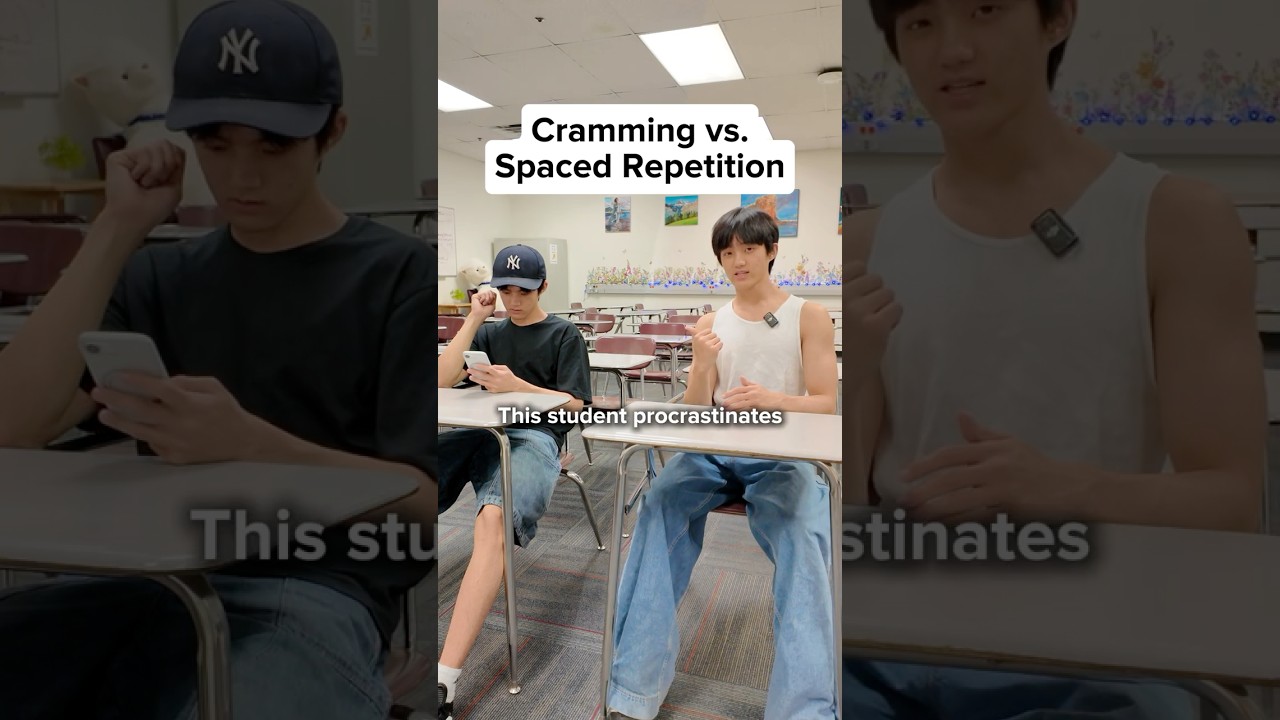
Cramming vs. Spaced Repetition: Study Smarter 📅
Learn how to space your studying with Anki to avoid last-minute cramming and improve memory retention.

The Chens
587.2K views • Aug 29, 2025
About this video
How to space your studying 📅🔽
(Not sponsored BTW)
To avoid last minute studying and cram sessions, Anki is designed to help with efficient memorization by using spaced repetition.
The add-on codes I use are:
- 874215009 (Advanced Browser)
- 291119185 (Batch Editing)
- 759844606 (FSRS Helper)
- 1949865265 (Interval Retention)
- 266436365 (Graphs/Stats)
- 2089200096 (Remove card history)
- 1771074083 (Review Heatmap)
- 1247171202 (Study Time Stats)
- 613684242 (True Retention)
Add on codes are extra features that can make your learning more effective.
1. Open “Tools Menu”
2. Click “Add-ons,” then select “Get Add-ons”
3. Enter Code
4. Click “Ok” and restart Anki
Another tool that’s useful is RemNote, a note-taking app + flashcard generator.
It’s like a combination of Notion (organizing notes) and Anki (spaced repetition)
(Not sponsored BTW)
To avoid last minute studying and cram sessions, Anki is designed to help with efficient memorization by using spaced repetition.
The add-on codes I use are:
- 874215009 (Advanced Browser)
- 291119185 (Batch Editing)
- 759844606 (FSRS Helper)
- 1949865265 (Interval Retention)
- 266436365 (Graphs/Stats)
- 2089200096 (Remove card history)
- 1771074083 (Review Heatmap)
- 1247171202 (Study Time Stats)
- 613684242 (True Retention)
Add on codes are extra features that can make your learning more effective.
1. Open “Tools Menu”
2. Click “Add-ons,” then select “Get Add-ons”
3. Enter Code
4. Click “Ok” and restart Anki
Another tool that’s useful is RemNote, a note-taking app + flashcard generator.
It’s like a combination of Notion (organizing notes) and Anki (spaced repetition)
Video Information
Views
587.2K
Duration
0:45
Published
Aug 29, 2025
User Reviews
4.0
(117) Related Trending Topics
LIVE TRENDSRelated trending topics. Click any trend to explore more videos.