Merge Multiple Excel Files into One Sheet 📊
Use this macro to combine data from several Excel files into a single master sheet quickly and efficiently.

excelVBAmaster
48.6K views • Jul 15, 2014
About this video
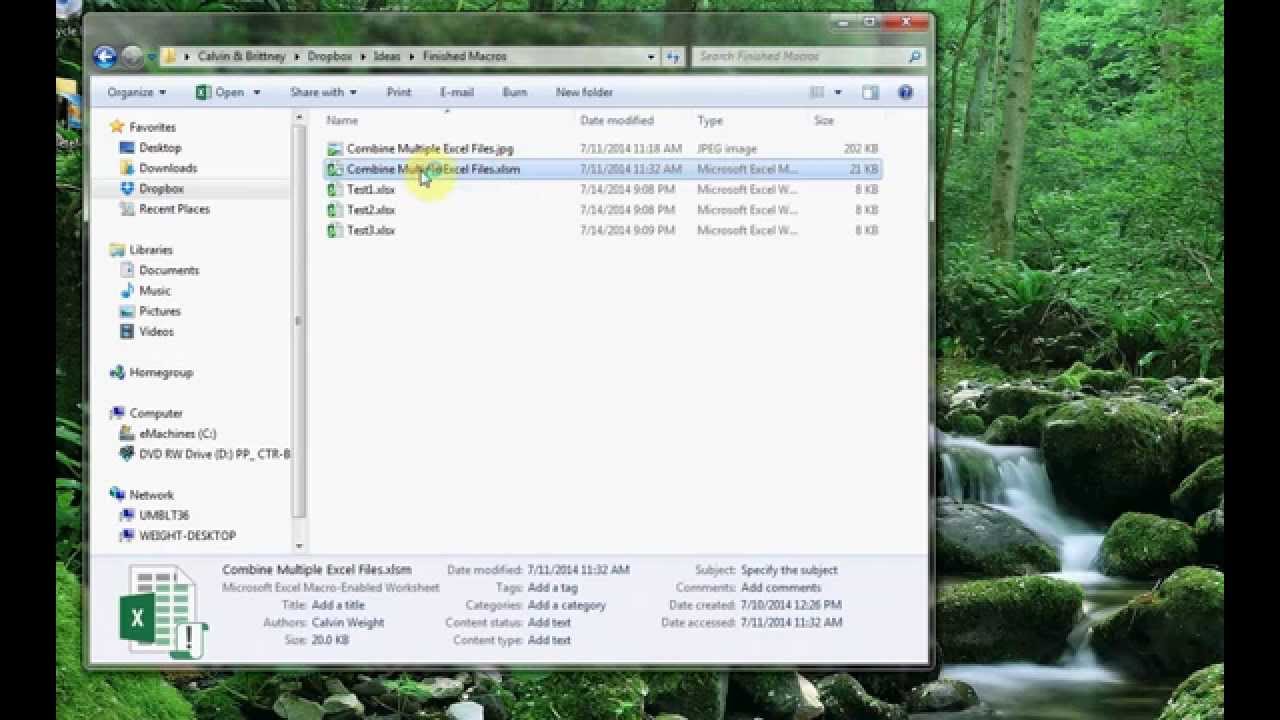
The point of this macro file is to take data from multiple Excel spreadsheets and combine them into a single sheet. This is especially helpful when a daily or weekly raw data file is generated on a regular basis and it needs to be combined for analysis. Simply click the button, select the files, and they will be combined into one sheet. Simple as that!
Download this file at: https://exceldistancecalculators.com/products/combine-multiple-csv-files-into-one-tool
Email me for special requests at Vinnie@excelVBAmaster.com
Download this file at: https://exceldistancecalculators.com/products/combine-multiple-csv-files-into-one-tool
Email me for special requests at Vinnie@excelVBAmaster.com
Tags and Topics
Browse our collection to discover more content in these categories.
Video Information
Views
48.6K
Likes
21
Duration
0:52
Published
Jul 15, 2014
User Reviews
3.9
(9) Related Trending Topics
LIVE TRENDSRelated trending topics. Click any trend to explore more videos.