Transfer WhatsApp from Android to iPhone 16/17 in 3 Ways
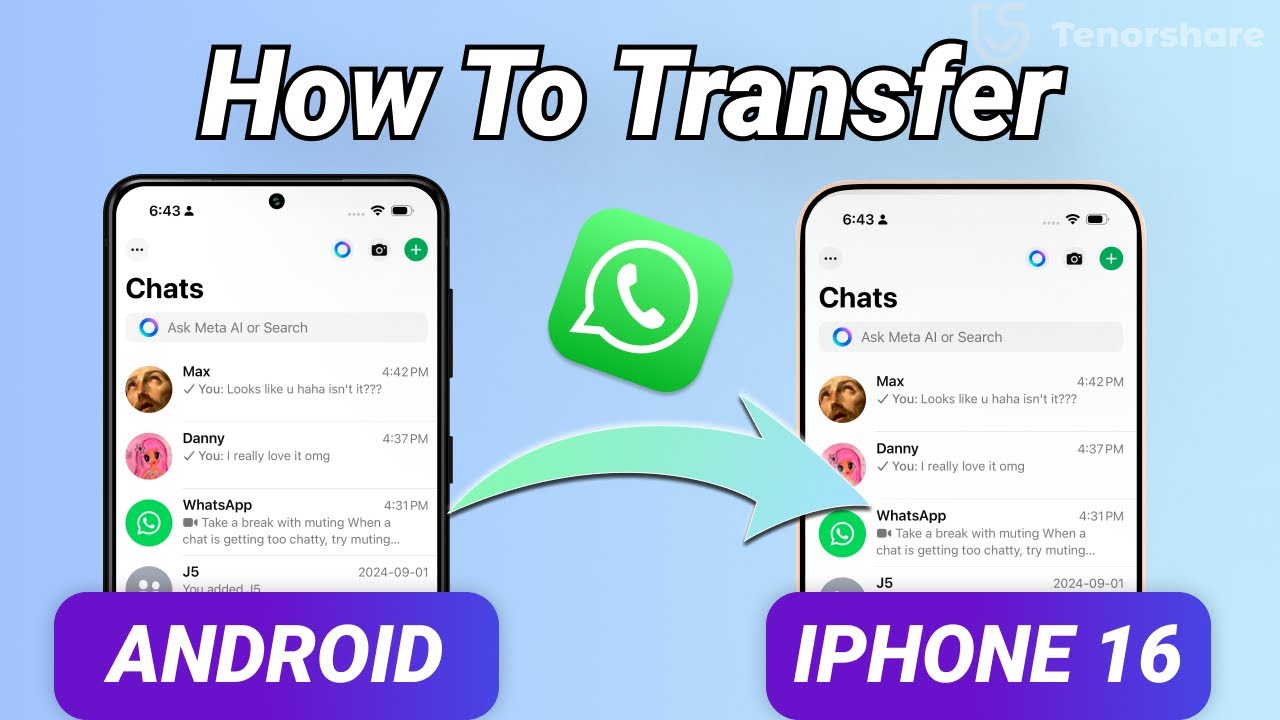
Learn 3 methods to transfer WhatsApp messages from Android to iPhone 16/17. Get your new device ready! 🌍

TenorshareOfficial
96.6K views • Sep 20, 2024
About this video
How to transfer Android WhatsApp data to iPhone 16/17👉 https://bit.ly/4ez4I1z
🌏Have you gotten your new iphone 16/17? I have to say i am so excited to start my new iphone journey but transferring Android WhatsApp data to iPhone has been a headache for me. Are you guys facing the same problem? In today's video, i will show you 3 ways to transfer Android WhatsApp data to iPhone 16/17.
⏱ *TIMESTAMP*
00:00 Intro
00:24 Method One: Transfer Android WhatsApp to iPhone
with Move to iOS feature
02:26 Method Two: Transfer Android WhatsApp to iPhone
Without Reset Using iCareFone Transfer
04:21 Method Three: Transfer Android WhatsApp to iPhone
With iCareFone Transfer App
💡 *How to transfer Android WhatsApp data to iPhone 16 text guide*
#### 1. **Using Move to iOS**
- Requires iPhone to be in the activation process (reset if already activated).
- Install **Move to iOS** on Android, follow instructions, and enter the code from iPhone.
- Select **WhatsApp** to transfer chats, complete the iPhone setup, reinstall WhatsApp, and restore chats.
#### 2. **Using iCareFone Transfer**
- No need to reset iPhone, works via PC or Mac.
- Install **iCareFone Transfer**, enable **USB Debugging** on Android, and create a 64-digit encrypted WhatsApp backup.
- Enter the backup code in iCareFone, transfer data, and verify on iPhone WhatsApp.
#### 3. **Using iCareFone Transfer App**
- No PC needed, use the **iCareFone Transfer App** directly on Android.
- Connect Android and iPhone using USB-C to Lightning cable, and follow the app instructions to transfer WhatsApp chats.
📑 *Whatsapp Official Article Links*
How to move chats from an Android device to an iPhone
https://faq.whatsapp.com/686469079565350
#tenorshare #iphone16#whatsapptransfer
🔔 Subscribe Here (it's FREE!): https://bit.ly/30eZwvG
----------Social Media-------------
Facebook: https://www.facebook.com/TenorshareOfficial/
Twitter: https://twitter.com/Tenorshare_Inc
Pinterest: https://www.pinterest.com/Tenorshare
Instagram: https://www.instagram.com/tenorsharesoftware
TikTok: https://www.tiktok.com/@tenorshare_tech_tips
Tenorshare Official Website: https://www.tenorshare.com
Tenorshare AI Youtube: https://www.youtube.com/@TenorshareAI
Tenorshare AI PDF: https://ai.tenorshare.com/
Get more freebies on Discord: https://discord.gg/fKrM3XgZ
🌏Have you gotten your new iphone 16/17? I have to say i am so excited to start my new iphone journey but transferring Android WhatsApp data to iPhone has been a headache for me. Are you guys facing the same problem? In today's video, i will show you 3 ways to transfer Android WhatsApp data to iPhone 16/17.
⏱ *TIMESTAMP*
00:00 Intro
00:24 Method One: Transfer Android WhatsApp to iPhone
with Move to iOS feature
02:26 Method Two: Transfer Android WhatsApp to iPhone
Without Reset Using iCareFone Transfer
04:21 Method Three: Transfer Android WhatsApp to iPhone
With iCareFone Transfer App
💡 *How to transfer Android WhatsApp data to iPhone 16 text guide*
#### 1. **Using Move to iOS**
- Requires iPhone to be in the activation process (reset if already activated).
- Install **Move to iOS** on Android, follow instructions, and enter the code from iPhone.
- Select **WhatsApp** to transfer chats, complete the iPhone setup, reinstall WhatsApp, and restore chats.
#### 2. **Using iCareFone Transfer**
- No need to reset iPhone, works via PC or Mac.
- Install **iCareFone Transfer**, enable **USB Debugging** on Android, and create a 64-digit encrypted WhatsApp backup.
- Enter the backup code in iCareFone, transfer data, and verify on iPhone WhatsApp.
#### 3. **Using iCareFone Transfer App**
- No PC needed, use the **iCareFone Transfer App** directly on Android.
- Connect Android and iPhone using USB-C to Lightning cable, and follow the app instructions to transfer WhatsApp chats.
📑 *Whatsapp Official Article Links*
How to move chats from an Android device to an iPhone
https://faq.whatsapp.com/686469079565350
#tenorshare #iphone16#whatsapptransfer
🔔 Subscribe Here (it's FREE!): https://bit.ly/30eZwvG
----------Social Media-------------
Facebook: https://www.facebook.com/TenorshareOfficial/
Twitter: https://twitter.com/Tenorshare_Inc
Pinterest: https://www.pinterest.com/Tenorshare
Instagram: https://www.instagram.com/tenorsharesoftware
TikTok: https://www.tiktok.com/@tenorshare_tech_tips
Tenorshare Official Website: https://www.tenorshare.com
Tenorshare AI Youtube: https://www.youtube.com/@TenorshareAI
Tenorshare AI PDF: https://ai.tenorshare.com/
Get more freebies on Discord: https://discord.gg/fKrM3XgZ
Video Information
Views
96.6K
Likes
337
Duration
4:49
Published
Sep 20, 2024
User Reviews
4.1
(19) Related Trending Topics
LIVE TRENDSRelated trending topics. Click any trend to explore more videos.
No specific trending topics match this video yet.
Explore All Trends