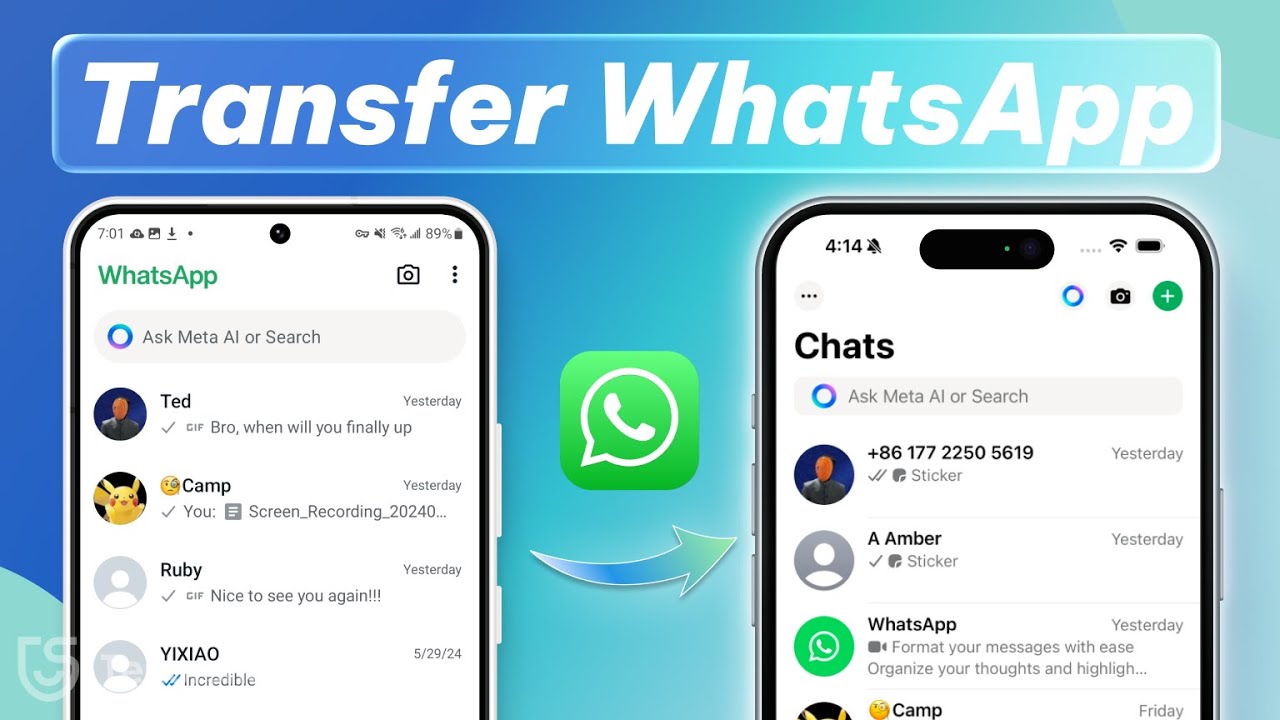
Transfer WhatsApp from Android to iPhone 17 📱
Learn 2 free methods to transfer WhatsApp messages from Android to iPhone 17 with this easy tutorial.

TenorshareOfficial
5.4K views • Sep 19, 2025
About this video
👍[iPhone 17] Transfer Whatsapp Messages👉 https://bit.ly/47L69cZ
This video is a tutorial on transferring WhatsApp messages from an Android device to the new iPhone 17. It introduces two main methods: using the Move to iOS app during initial iPhone setup to migrate WhatsApp chats, and using iCareFone Transfer to move WhatsApp data directly between devices without resetting the iPhone, ensuring all chats and media are preserved safely.
*⏱ TIMESTAMP*
0:00 intro
0:26 Use Move to iOS
1:48 Use iCareFone Transfer
*💡 How to Transfer Whatsapp Messages from Android to iPhone 17*
Method 1: Use Move to iOS
When setting up a new iPhone 17, install the Move to iOS app on your Android device. Connect both phones to the same Wi-Fi, then follow the setup steps on the iPhone until you reach “Apps & Data.” Select “Move Data from Android,” enter the one-time code, and choose WhatsApp on your Android to start the transfer. After setup, install WhatsApp on the iPhone, log in with the same number, and your chat history will appear.
Method 2: Use iCareFone Transfer
If you don’t want to reset your iPhone, use iCareFone Transfer. Connect both devices to a computer, select WhatsApp in the software, and enable USB debugging on the Android. Back up WhatsApp data, generate the 64-digit encryption key, and enter it in iCareFone. Then choose the data to transfer, turn off Find My iPhone when prompted, and let iCareFone complete the migration. Once the iPhone restarts, all WhatsApp chats and media will be restored.
*👇 You might also want to know*
Restore Whatsapp Backup:https://youtu.be/tAS4yvkv9TE
Transfer WhatsApp:https://youtu.be/F9PmjKQ9RE0
#tenorshare #iphone17 #icarefone #whatsapp
🔔 Subscribe Here (it's FREE!): https://bit.ly/30eZwvG
----------Social Media-------------
Facebook: https://www.facebook.com/TenorshareOfficial/
Twitter: https://twitter.com/Tenorshare_Inc
Pinterest: https://www.pinterest.com/Tenorshare
Instagram: https://www.instagram.com/tenorsharesoftware
TikTok: https://www.tiktok.com/@tenorshare_tech_tips
Tenorshare Official Website: https://www.tenorshare.com
Tenorshare AI Youtube: https://www.youtube.com/@TenorshareAI
Tenorshare AI PDF: https://ai.tenorshare.com/
Get more freebies on Discord: https://discord.com/invite/qDFjcjsDXe
This video is a tutorial on transferring WhatsApp messages from an Android device to the new iPhone 17. It introduces two main methods: using the Move to iOS app during initial iPhone setup to migrate WhatsApp chats, and using iCareFone Transfer to move WhatsApp data directly between devices without resetting the iPhone, ensuring all chats and media are preserved safely.
*⏱ TIMESTAMP*
0:00 intro
0:26 Use Move to iOS
1:48 Use iCareFone Transfer
*💡 How to Transfer Whatsapp Messages from Android to iPhone 17*
Method 1: Use Move to iOS
When setting up a new iPhone 17, install the Move to iOS app on your Android device. Connect both phones to the same Wi-Fi, then follow the setup steps on the iPhone until you reach “Apps & Data.” Select “Move Data from Android,” enter the one-time code, and choose WhatsApp on your Android to start the transfer. After setup, install WhatsApp on the iPhone, log in with the same number, and your chat history will appear.
Method 2: Use iCareFone Transfer
If you don’t want to reset your iPhone, use iCareFone Transfer. Connect both devices to a computer, select WhatsApp in the software, and enable USB debugging on the Android. Back up WhatsApp data, generate the 64-digit encryption key, and enter it in iCareFone. Then choose the data to transfer, turn off Find My iPhone when prompted, and let iCareFone complete the migration. Once the iPhone restarts, all WhatsApp chats and media will be restored.
*👇 You might also want to know*
Restore Whatsapp Backup:https://youtu.be/tAS4yvkv9TE
Transfer WhatsApp:https://youtu.be/F9PmjKQ9RE0
#tenorshare #iphone17 #icarefone #whatsapp
🔔 Subscribe Here (it's FREE!): https://bit.ly/30eZwvG
----------Social Media-------------
Facebook: https://www.facebook.com/TenorshareOfficial/
Twitter: https://twitter.com/Tenorshare_Inc
Pinterest: https://www.pinterest.com/Tenorshare
Instagram: https://www.instagram.com/tenorsharesoftware
TikTok: https://www.tiktok.com/@tenorshare_tech_tips
Tenorshare Official Website: https://www.tenorshare.com
Tenorshare AI Youtube: https://www.youtube.com/@TenorshareAI
Tenorshare AI PDF: https://ai.tenorshare.com/
Get more freebies on Discord: https://discord.com/invite/qDFjcjsDXe
Tags and Topics
Browse our collection to discover more content in these categories.
Video Information
Views
5.4K
Likes
36
Duration
4:12
Published
Sep 19, 2025
User Reviews
4.1
(1) Related Trending Topics
LIVE TRENDSRelated trending topics. Click any trend to explore more videos.
No specific trending topics match this video yet.
Explore All Trends