10 Copilot Chat Prompts I Use Every Week
🔥 500,000+ are taking our courses. Join them 👉 https://link.xelplus.com/yt-d-all-courses ✅ Download my Copilot Prompt Cheat Sheet (copy/paste ready): http...

Leila Gharani
149.1K views • Jan 8, 2026
About this video
🔥 500,000+ are taking our courses. Join them 👉 https://link.xelplus.com/yt-d-all-courses
✅ Download my Copilot Prompt Cheat Sheet (copy/paste ready): https://www.xelplus.com/copilot-chat-prompts/?utm_source=yt-video&utm_medium=vid-description&utm_campaign=download-copilot-chat&utm_content=copilot-prompts#download-section
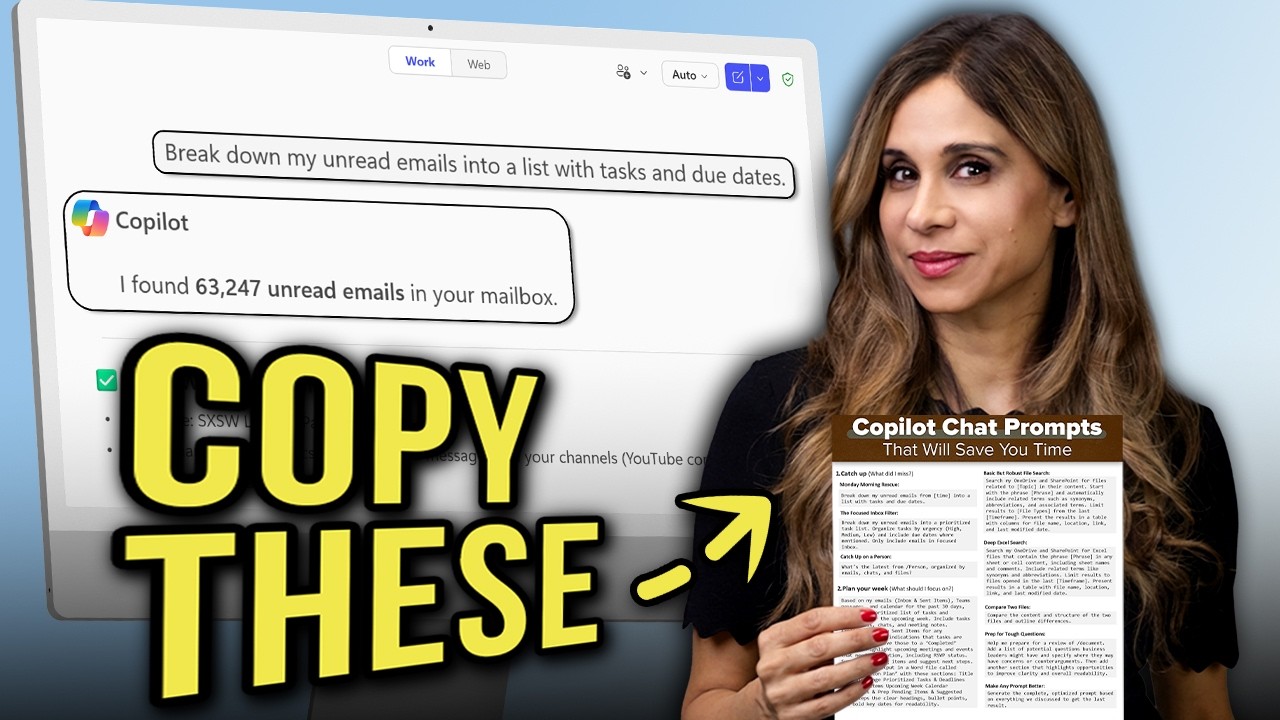
Save time inside Microsoft 365 with these 10 Microsoft 365 Copilot Chat prompts I actually use. Copy, paste, and tweak them for your workflow.
In this video, you’ll learn how to use Copilot Chat in Work mode to:
- Break down unread emails into a prioritized task list (with due dates)
- Catch up on a person across email, chats, and files
- Plan your week by scanning Outlook + Teams + Calendar (and create a Weekly Action Plan doc)
- Find files fast across OneDrive + SharePoint (including a deeper Excel search)
- Summarize a file in one paragraph
- Compare two files and spot differences quickly
- Prep for tough meeting questions using a document you’re reviewing
- Use Microsoft’s Prompt Library and access your saved prompts
- Turn your best Copilot output into a reusable optimized prompt
Important note: Copilot Chat is free with Microsoft 365, but many of the most useful “Work mode” prompts require a paid Copilot license, depending on your organization’s setup.
Timestamps:
00:00 My Best Copilot Chat Prompts
01:29 Monday Morning Rescue
02:48 Filtered Inbox version
03:43 Catch up on a person
04:55 Plan my week
07:00 File search across OneDrive + SharePoint
08:44 Deep Excel search
09:28 One-paragraph file summary
10:04 Compare two files
11:08 Prep for tough questions from a document
12:40 Generate the optimized prompt from the last result
13:13 Wrap-up
📨 Subscribe to "Between the Sheets" newsletter to stay on top of office tips and Excel hacks: https://link.xelplus.com/yt-d-newsletter
➡️ Join this channel to get access to perks:
https://www.youtube.com/channel/UCJtUOos_MwJa_Ewii-R3cJA/join
🎬 LINKS to related videos:
You Won’t Believe What Excel’s Copilot Can Do! https://youtu.be/YOeW8UIWJRQ
Copilot in OneDrive - Who thought THIS was possible?! https://youtu.be/6WEqOrx6_Rg
👕☕ Get the Official XelPlus MERCH: https://xelplus.creator-spring.com/
🎓 Not sure which of my Excel courses fits best for you? Take the quiz: https://www.xelplus.com/course-quiz/
🎥 RESOURCES I recommend: https://www.xelplus.com/resources/
More resources on my Amazon page: https://www.amazon.com/shop/leilagharani
🚩Let’s connect on social:
Instagram: https://www.instagram.com/lgharani
LinkedIn: https://www.linkedin.com/company/xelplus
This description contains affiliate links, which means at no additional cost to you, we will receive a small commission if you make a purchase using the links. This helps support the channel and allows us to continue to make videos like this. Thank you for your support!
#copilot
✅ Download my Copilot Prompt Cheat Sheet (copy/paste ready): https://www.xelplus.com/copilot-chat-prompts/?utm_source=yt-video&utm_medium=vid-description&utm_campaign=download-copilot-chat&utm_content=copilot-prompts#download-section
Save time inside Microsoft 365 with these 10 Microsoft 365 Copilot Chat prompts I actually use. Copy, paste, and tweak them for your workflow.
In this video, you’ll learn how to use Copilot Chat in Work mode to:
- Break down unread emails into a prioritized task list (with due dates)
- Catch up on a person across email, chats, and files
- Plan your week by scanning Outlook + Teams + Calendar (and create a Weekly Action Plan doc)
- Find files fast across OneDrive + SharePoint (including a deeper Excel search)
- Summarize a file in one paragraph
- Compare two files and spot differences quickly
- Prep for tough meeting questions using a document you’re reviewing
- Use Microsoft’s Prompt Library and access your saved prompts
- Turn your best Copilot output into a reusable optimized prompt
Important note: Copilot Chat is free with Microsoft 365, but many of the most useful “Work mode” prompts require a paid Copilot license, depending on your organization’s setup.
Timestamps:
00:00 My Best Copilot Chat Prompts
01:29 Monday Morning Rescue
02:48 Filtered Inbox version
03:43 Catch up on a person
04:55 Plan my week
07:00 File search across OneDrive + SharePoint
08:44 Deep Excel search
09:28 One-paragraph file summary
10:04 Compare two files
11:08 Prep for tough questions from a document
12:40 Generate the optimized prompt from the last result
13:13 Wrap-up
📨 Subscribe to "Between the Sheets" newsletter to stay on top of office tips and Excel hacks: https://link.xelplus.com/yt-d-newsletter
➡️ Join this channel to get access to perks:
https://www.youtube.com/channel/UCJtUOos_MwJa_Ewii-R3cJA/join
🎬 LINKS to related videos:
You Won’t Believe What Excel’s Copilot Can Do! https://youtu.be/YOeW8UIWJRQ
Copilot in OneDrive - Who thought THIS was possible?! https://youtu.be/6WEqOrx6_Rg
👕☕ Get the Official XelPlus MERCH: https://xelplus.creator-spring.com/
🎓 Not sure which of my Excel courses fits best for you? Take the quiz: https://www.xelplus.com/course-quiz/
🎥 RESOURCES I recommend: https://www.xelplus.com/resources/
More resources on my Amazon page: https://www.amazon.com/shop/leilagharani
🚩Let’s connect on social:
Instagram: https://www.instagram.com/lgharani
LinkedIn: https://www.linkedin.com/company/xelplus
This description contains affiliate links, which means at no additional cost to you, we will receive a small commission if you make a purchase using the links. This helps support the channel and allows us to continue to make videos like this. Thank you for your support!
#copilot
Tags and Topics
Browse our collection to discover more content in these categories.
Video Information
Views
149.1K
Likes
5.0K
Duration
13:44
Published
Jan 8, 2026
User Reviews
4.7
(29) Related Trending Topics
LIVE TRENDSRelated trending topics. Click any trend to explore more videos.
No specific trending topics match this video yet.
Explore All Trends