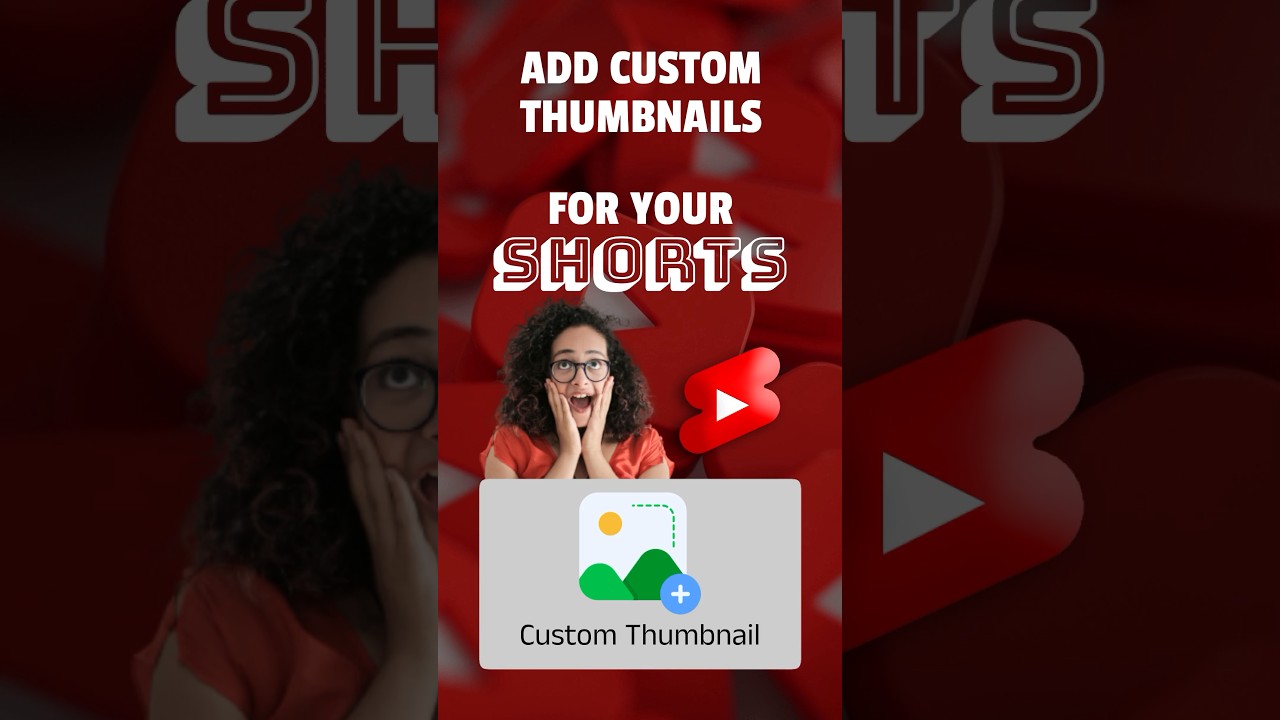
How to Add Custom Thumbnails to YouTube Shorts
Learn how to fully customize your YouTube Shorts thumbnails and boost your channel growth! 🚀 Must-watch tips for creators.

VidSEO Official | YouTube SEO
1.1K views • Jul 23, 2023
About this video
YouTube short creators now can completely customize their YouTube Shorts Thumbnail! This video is one of the must watch video.
🚀 Grow Your Channel With Our New SEO Tool:
Download Link Is In Pinned Comment:
🤑 Using VidSEO Tool Can Make You Rich Over Night 🤑
We'll Definitely Discuss This In Our Next Short
-------------------------------------------------------------------------------------------------------------------------------
Here what's inside this short:
-------------------------------------------------------------------------------------------------------------------------------
How To Add Custom Thumbnail For Your YouTube Short Videos!
It Seems Kind Of Unbeleivable.
Right?
But It Is'nt!
It Might Not Be A Matter.
Though Most Of YouTube Shorts Are Scrolled From Shorts Feed.
Where Thumbnail Is Not Visible!
But It Does Matter When Your Audience Comes From A Browse Feature Or From Search Results!
There Is No Official Way To Upload Custom Thumbnail For YouTube Shorts.
But YouTube Enabled To Choose A Single Frame From Your Video In Short.
Here Is The Trickiest Part!
Before Uploading Your Short.
Just Design Your Custom Thumbnail.
Add That Thumbnail Into Your Video Before Your Video Starts.
Just Add A Half Of A Second Like 15 Frames Or 25!
Now Upload Your Short From A Smart Phone.
Not From Your Computer Or A Browser!
Because This Feature Does Not Work With Computer or Browser.
Where It Requires Title And Other Details Up Here Above.
You Can See A Pencil Icon, Hit On It To Choose A Frame As Your Thumbnail.
Scroll A Little Bit Over The Timeline, And Than Select Any Of Frame Where It Contains Your Custom Made Thumbnail.
🚀 Grow Your Channel With Our New SEO Tool:
Download Link Is In Pinned Comment:
🤑 Using VidSEO Tool Can Make You Rich Over Night 🤑
We'll Definitely Discuss This In Our Next Short
-------------------------------------------------------------------------------------------------------------------------------
Here what's inside this short:
-------------------------------------------------------------------------------------------------------------------------------
How To Add Custom Thumbnail For Your YouTube Short Videos!
It Seems Kind Of Unbeleivable.
Right?
But It Is'nt!
It Might Not Be A Matter.
Though Most Of YouTube Shorts Are Scrolled From Shorts Feed.
Where Thumbnail Is Not Visible!
But It Does Matter When Your Audience Comes From A Browse Feature Or From Search Results!
There Is No Official Way To Upload Custom Thumbnail For YouTube Shorts.
But YouTube Enabled To Choose A Single Frame From Your Video In Short.
Here Is The Trickiest Part!
Before Uploading Your Short.
Just Design Your Custom Thumbnail.
Add That Thumbnail Into Your Video Before Your Video Starts.
Just Add A Half Of A Second Like 15 Frames Or 25!
Now Upload Your Short From A Smart Phone.
Not From Your Computer Or A Browser!
Because This Feature Does Not Work With Computer or Browser.
Where It Requires Title And Other Details Up Here Above.
You Can See A Pencil Icon, Hit On It To Choose A Frame As Your Thumbnail.
Scroll A Little Bit Over The Timeline, And Than Select Any Of Frame Where It Contains Your Custom Made Thumbnail.
Tags and Topics
Browse our collection to discover more content in these categories.
Video Information
Views
1.1K
Likes
38
Duration
0:55
Published
Jul 23, 2023
User Reviews
4.5
(1) Related Trending Topics
LIVE TRENDSRelated trending topics. Click any trend to explore more videos.
No specific trending topics match this video yet.
Explore All Trends