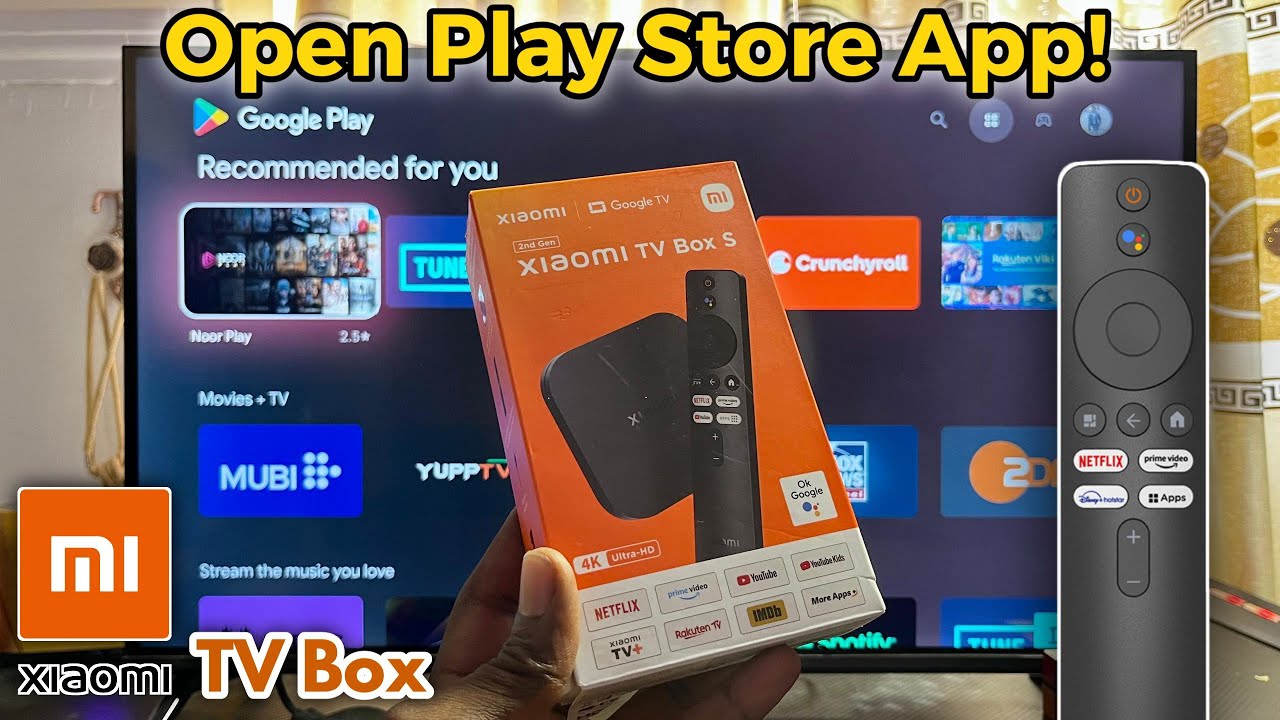
Open Google Play Store on Xiaomi TV Box 📺
Learn how to access the Google Play Store on your Xiaomi TV Box S 2nd Gen with Google TV, even if the app isn't visible.

Bscholarly TV
20.0K views • Feb 17, 2025
About this video
In this video, I’ll show you how to find and open the Google Play Store on your Xiaomi TV Box S 2nd Gen with Google TV. If you can’t see the Play Store app, don’t worry—it’s embedded as a system app on your TV box. I’ll walk you through two easy ways to access it. First, I’ll show you how to use the search bar on your Xiaomi TV Box to locate the Play Store quickly. Then, I’ll guide you through finding it from the list of system apps and opening it from there. With these steps, you’ll be able to access the Play Store, explore all available apps, and download anything you need.
#googleplaystore
#xiaomitvbox
#googletv
#googleplaystore
#xiaomitvbox
#googletv
Tags and Topics
Browse our collection to discover more content in these categories.
Video Information
Views
20.0K
Likes
72
Duration
2:17
Published
Feb 17, 2025
User Reviews
4.0
(3) Related Trending Topics
LIVE TRENDSRelated trending topics. Click any trend to explore more videos.
No specific trending topics match this video yet.
Explore All Trends