Xiaomi TV Box: Install Third-party APKs 📥
Learn how to sideload third-party apps on your Xiaomi TV Box easily, even if they're not on the app store or Google Play.

Bscholarly TV
41.4K views • Feb 12, 2025
About this video
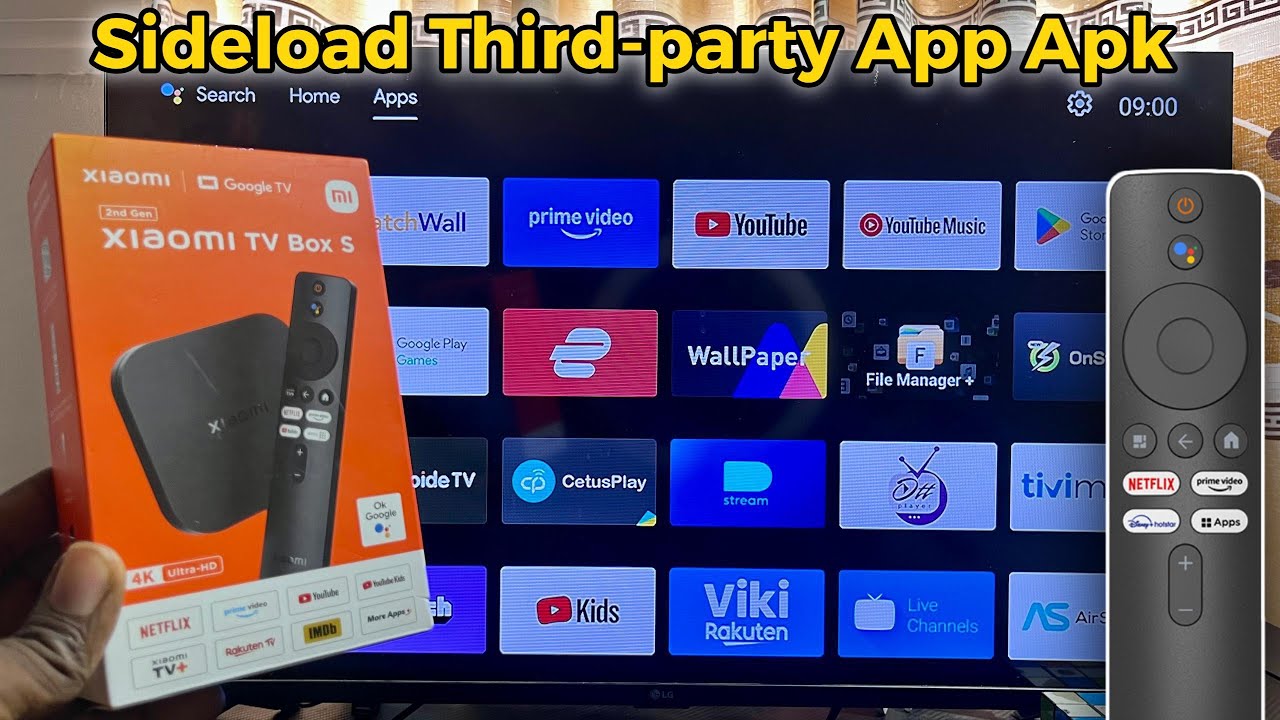
In this video, I'll show you how to sideload third-party app APKs that are not available on the app store or Google Play Store into your Xiaomi TV Box without any issues. Whether you're using the Xiaomi TV Box S 2nd Gen with Google TV or a Xiaomi TV Box running Android TV, this method works perfectly. I'll guide you through downloading the third-party app APK directly from the internet using the Downloader app, then installing it on your Xiaomi TV Box without restrictions. This is the best way to install apps that are not officially available on the Google Play Store, giving you access to more apps and customization options for your TV.
#xiaomitvbox
#appinstallation
#sideloading
#xiaomitvbox
#appinstallation
#sideloading
Tags and Topics
Browse our collection to discover more content in these categories.
Video Information
Views
41.4K
Duration
4:30
Published
Feb 12, 2025
User Reviews
3.9
(8) Related Trending Topics
LIVE TRENDSRelated trending topics. Click any trend to explore more videos.
No specific trending topics match this video yet.
Explore All Trends