Fix Xiaomi Mi TV Box Apps Stuck on Pending 🚫
Learn how to resolve the 'Pending' app installation issue on Xiaomi Mi TV Box with Google TV for smooth app downloads.

Fix369
5.2K views • Feb 17, 2024
About this video
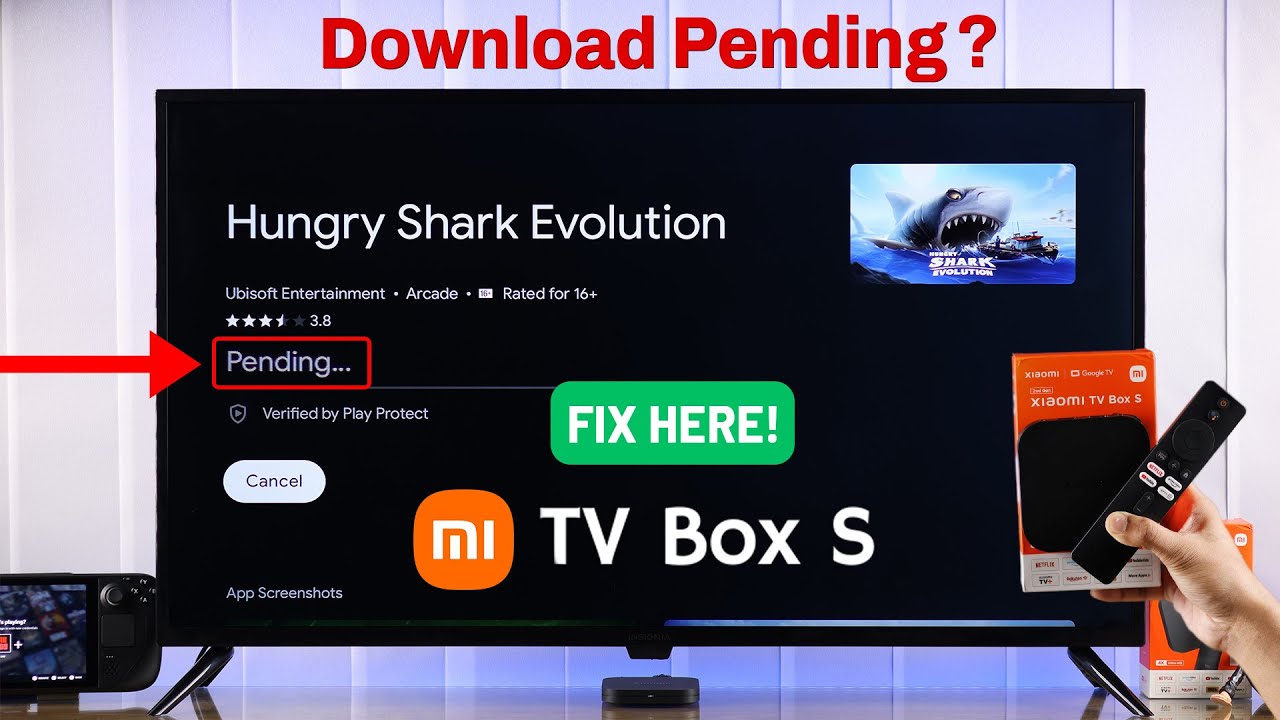
Apps get stuck on ‘Pending’ or ‘Download Pending’ Error while installing on Xiaomi MI Box Google TV from Google Play Store? Can’t install new Apps on Xiaomi MI TV Box due to pending or blank screen error? Don’t panic, The Fix369 Team will help you to get new Apps on your MI TV Box.
In this video, we will show you 3 easy but effective ways to fix Apps not installing or are stuck on pending on the Xiaomi TV Box swiftly.
#XiaomiTVBox #MIBoxGoogleTV #AppsnotInstalling
0:00 Xiaomi Mi TV Box Apps Stuck on Pending while installing
0:17 Solution 1: Check and Fix the Internet
0:37 Solution 2: Clear Cache and Data Google Play Services and Store
1:21 Solution 3: Restart the MI TV Box
In this video, we will show you 3 easy but effective ways to fix Apps not installing or are stuck on pending on the Xiaomi TV Box swiftly.
#XiaomiTVBox #MIBoxGoogleTV #AppsnotInstalling
0:00 Xiaomi Mi TV Box Apps Stuck on Pending while installing
0:17 Solution 1: Check and Fix the Internet
0:37 Solution 2: Clear Cache and Data Google Play Services and Store
1:21 Solution 3: Restart the MI TV Box
Tags and Topics
Browse our collection to discover more content in these categories.
Video Information
Views
5.2K
Likes
17
Duration
1:40
Published
Feb 17, 2024
User Reviews
3.9
(1) Related Trending Topics
LIVE TRENDSRelated trending topics. Click any trend to explore more videos.
No specific trending topics match this video yet.
Explore All Trends