Xcode 4: Easy Sound Playback Tutorial 🎵
Learn how to play a sound in Xcode 4 with this simple, beginner-friendly guide. No source code shown to keep it straightforward.

Grayson Adams
29.8K views • Jun 9, 2011
About this video
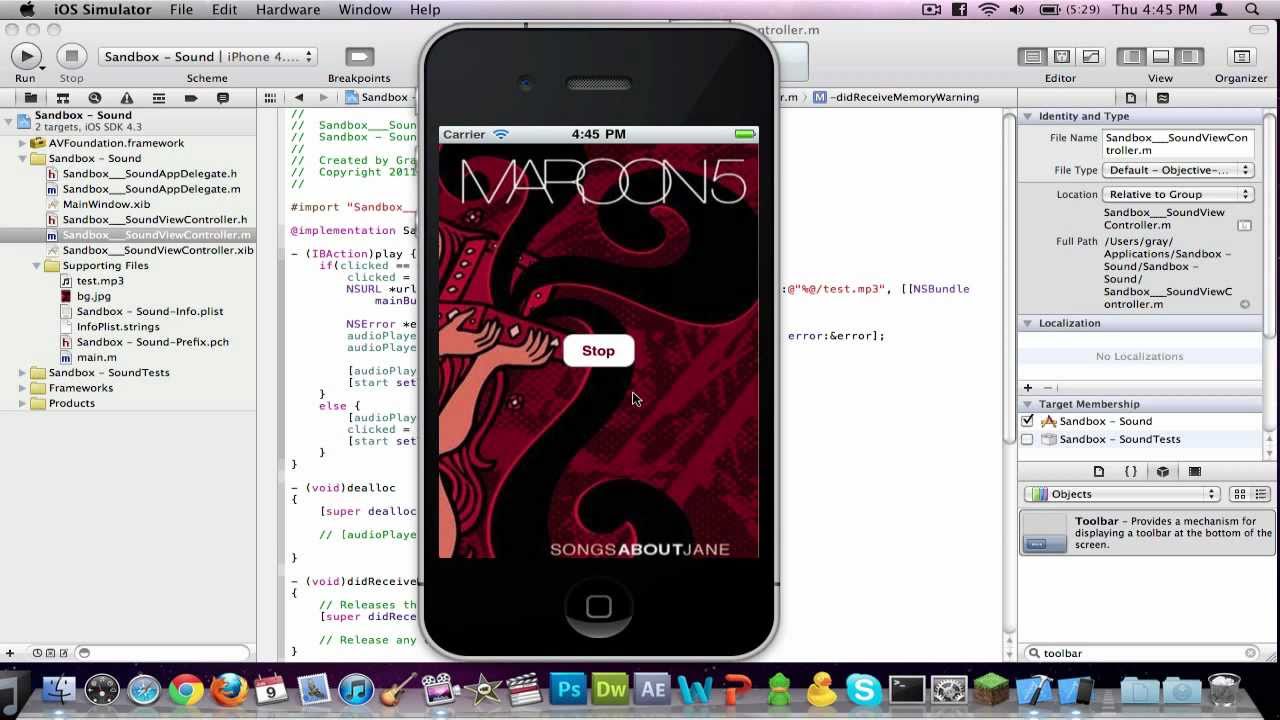
Very simple, easy, and understandable tutorial on how to play a sound in Xcode.
NOTE: I do not show source code in the description because it takes away from the learning experience. Pay attention so that you learn some stuff ;)
=== How to reset the button automatically after the audio stops ===
Dear DeltaClanOfficial,
I am glad you asked! This is a very easy process.
Go to your .h file and right under "IBOutlet UIButton *start;", create a new line and add the following before the ' } ':
NSTimer *timer;
Now go to your .m file. Look for "audioPlayer.numberOfLoops = X;" (X being whatever you set). Create a line BELOW that and add:
int timeTillStop = audioPlayer.duration;
timer = [NSTimer scheduledTimerWithTimeInterval:timeTillStop target:self selector:@selector(stop) userInfo:nil repeats:FALSE];
Ok, now we have a timer set to run the selector "stop" after waiting the length of the audio.
Right below "[audioPlayer release];", on a separate line add:
[timer release];
Right above "- (void)dealloc", add:
- (void)stop {
[start setTitle:@"Start" forState:UIControlStateNormal];
clicked = 0;
}
There you go! Just press RUN and it should work.
If you have any problems, just tell me.
NOTE: I do not show source code in the description because it takes away from the learning experience. Pay attention so that you learn some stuff ;)
=== How to reset the button automatically after the audio stops ===
Dear DeltaClanOfficial,
I am glad you asked! This is a very easy process.
Go to your .h file and right under "IBOutlet UIButton *start;", create a new line and add the following before the ' } ':
NSTimer *timer;
Now go to your .m file. Look for "audioPlayer.numberOfLoops = X;" (X being whatever you set). Create a line BELOW that and add:
int timeTillStop = audioPlayer.duration;
timer = [NSTimer scheduledTimerWithTimeInterval:timeTillStop target:self selector:@selector(stop) userInfo:nil repeats:FALSE];
Ok, now we have a timer set to run the selector "stop" after waiting the length of the audio.
Right below "[audioPlayer release];", on a separate line add:
[timer release];
Right above "- (void)dealloc", add:
- (void)stop {
[start setTitle:@"Start" forState:UIControlStateNormal];
clicked = 0;
}
There you go! Just press RUN and it should work.
If you have any problems, just tell me.
Video Information
Views
29.8K
Likes
169
Duration
14:49
Published
Jun 9, 2011
User Reviews
4.1
(5) Related Trending Topics
LIVE TRENDSRelated trending topics. Click any trend to explore more videos.
No specific trending topics match this video yet.
Explore All Trends