WordPress Beginner Guide 2025 🚀
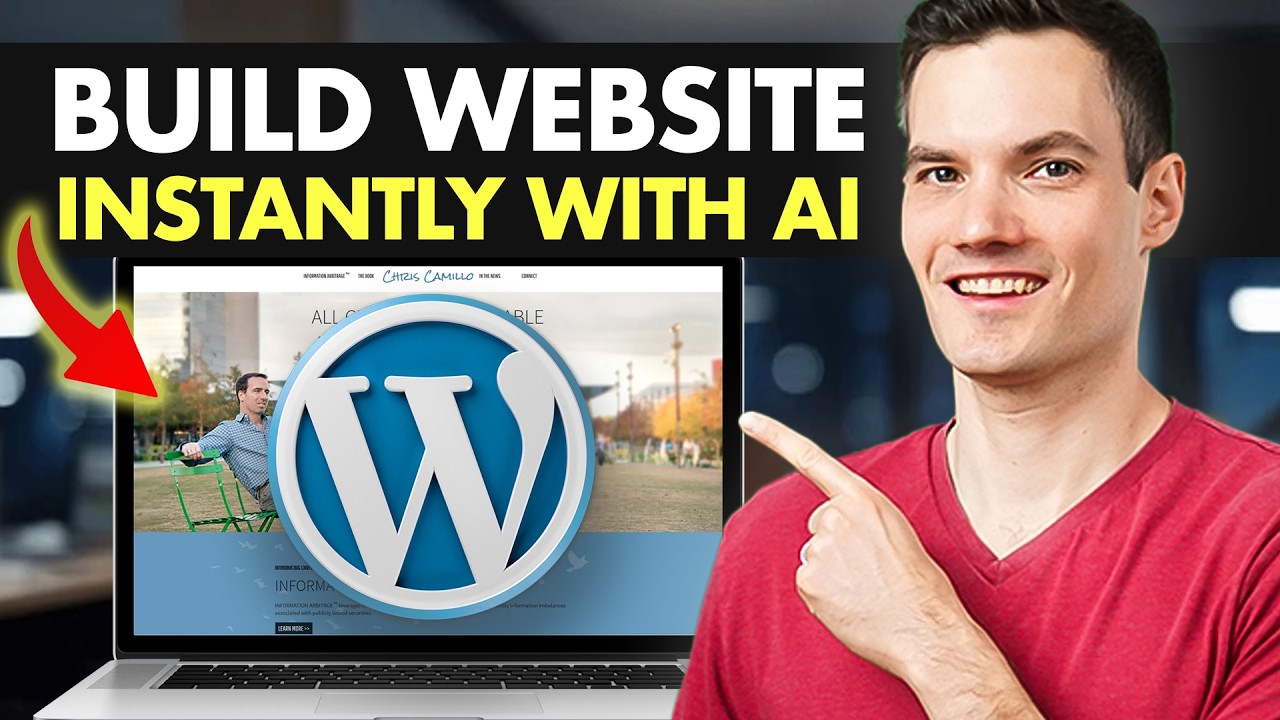
Learn to build a stunning WordPress website step-by-step with this easy tutorial for beginners in 2025.

Kevin Stratvert
66.0K views • Mar 24, 2025
About this video
Want to build a stunning WordPress website but don’t know where to start? In this beginner-friendly tutorial, I’ll show you how to build and design your very own website step-by-step—no coding needed! Follow along: https://hostinger.com/kevin
We’ll use AI-powered tools to make the process faster and easier, from choosing a domain and web host to customizing the design and launching your site live on the internet.
In this video, you’ll learn how to:
• Choose the best hosting plan (we’re using Hostinger)
• Use WordPress AI tools to generate your site
• Customize blocks, layout, images, and text
• Add new pages like FAQs using AI content generation
• Tweak design elements to match your brand
• Publish your site and go live 🚀
By the end, you’ll have a beautiful and functional WordPress website up and running!
🔗 Try Hostinger with a discount: https://hostinger.com/kevin
💬 Coupon Code: KevinStratvert for 10% off
📍 Recommended Plan: Business Plan
Host: Kevin Stratvert
Sponsor: Hostinger
⌚ TIMESTAMPS
00:00 - Introduction
00:38 - Choose a web host
02:38 - Set up your WordPress website
04:24 - Pick a domain name
05:37 - Choose a data center location
06:06 - Generate your website using AI
08:01 - Customize your AI-generated site using blocks
10:17 - Replace the header background image
12:40 - Adjust text color and button style
13:27 - Rearrange blocks for better layout
14:45 - Add new blocks to the page
17:57 - Create a new page with AI content
21:34 - Add page to site navigation
22:41 - Explore different WordPress themes
23:19 - Make final tweaks & review settings
23:59 - Preview your website
24:17 - Wrap up
📺 RELATED VIDEOS
- Playlist with all my videos on WordPress: https://www.youtube.com/playlist?list=PLlKpQrBME6xL4sKZQ6HAdOyFzICYwRjjl
📩 NEWSLETTER
- Get the latest high-quality tutorial and tips and tricks videos emailed to your inbox each week: https://kevinstratvert.com/newsletter/
🔽 CONNECT WITH ME
- Official website: http://www.kevinstratvert.com
- LinkedIn: https://www.linkedin.com/in/kevinstratvert/
- Discord: https://bit.ly/KevinStratvertDiscord
- Twitter: https://twitter.com/kevstrat
- Facebook: https://www.facebook.com/Kevin-Stratvert-101912218227818
- TikTok: https://www.tiktok.com/@kevinstratvert
- Instagram: https://www.instagram.com/kevinstratvert/
🎒 MY COURSES
- Go from Excel novice to data analysis ninja in just 2 hours: https://kevinstratvert.thinkific.com/
🙏 REQUEST VIDEOS
https://forms.gle/BDrTNUoxheEoMLGt5
🔔 SUBSCRIBE ON YOUTUBE
https://www.youtube.com/user/kevlers?sub_confirmation=1
🙌 SUPPORT THE CHANNEL
- Hit the THANKS button in any video!
- Amazon affiliate link: https://amzn.to/3kCP2yz
⚖ DISCLOSURE
Some links are affiliate links. Purchasing through these links gives me a small commission to support videos on this channel. The price to you is the same.
#stratvert #wordpress #hostinger
We’ll use AI-powered tools to make the process faster and easier, from choosing a domain and web host to customizing the design and launching your site live on the internet.
In this video, you’ll learn how to:
• Choose the best hosting plan (we’re using Hostinger)
• Use WordPress AI tools to generate your site
• Customize blocks, layout, images, and text
• Add new pages like FAQs using AI content generation
• Tweak design elements to match your brand
• Publish your site and go live 🚀
By the end, you’ll have a beautiful and functional WordPress website up and running!
🔗 Try Hostinger with a discount: https://hostinger.com/kevin
💬 Coupon Code: KevinStratvert for 10% off
📍 Recommended Plan: Business Plan
Host: Kevin Stratvert
Sponsor: Hostinger
⌚ TIMESTAMPS
00:00 - Introduction
00:38 - Choose a web host
02:38 - Set up your WordPress website
04:24 - Pick a domain name
05:37 - Choose a data center location
06:06 - Generate your website using AI
08:01 - Customize your AI-generated site using blocks
10:17 - Replace the header background image
12:40 - Adjust text color and button style
13:27 - Rearrange blocks for better layout
14:45 - Add new blocks to the page
17:57 - Create a new page with AI content
21:34 - Add page to site navigation
22:41 - Explore different WordPress themes
23:19 - Make final tweaks & review settings
23:59 - Preview your website
24:17 - Wrap up
📺 RELATED VIDEOS
- Playlist with all my videos on WordPress: https://www.youtube.com/playlist?list=PLlKpQrBME6xL4sKZQ6HAdOyFzICYwRjjl
📩 NEWSLETTER
- Get the latest high-quality tutorial and tips and tricks videos emailed to your inbox each week: https://kevinstratvert.com/newsletter/
🔽 CONNECT WITH ME
- Official website: http://www.kevinstratvert.com
- LinkedIn: https://www.linkedin.com/in/kevinstratvert/
- Discord: https://bit.ly/KevinStratvertDiscord
- Twitter: https://twitter.com/kevstrat
- Facebook: https://www.facebook.com/Kevin-Stratvert-101912218227818
- TikTok: https://www.tiktok.com/@kevinstratvert
- Instagram: https://www.instagram.com/kevinstratvert/
🎒 MY COURSES
- Go from Excel novice to data analysis ninja in just 2 hours: https://kevinstratvert.thinkific.com/
🙏 REQUEST VIDEOS
https://forms.gle/BDrTNUoxheEoMLGt5
🔔 SUBSCRIBE ON YOUTUBE
https://www.youtube.com/user/kevlers?sub_confirmation=1
🙌 SUPPORT THE CHANNEL
- Hit the THANKS button in any video!
- Amazon affiliate link: https://amzn.to/3kCP2yz
⚖ DISCLOSURE
Some links are affiliate links. Purchasing through these links gives me a small commission to support videos on this channel. The price to you is the same.
#stratvert #wordpress #hostinger
Tags and Topics
Browse our collection to discover more content in these categories.
Video Information
Views
66.0K
Likes
1.1K
Duration
24:41
Published
Mar 24, 2025
User Reviews
4.7
(13) Related Trending Topics
LIVE TRENDSRelated trending topics. Click any trend to explore more videos.
Trending Now