Windows Backup Guide: Protect Your PC in 2024 🖥️
Learn how to easily back up your Windows PC in 2024 to safeguard photos, documents, and work files with this simple guide.

FIX error
101.7K views • Apr 14, 2024
About this video
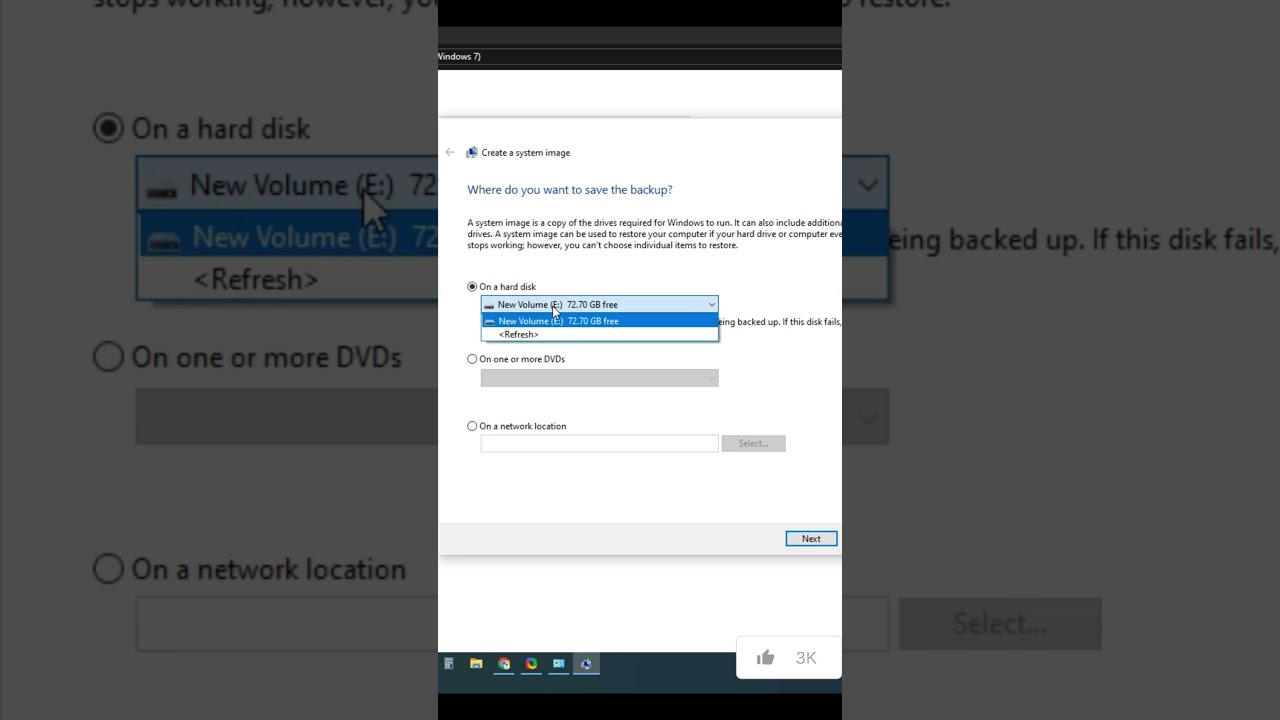
Never lose precious photos, documents, or work files again! This comprehensive guide walks you through creating a Windows backup on your PC in 2024. Whether you're using Windows 11, 10, or even 7, we'll show you two user-friendly methods: File History for your everyday files and System Image for a complete system restore.
Landscape Full video link : https://youtu.be/lb8FNiqPEfc
In this video, you'll learn:
The importance of backups: Why having a backup plan is crucial for data security.
Choosing the right backup method: File History vs. System Image - Understanding their differences.
Setting up File History: Effortlessly back up your essential folders with automatic scheduling.
Creating a System Image: A complete system snapshot for disaster recovery (great for fresh installs!).
Bonus tips: Optimizing your backups for efficiency and security.
Common troubleshooting steps: Resolving any issues you might encounter.
This video is perfect for you if:
You've never backed up your PC before and want to get started.
You're unsure which backup method to choose in Windows.
You want to learn how to schedule automatic backups.
You're looking for a way to restore your PC to a previous state.
By the end of this video, you'll be confident in creating a secure backup plan and protecting your valuable data on your Windows PC!
Landscape Full video link : https://youtu.be/lb8FNiqPEfc
In this video, you'll learn:
The importance of backups: Why having a backup plan is crucial for data security.
Choosing the right backup method: File History vs. System Image - Understanding their differences.
Setting up File History: Effortlessly back up your essential folders with automatic scheduling.
Creating a System Image: A complete system snapshot for disaster recovery (great for fresh installs!).
Bonus tips: Optimizing your backups for efficiency and security.
Common troubleshooting steps: Resolving any issues you might encounter.
This video is perfect for you if:
You've never backed up your PC before and want to get started.
You're unsure which backup method to choose in Windows.
You want to learn how to schedule automatic backups.
You're looking for a way to restore your PC to a previous state.
By the end of this video, you'll be confident in creating a secure backup plan and protecting your valuable data on your Windows PC!
Tags and Topics
Browse our collection to discover more content in these categories.
Video Information
Views
101.7K
Likes
1.1K
Duration
0:31
Published
Apr 14, 2024
User Reviews
4.4
(20) Related Trending Topics
LIVE TRENDSRelated trending topics. Click any trend to explore more videos.
No specific trending topics match this video yet.
Explore All Trends