Must-Change Windows 10 Settings for Better Performance
Discover essential Windows 10 settings to enhance performance and security. Update your OS now for a smoother experience! 🔧
Brett In Tech
1.7M views • Aug 31, 2018
About this video
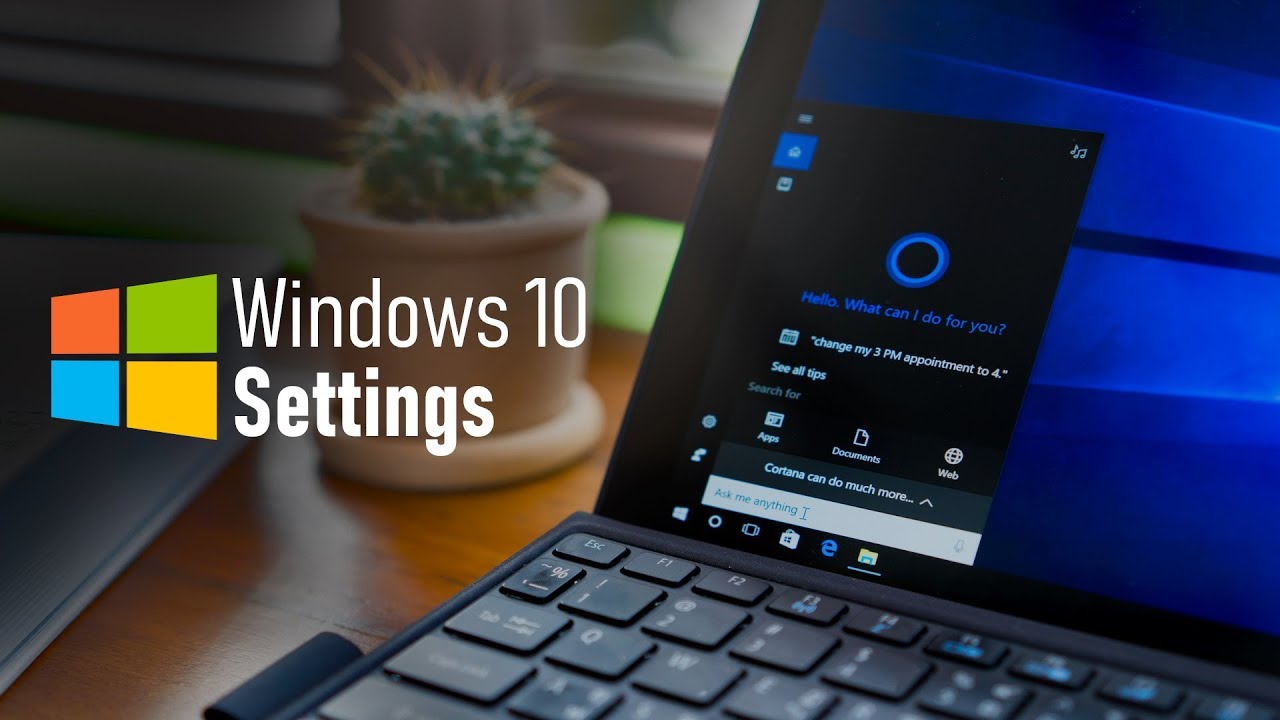
These are the settings for Windows 10 that you should change right now! Windows 10 is the most versatile and feature packed operating system that Microsoft has ever released. That’s not to say it’s not without its flaws. In this video, I’ll go over the settings in several categories you should consider changing to improve your overall experience with Windows 10.
Subscribe! ▶ https://www.youtube.com/@BrettInTech
Share This Video ▶ https://youtu.be/080ebOWZI0I
“Windows 10 Tips & Tricks” Playlist
https://www.youtube.com/playlist?list=PLunpbmfrhFAVLDl7tQfPGk0er9k8Iqe99
0:23 Navigation
0:49 Windows Update
2:51 System Restore
3:57 Default Apps
4:39 Notifications
5:42 Hidden Files
6:14 Reopen Apps
6:57 Cortana
7:52 Privacy
9:03 Display
9:58 Personalization
11:16 Storage Sense
12:11 OneDrive
13:00 User Account Control
---------------------------------------------
WATCH MORE VIDEOS…
10 Free Programs You Need on Your New PC!
https://youtu.be/Pgc_lzXmxtY
Top 5 Best Video Editing Software
https://youtu.be/GVs8GQtlpQE
How to Speed Up Android for Better Performance!
https://youtu.be/bYu5I0P34EA
Google Home Tricks You Need to Know!
https://youtu.be/6WuuFfsxWoI
Top 10 Best Netflix Original Movies to Watch Now!
https://youtu.be/XqDwTKVeUcI
Twitter: https://twitter.com/BrettInTech
Facebook: https://www.facebook.com/BrettInTech/
Brett In Tech is a leading source for the technology that we use each day. Whether it’s discussing computer operating system tricks, the latest tips for your mobile phone, finding out about the newest gadgets, or letting you know about the most useful software and websites, Brett In Tech has boundless topics on technology for the astute YouTube viewer.
Subscribe! ▶ https://www.youtube.com/@BrettInTech
Share This Video ▶ https://youtu.be/080ebOWZI0I
“Windows 10 Tips & Tricks” Playlist
https://www.youtube.com/playlist?list=PLunpbmfrhFAVLDl7tQfPGk0er9k8Iqe99
0:23 Navigation
0:49 Windows Update
2:51 System Restore
3:57 Default Apps
4:39 Notifications
5:42 Hidden Files
6:14 Reopen Apps
6:57 Cortana
7:52 Privacy
9:03 Display
9:58 Personalization
11:16 Storage Sense
12:11 OneDrive
13:00 User Account Control
---------------------------------------------
WATCH MORE VIDEOS…
10 Free Programs You Need on Your New PC!
https://youtu.be/Pgc_lzXmxtY
Top 5 Best Video Editing Software
https://youtu.be/GVs8GQtlpQE
How to Speed Up Android for Better Performance!
https://youtu.be/bYu5I0P34EA
Google Home Tricks You Need to Know!
https://youtu.be/6WuuFfsxWoI
Top 10 Best Netflix Original Movies to Watch Now!
https://youtu.be/XqDwTKVeUcI
Twitter: https://twitter.com/BrettInTech
Facebook: https://www.facebook.com/BrettInTech/
Brett In Tech is a leading source for the technology that we use each day. Whether it’s discussing computer operating system tricks, the latest tips for your mobile phone, finding out about the newest gadgets, or letting you know about the most useful software and websites, Brett In Tech has boundless topics on technology for the astute YouTube viewer.
Tags and Topics
Browse our collection to discover more content in these categories.
Video Information
Views
1.7M
Likes
28.9K
Duration
14:21
Published
Aug 31, 2018
User Reviews
4.8
(343) Related Trending Topics
LIVE TRENDSRelated trending topics. Click any trend to explore more videos.
No specific trending topics match this video yet.
Explore All Trends