How to Backup and Restore Windows 10 to External USB Drive (2025 Guide) 📁
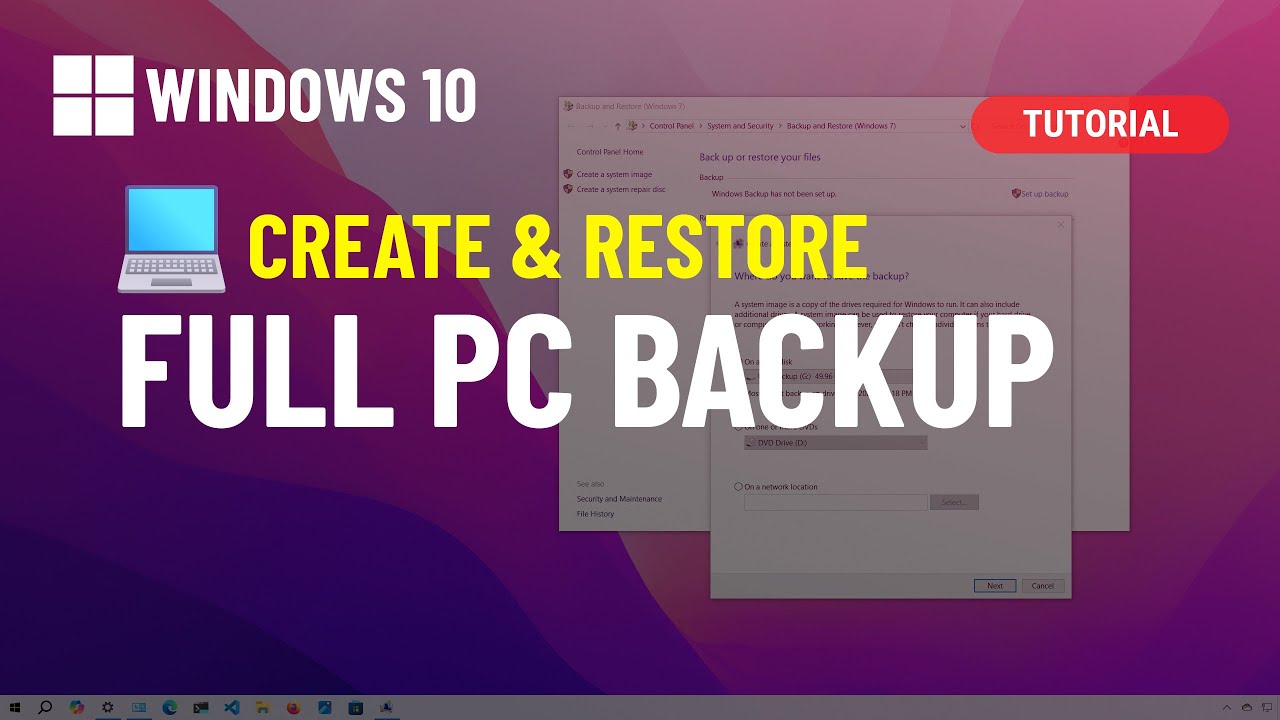
Learn step-by-step how to create a complete Windows 10 backup on an external USB drive and restore it easily. Essential tutorial for data safety and disaster recovery!

Pureinfotech
93.2K views • Sep 27, 2024
About this video
See ➡️ https://pureinfotech.com/create-windows-10-system-image-backup Windows 10 tutorial to create a full backup. This video includes the steps to create a full image backup of a PC running Windows 10 to an external USB hard drive using the System Image Backup tool, as well as the steps to restore the computer from backup.
💖 *I need your support*
╟─ 🙏 Donate: https://ko-fi.com/pureinfotech
*Table of contents*
00:00 Intro
00:34 Create Windows 10 full backup
02:23 Restore Windows 10 backup from Recovery settings
03:56 Restore Windows 10 backup from USB media
05:07 Closing
*** Important: The Windows backup feature is now a deprecated feature, but you can still use the feature to create temporary backups or to transfer your setup to a new hard drive in the same computer.
✅ Windows 11 full backup https://youtu.be/3mUnKQ7ff0Y
✅ Create a bootable USB media https://pureinfotech.com/create-bootable-usb-windows-10/
⚡ Key Points
To create a full system image backup on Windows 10, open the “Backup and Restore” settings, click the “Create a system image” option, and select the USB drive to save the full backup. Continue with the directions by selecting the system and secondary drives and clicking on “Start backup.”
#windows10 #windowstutorials #windows10features
🔴 *Subscribe to my free newsletter*
╟─ 📨 Newsletter: https://pureinfotech.substack.com
✨ *More Windows help*
╟─ 🌐 My website: https://pureinfotech.com
🤝 *Let's partner up*
╟─ 📨 Partnerships: Contact@Pureinfotech.com
👤 *Follow me*
╟─ ▶️ YouTube: https://www.youtube.com/@Pureinfotech
╟─ 🐦 X (Twitter): https://twitter.com/pureinfotech
╟─ 🎵 TikTok: https://www.tiktok.com/@pureinfotech
╟─ 🧵Threads: https://www.threads.net/@pureinfotech
╟─ 🌌 BlueSky: https://pureinfotech.bsky.social
💖 *I need your support*
╟─ 🙏 Donate: https://ko-fi.com/pureinfotech
*Table of contents*
00:00 Intro
00:34 Create Windows 10 full backup
02:23 Restore Windows 10 backup from Recovery settings
03:56 Restore Windows 10 backup from USB media
05:07 Closing
*** Important: The Windows backup feature is now a deprecated feature, but you can still use the feature to create temporary backups or to transfer your setup to a new hard drive in the same computer.
✅ Windows 11 full backup https://youtu.be/3mUnKQ7ff0Y
✅ Create a bootable USB media https://pureinfotech.com/create-bootable-usb-windows-10/
⚡ Key Points
To create a full system image backup on Windows 10, open the “Backup and Restore” settings, click the “Create a system image” option, and select the USB drive to save the full backup. Continue with the directions by selecting the system and secondary drives and clicking on “Start backup.”
#windows10 #windowstutorials #windows10features
🔴 *Subscribe to my free newsletter*
╟─ 📨 Newsletter: https://pureinfotech.substack.com
✨ *More Windows help*
╟─ 🌐 My website: https://pureinfotech.com
🤝 *Let's partner up*
╟─ 📨 Partnerships: Contact@Pureinfotech.com
👤 *Follow me*
╟─ ▶️ YouTube: https://www.youtube.com/@Pureinfotech
╟─ 🐦 X (Twitter): https://twitter.com/pureinfotech
╟─ 🎵 TikTok: https://www.tiktok.com/@pureinfotech
╟─ 🧵Threads: https://www.threads.net/@pureinfotech
╟─ 🌌 BlueSky: https://pureinfotech.bsky.social
Tags and Topics
Browse our collection to discover more content in these categories.
Video Information
Views
93.2K
Likes
1.5K
Duration
5:47
Published
Sep 27, 2024
User Reviews
4.7
(18) Related Trending Topics
LIVE TRENDSRelated trending topics. Click any trend to explore more videos.
No specific trending topics match this video yet.
Explore All Trends