Capture WiFi Frames with Airodump-ng 📶
Learn how to capture raw 802.11 WiFi frames using Airodump-ng on Kali Linux. For educational use only, attack networks you own or have permission.
David Bombal
100.4K views • Nov 18, 2023
About this video
Disclaimer: This video is for educational purposes only. Only attack WiFi networks that you own or have permission to attack.
HackerD explains that Airodump-ng is used for packet capture, capturing raw 802.11 frames. It is particularly suitable for collecting WPA/WPA2 handshakes for the intent of using them with aircrack-ng.
Commands used (Change WiFi BSSID as needed):
1. iw dev
2. Find the Wi-Fi Interface name. In this case it is wlan0mon and my Wi-Fi adapter is already in monitor mode.
3. sudo airodump-ng wlan0mon
4. ctrl + c
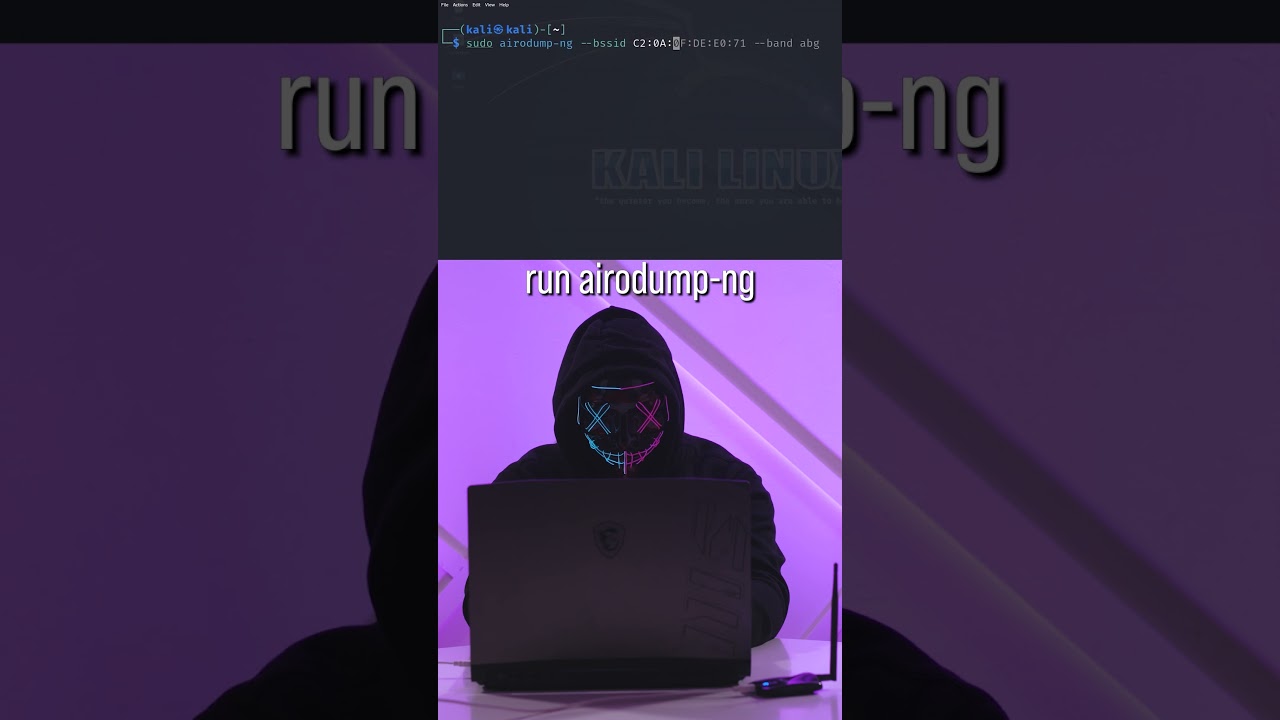
5. sudo airodump-ng --bssid C2:0A:0F:DE:E0:71 --band abg wlan0mon
#shorts #wifi #kalilinux
HackerD explains that Airodump-ng is used for packet capture, capturing raw 802.11 frames. It is particularly suitable for collecting WPA/WPA2 handshakes for the intent of using them with aircrack-ng.
Commands used (Change WiFi BSSID as needed):
1. iw dev
2. Find the Wi-Fi Interface name. In this case it is wlan0mon and my Wi-Fi adapter is already in monitor mode.
3. sudo airodump-ng wlan0mon
4. ctrl + c
5. sudo airodump-ng --bssid C2:0A:0F:DE:E0:71 --band abg wlan0mon
#shorts #wifi #kalilinux
Tags and Topics
Browse our collection to discover more content in these categories.
Video Information
Views
100.4K
Likes
6.0K
Duration
0:53
Published
Nov 18, 2023
User Reviews
4.7
(20) Related Trending Topics
LIVE TRENDSRelated trending topics. Click any trend to explore more videos.
No specific trending topics match this video yet.
Explore All Trends