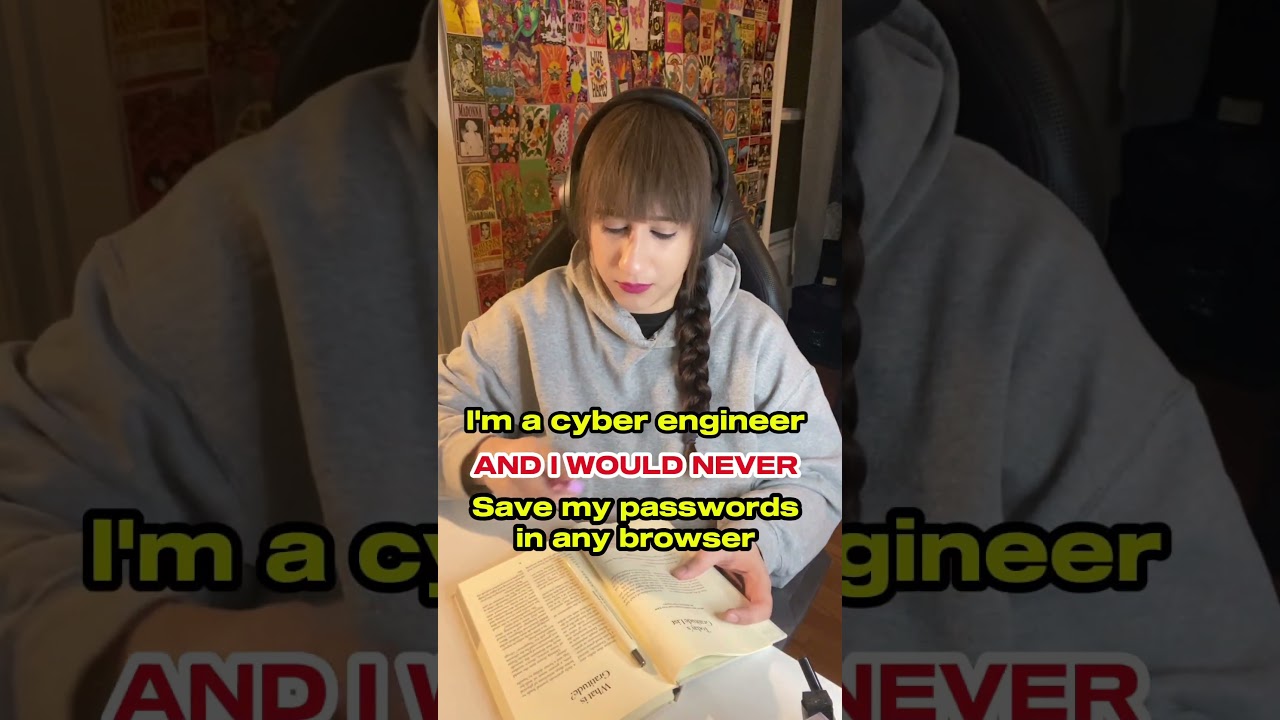
Why Cyber Engineers Never Save Passwords in Browsers 🔐
Discover the hidden risks of storing passwords in Chrome or Safari. Learn why true cybersecurity professionals avoid browser-based password storage for better safety and security.

Ruchira | Making online safety simple for everyone
2.8K views • Jun 26, 2025
About this video
Saving passwords in Chrome or Safari feels convenient- I get it.
But here’s why it’s not safe:
1️⃣ Your browser doesn’t fully encrypt your passwords.They’re stored on your device, and if someone gets access to your device- through malware or physical access - they can pull out all your saved logins in seconds.
2️⃣ Browser autofill can be tricked.If you land on a fake website that looks like the real thing, some browsers will still autofill your login- no questions asked.
3️⃣ There’s no real master password or 2FA protecting that vault.Anyone using your device could open the password list and see everything.
That’s why I never recommend using browsers to store your passwords — especially if it’s for your email, banking, or work accounts.
🔐 Instead, use a password manager. It encrypts your logins, keeps them in a secure vault, and only fills them in when the website is actually legit. You remember one strong password- it takes care of the rest.
🚨Here are some great password managers that you can try:
💡NordPass: https://nordpass.com/
💡Dashlane: https://www.dashlane.com/
💡1Password: https://1password.com/
💡Keeper: https://www.keepersecurity.com
🙌Follow @cyberwithru if you actually want to stay ahead of scammers and protect your accounts the smart way.
browsers, password managers, online safety, cybersecurity, infosec, digital privacy, online scams, stop reusing passwords, account protection, how to stay safe online, cyber awareness, tech safety, US privacy tips, secure your accounts
#CyberSecurityTips #OnlineSafety #InfosecCommunity #DigitalPrivacy #PasswordManager #ProtectYourAccounts #BrowserSecurity #CyberWithRu #DataProtection #ScamAwareness #TechSafetyIndia #PrivacyMatters #StopReusingPasswords #SecureYourLogins #StaySafeOnline
But here’s why it’s not safe:
1️⃣ Your browser doesn’t fully encrypt your passwords.They’re stored on your device, and if someone gets access to your device- through malware or physical access - they can pull out all your saved logins in seconds.
2️⃣ Browser autofill can be tricked.If you land on a fake website that looks like the real thing, some browsers will still autofill your login- no questions asked.
3️⃣ There’s no real master password or 2FA protecting that vault.Anyone using your device could open the password list and see everything.
That’s why I never recommend using browsers to store your passwords — especially if it’s for your email, banking, or work accounts.
🔐 Instead, use a password manager. It encrypts your logins, keeps them in a secure vault, and only fills them in when the website is actually legit. You remember one strong password- it takes care of the rest.
🚨Here are some great password managers that you can try:
💡NordPass: https://nordpass.com/
💡Dashlane: https://www.dashlane.com/
💡1Password: https://1password.com/
💡Keeper: https://www.keepersecurity.com
🙌Follow @cyberwithru if you actually want to stay ahead of scammers and protect your accounts the smart way.
browsers, password managers, online safety, cybersecurity, infosec, digital privacy, online scams, stop reusing passwords, account protection, how to stay safe online, cyber awareness, tech safety, US privacy tips, secure your accounts
#CyberSecurityTips #OnlineSafety #InfosecCommunity #DigitalPrivacy #PasswordManager #ProtectYourAccounts #BrowserSecurity #CyberWithRu #DataProtection #ScamAwareness #TechSafetyIndia #PrivacyMatters #StopReusingPasswords #SecureYourLogins #StaySafeOnline
Video Information
Views
2.8K
Likes
4
Duration
0:09
Published
Jun 26, 2025
User Reviews
3.8
(2) Related Trending Topics
LIVE TRENDSRelated trending topics. Click any trend to explore more videos.
No specific trending topics match this video yet.
Explore All Trends