Free WhatsApp Transfer from iPhone to Android 📱
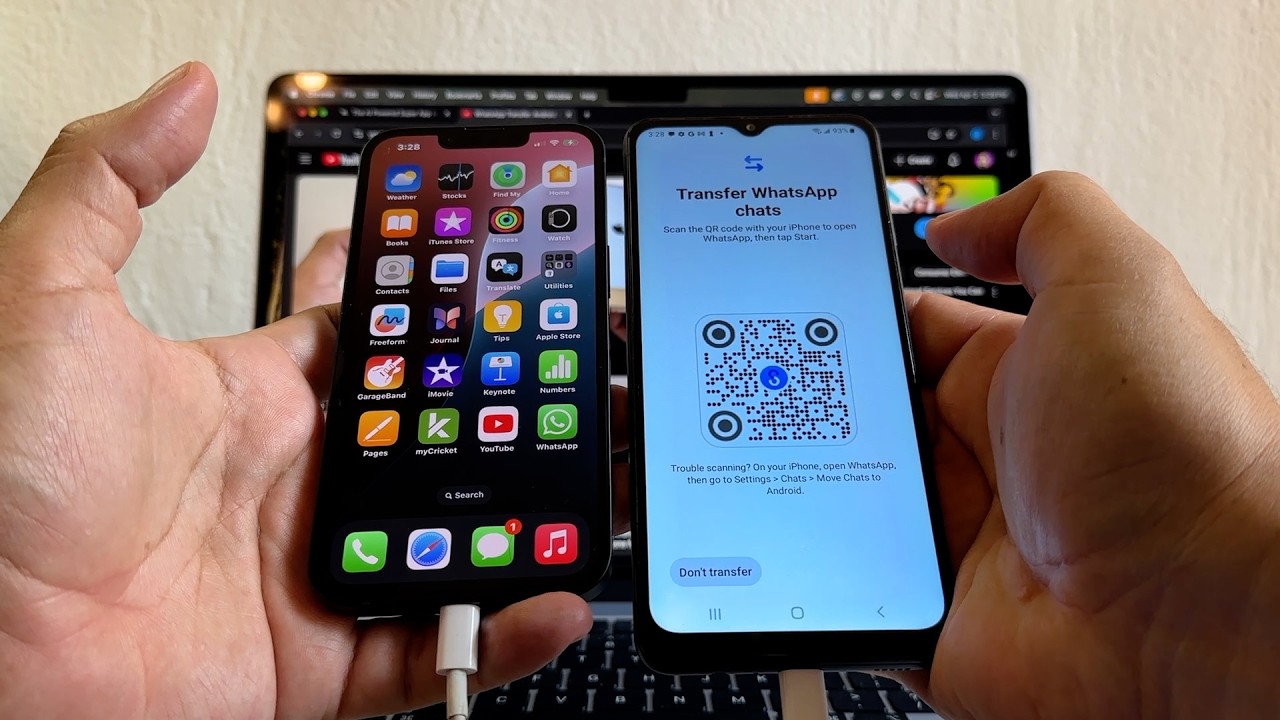
Transfer WhatsApp chats from iPhone to Android without reset, using Android 12 and a cable. No cost involved!

Su Amigo Alex
109.2K views • Apr 10, 2025
About this video
https://i.capitalone.com/JEAjaqCcU
Transfer all your WhatsApp chat history from an iPhone iOS to an Android device. You will need Android 12 and a cable (Lighthing to USB-C or USB-C to USB-C) to do this transfer.
If you use a Samsung Galaxy device you will use Smart Switch, if not you will use the regular Android transfer software. Usually you will have to factory reset your Android device but on this video I didn't factory reset the Android phone, I just click on the "Finish setup" button.
#whatsapp #iphone #android
Transfer all your WhatsApp chat history from an iPhone iOS to an Android device. You will need Android 12 and a cable (Lighthing to USB-C or USB-C to USB-C) to do this transfer.
If you use a Samsung Galaxy device you will use Smart Switch, if not you will use the regular Android transfer software. Usually you will have to factory reset your Android device but on this video I didn't factory reset the Android phone, I just click on the "Finish setup" button.
#whatsapp #iphone #android
Video Information
Views
109.2K
Likes
372
Duration
6:51
Published
Apr 10, 2025
User Reviews
4.1
(21) Related Trending Topics
LIVE TRENDSRelated trending topics. Click any trend to explore more videos.
No specific trending topics match this video yet.
Explore All Trends