TSIM 3.9.1 UP32 Update | June 2025
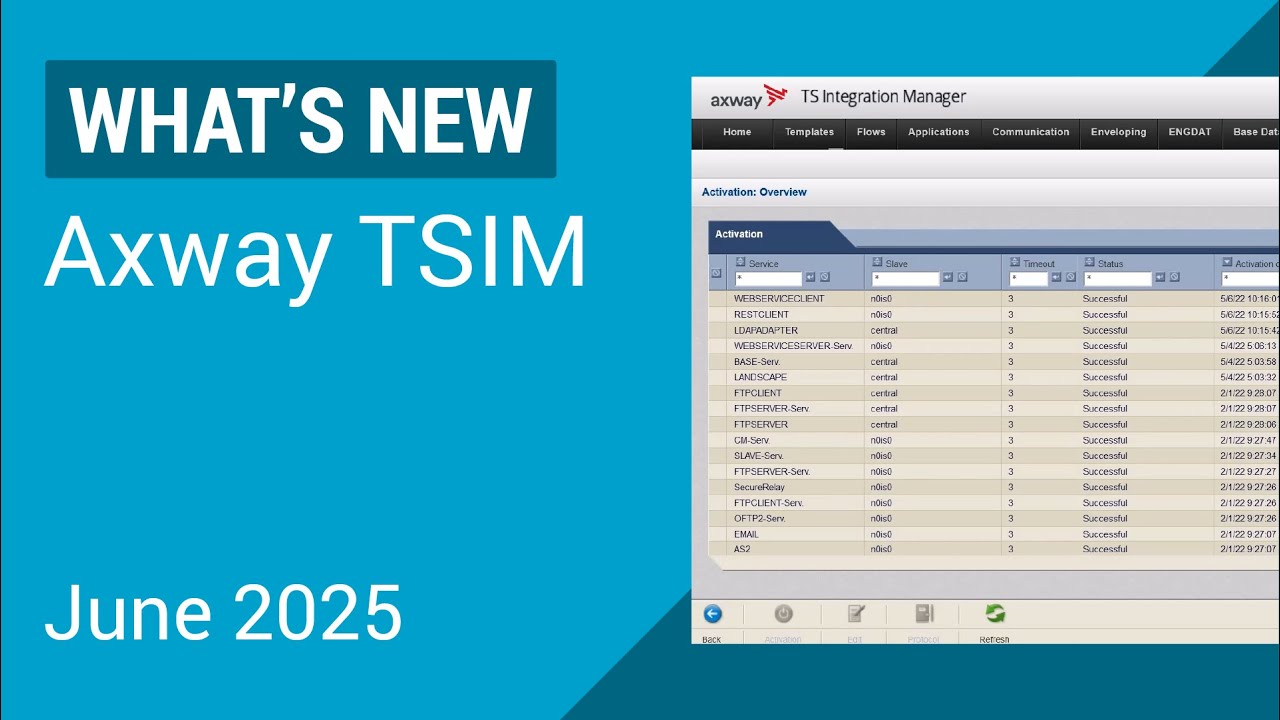
Discover the latest features in TSIM 3.9.1 UP32, enhancing B2B integration support. Learn more at Axway's site. 🚀

Axway B2B Integration
32 views • Jul 9, 2025
About this video
If you are new to TSIM, learn more about B2B integration on our site:
https://www.axway.com/en/products/b2b-integration
UP32 will provide customers support for Java 21, library updates and integration with Secure Relay 2.60, alongside several improvements for SAP, FTP, Usage Tracking and file upload capabilities. For detailed release notes and installation instructions please make sure to read the latest readme file:https://support.axway.com/en/downloads/readme/id/1472039
Key results
✅ Supports Java 21 and latest library security updates
📍 Integration with Secure Relay 2.60
🌟 Provides UI/UX improvements for large file uploads
[Full video transcript]
Hello, I am Mihaela from Axway and I'll show you what's new in TSIM 3.9.1 UP32.
Following our company's policy, we continue to perform library and security updates. TSIM update 32 supports Java 21 and the integration with Secure Relay 2.60. SAP improvements have been performed and we now have updated some JCR status scores with additional status values. FTPClient now supports TLS 1.3. Following our customer's request, we have enhanced the usage tracking reporting by adding additional filtering for the partners that can be excluded. We also offer a possibility to upload B configuration files directly in the UI.
The number of partners displayed in the UI and in the text reports will now be computed, taking into consideration a new value added to the metering application properties configuration file. Excluded partners. If you want certain partners to not be included in this total, you can just define this new parameter in the configuration file.
A new button has been introduced to the UI download file is now available for all configuration files. You can use the button to download the configuration files on your machine and do the modifications there.
After you finished editing your file, you can then upload it by using the configuration file upload a new button that has been introduced starting with update 32. This is how the upload file screen looks like.
You can browse on your machine for any file, and then you can select the path for the configuration file upload. Obviously, if you're not selecting a correct file, the file would not be uploaded. And also after uploading you will just be, notified when the upload is finished so that, you know, you can go and activate your changes.
This is what's new in TSIM 3.9.1, update 32. For any other details you can check the tech online documentation and also the Axway portal for all of our user guides.
Thank you.
#TSIM #tradesyncintegrationmanager #b2b
https://www.axway.com/en/products/b2b-integration
UP32 will provide customers support for Java 21, library updates and integration with Secure Relay 2.60, alongside several improvements for SAP, FTP, Usage Tracking and file upload capabilities. For detailed release notes and installation instructions please make sure to read the latest readme file:https://support.axway.com/en/downloads/readme/id/1472039
Key results
✅ Supports Java 21 and latest library security updates
📍 Integration with Secure Relay 2.60
🌟 Provides UI/UX improvements for large file uploads
[Full video transcript]
Hello, I am Mihaela from Axway and I'll show you what's new in TSIM 3.9.1 UP32.
Following our company's policy, we continue to perform library and security updates. TSIM update 32 supports Java 21 and the integration with Secure Relay 2.60. SAP improvements have been performed and we now have updated some JCR status scores with additional status values. FTPClient now supports TLS 1.3. Following our customer's request, we have enhanced the usage tracking reporting by adding additional filtering for the partners that can be excluded. We also offer a possibility to upload B configuration files directly in the UI.
The number of partners displayed in the UI and in the text reports will now be computed, taking into consideration a new value added to the metering application properties configuration file. Excluded partners. If you want certain partners to not be included in this total, you can just define this new parameter in the configuration file.
A new button has been introduced to the UI download file is now available for all configuration files. You can use the button to download the configuration files on your machine and do the modifications there.
After you finished editing your file, you can then upload it by using the configuration file upload a new button that has been introduced starting with update 32. This is how the upload file screen looks like.
You can browse on your machine for any file, and then you can select the path for the configuration file upload. Obviously, if you're not selecting a correct file, the file would not be uploaded. And also after uploading you will just be, notified when the upload is finished so that, you know, you can go and activate your changes.
This is what's new in TSIM 3.9.1, update 32. For any other details you can check the tech online documentation and also the Axway portal for all of our user guides.
Thank you.
#TSIM #tradesyncintegrationmanager #b2b
Video Information
Views
32
Likes
1
Duration
2:44
Published
Jul 9, 2025
Related Trending Topics
LIVE TRENDSRelated trending topics. Click any trend to explore more videos.
No specific trending topics match this video yet.
Explore All Trends