Voice Typing in MS Word on Windows 10 📝
Learn how to use dictation in MS Word on Windows 10, as the app supports voice typing through dictation features, not built-in voice typing.

how to Tech tips
354.5K views • Jul 10, 2024
About this video
#msword
#worddocument
#msoffice
#msofficeword
Microsoft Word itself doesn't have a built-in "voice typing" feature, but it does offer a dictation function called "Dictate". This feature uses your computer's speech recognition to convert your spoken words into text within your document.
Here's how to enable dictation (voice typing) in MS Word:
Requirements:
Microphone
Internet connection (for improved accuracy)
Steps:
Open a new or existing Word document.
Click on the "Home" tab in the ribbon.
Find the "Dictate" button in the far right corner. You might need to expand the ribbon to see it completely.
Click the "Dictate" button once. It will turn on and start listening for your speech.
Alternatively:
You can use the keyboard shortcut:
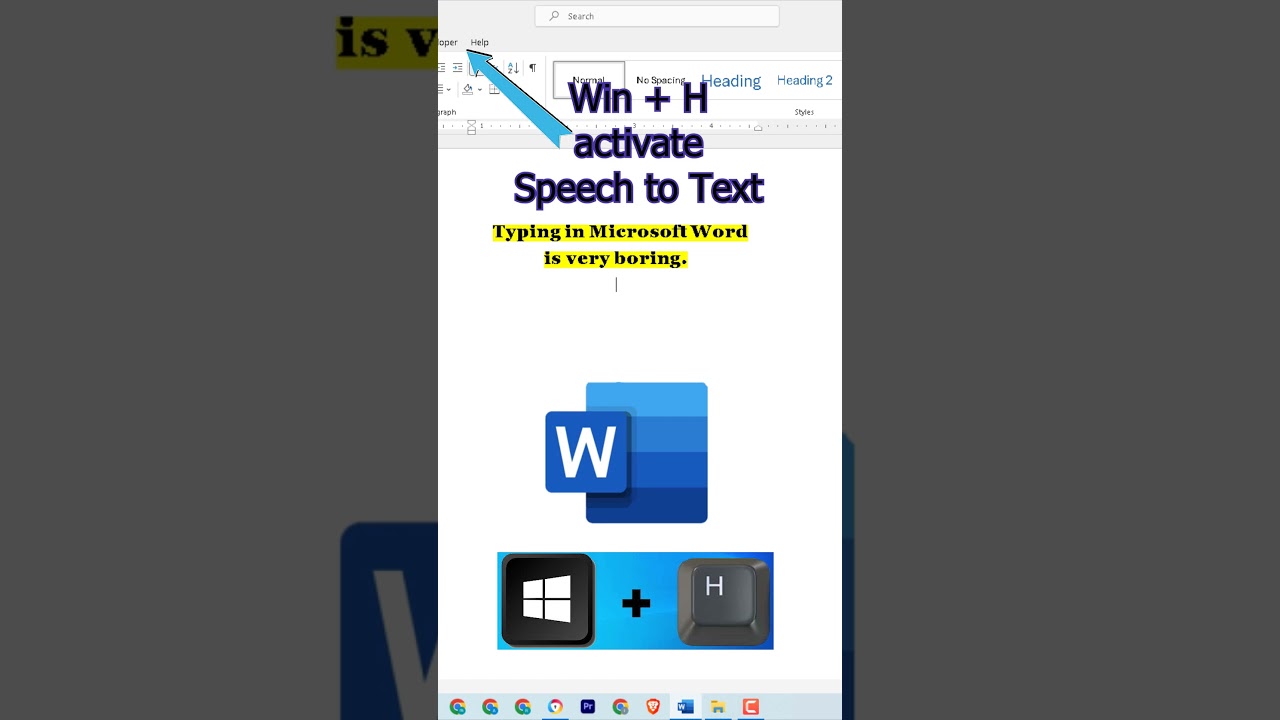
Windows + H
Once it's activated, a small microphone icon will appear at the bottom of your screen. This panel also provides some dictation controls.
Speak clearly and directly into your microphone. The text will appear in your document.
Use the microphone icon to pause or resume dictation.
#worddocument
#msoffice
#msofficeword
Microsoft Word itself doesn't have a built-in "voice typing" feature, but it does offer a dictation function called "Dictate". This feature uses your computer's speech recognition to convert your spoken words into text within your document.
Here's how to enable dictation (voice typing) in MS Word:
Requirements:
Microphone
Internet connection (for improved accuracy)
Steps:
Open a new or existing Word document.
Click on the "Home" tab in the ribbon.
Find the "Dictate" button in the far right corner. You might need to expand the ribbon to see it completely.
Click the "Dictate" button once. It will turn on and start listening for your speech.
Alternatively:
You can use the keyboard shortcut:
Windows + H
Once it's activated, a small microphone icon will appear at the bottom of your screen. This panel also provides some dictation controls.
Speak clearly and directly into your microphone. The text will appear in your document.
Use the microphone icon to pause or resume dictation.
Tags and Topics
Browse our collection to discover more content in these categories.
Video Information
Views
354.5K
Likes
2.2K
Duration
0:13
Published
Jul 10, 2024
User Reviews
4.3
(70) Related Trending Topics
LIVE TRENDSRelated trending topics. Click any trend to explore more videos.
No specific trending topics match this video yet.
Explore All Trends