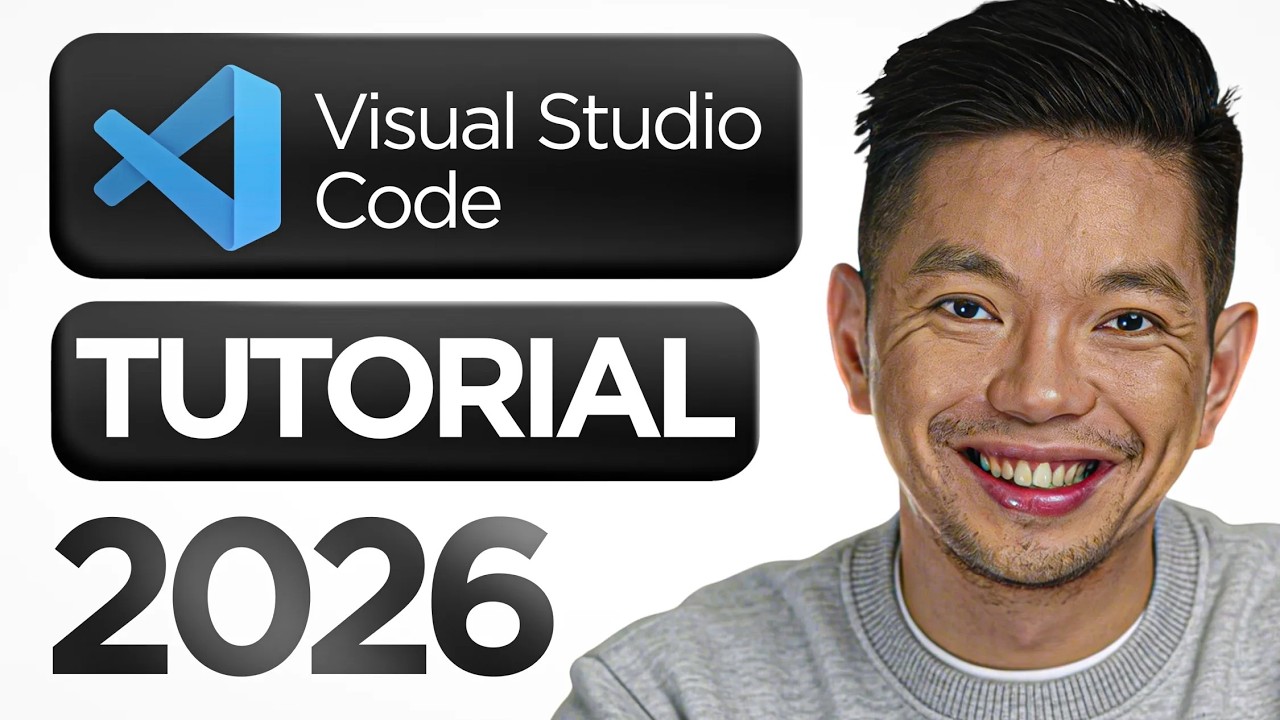
VS Code Tutorial for Beginners 2026 🚀
Learn how to use Visual Studio Code in this beginner-friendly tutorial. Plus, explore the AI app builder Base44 and a free masterclass!

Mikey No Code
35.7K views • Apr 22, 2026
About this video
✅ Best AI App Builder is Base44 https://base44.pxf.io/c/6440076/2049275/25619?trafcat=base&sharedid=video106
✅ FREE Masterclass: Build Apps, SaaS & Websites with AI https://mikeyno-code.com/Skool-base44
✅ Submit your Visual Studio Code app to the App Store: https://www.skool.com/build-app-with-ai-accelerator-2693/about
🔵 Get the FREE App Store Submission Checklist (step by step): https://mikeys-5-min-checklist.netlify.app
In this video, I break down a complete Visual Studio Code tutorial for beginners in 2026, showing you exactly how to use Visual Studio Code step by step. You’ll learn how to install Visual Studio Code, set up your development environment, and follow a practical VS Code tutorial to start coding efficiently. Whether you're brand new to programming or looking for a clear Visual Studio Code tutorial, this guide covers everything you need to get started.
00:00 - Intro: Why Visual Studio Code is the Top Editor
01:50 - How to Download and Install VS Code
03:57 - Mastering the Interface and Activity Bar
06:19 - File Explorer: Managing Your Code Workspace
07:56 - Step-by-Step: Creating Your First HTML/CSS Project
09:38 - Coding Faster with IntelliSense and Auto-Complete
11:06 - Power Tools: Multi-Cursor Editing & Fast Refactoring
12:51 - GitHub Copilot Tutorial: AI-Powered Coding in VS Code
15:01 - Top Essential VS Code Extensions for Beginners
17:48 - Mastering the Integrated Terminal
19:32 - Customizing VS Code: Settings, Themes, and Layouts
21:59 - The Best Keyboard Shortcuts to Save Time
22:48 - Git Tutorial: Version Control Inside VS Code
23:49 - How to Publish Your Project Directly to GitHub
For inquiries: Mikey (at) ytmedia.group
✅ FREE Masterclass: Build Apps, SaaS & Websites with AI https://mikeyno-code.com/Skool-base44
✅ Submit your Visual Studio Code app to the App Store: https://www.skool.com/build-app-with-ai-accelerator-2693/about
🔵 Get the FREE App Store Submission Checklist (step by step): https://mikeys-5-min-checklist.netlify.app
In this video, I break down a complete Visual Studio Code tutorial for beginners in 2026, showing you exactly how to use Visual Studio Code step by step. You’ll learn how to install Visual Studio Code, set up your development environment, and follow a practical VS Code tutorial to start coding efficiently. Whether you're brand new to programming or looking for a clear Visual Studio Code tutorial, this guide covers everything you need to get started.
00:00 - Intro: Why Visual Studio Code is the Top Editor
01:50 - How to Download and Install VS Code
03:57 - Mastering the Interface and Activity Bar
06:19 - File Explorer: Managing Your Code Workspace
07:56 - Step-by-Step: Creating Your First HTML/CSS Project
09:38 - Coding Faster with IntelliSense and Auto-Complete
11:06 - Power Tools: Multi-Cursor Editing & Fast Refactoring
12:51 - GitHub Copilot Tutorial: AI-Powered Coding in VS Code
15:01 - Top Essential VS Code Extensions for Beginners
17:48 - Mastering the Integrated Terminal
19:32 - Customizing VS Code: Settings, Themes, and Layouts
21:59 - The Best Keyboard Shortcuts to Save Time
22:48 - Git Tutorial: Version Control Inside VS Code
23:49 - How to Publish Your Project Directly to GitHub
For inquiries: Mikey (at) ytmedia.group
Tags and Topics
Browse our collection to discover more content in these categories.
Video Information
Views
35.7K
Duration
24:52
Published
Apr 22, 2026
User Reviews
3.9
(7) Related Trending Topics
LIVE TRENDSRelated trending topics. Click any trend to explore more videos.
No specific trending topics match this video yet.
Explore All Trends