Using SOLIDWORKS Configurations in Composer 🎥
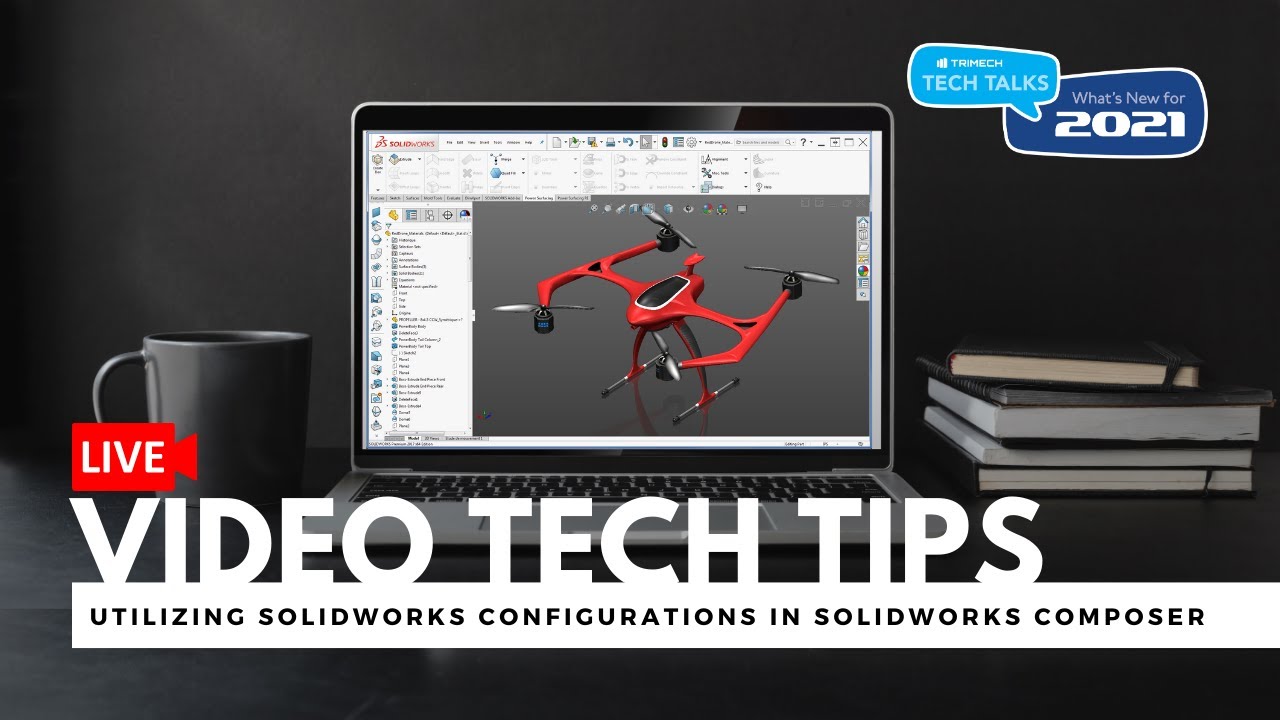
Learn how to import multiple SOLIDWORKS configurations and create views in SOLIDWORKS Composer with this live tech tip.

TriMech
1.7K views • Oct 14, 2020
About this video
This LIVE Video Tech Tip will cover:
- How SOLIDWORKS Composer now allows for the import of multiple SOLIDWORKS configurations
- How to create multiple views showing different options by selecting different configurations
- How interactive content can now be hosted in the 3DExperience Platform
Join our TriMech Tech Talks: https://blog.trimech.com/news-and-promotions/trimech-tech-talks-whats-new-for-2021#calendar
- How SOLIDWORKS Composer now allows for the import of multiple SOLIDWORKS configurations
- How to create multiple views showing different options by selecting different configurations
- How interactive content can now be hosted in the 3DExperience Platform
Join our TriMech Tech Talks: https://blog.trimech.com/news-and-promotions/trimech-tech-talks-whats-new-for-2021#calendar
Tags and Topics
Browse our collection to discover more content in these categories.
Video Information
Views
1.7K
Likes
10
Duration
11:22
Published
Oct 14, 2020
User Reviews
4.0
(1) Related Trending Topics
LIVE TRENDSRelated trending topics. Click any trend to explore more videos.
Trending Now