Utilizing Projects for Collaboration, Change Tracking, Merging, and Code Reviews
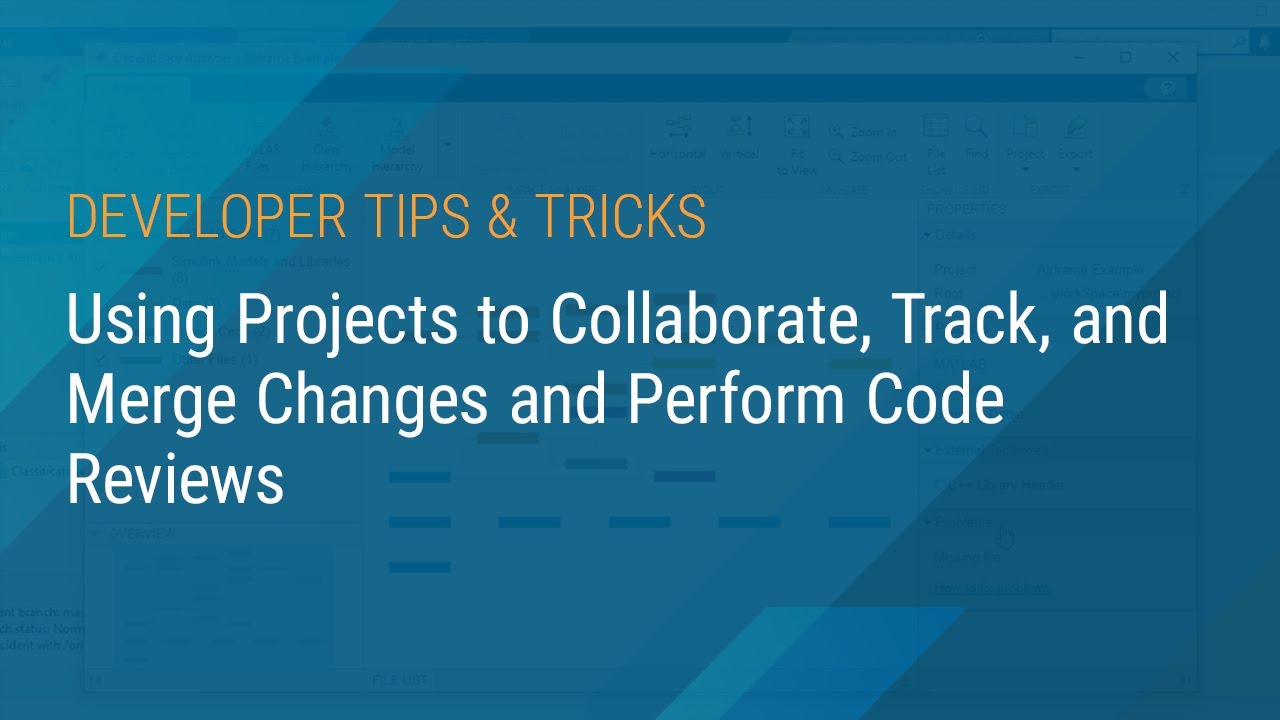
Explore how projects facilitate collaboration, track changes, merge code, and streamline code reviews. For more developer Tech Showcase videos, visit: https://www.youtube.com/playlist?list=PLn8PRpmsu08oYesMXL23o6WN9A3ks05iJ

MATLAB
17.3K views • Oct 5, 2020
About this video
Check out the full list of developer Tech Showcase videos here: https://www.youtube.com/playlist?list=PLn8PRpmsu08oYesMXL23o6WN9A3ks05iJ
As a design grows, collaborating and managing referenced files and dependencies becomes more complicated. Projects help you set up a common environment across a team, organize large numbers of files, find required files and toolboxes, manage and share files and settings, and interact with source control.
Learn how to use projects in MATLAB® to easily collaborate with your team. You can use the Dependency Analyzer and the Comparison Tool to track, review, merge, and qualify your changes before your commit.
- MATLAB | Developer Tech Showcase Playlist: https://www.youtube.com/playlist?list=PLn8PRpmsu08qbAPHntzvCBN3Rw2cs9wqm
- See All Developer Tips & Tricks Videos: https://www.youtube.com/playlist?list=PLn8PRpmsu08oYesMXL23o6WN9A3ks05iJ
--------------------------------------------------------------------------------------------------------
Get a free product trial: https://goo.gl/ZHFb5u
Learn more about MATLAB: https://goo.gl/8QV7ZZ
Learn more about Simulink: https://goo.gl/nqnbLe
See what's new in MATLAB and Simulink: https://goo.gl/pgGtod
© 2020 The MathWorks, Inc. MATLAB and Simulink are registered trademarks of The MathWorks, Inc.
See www.mathworks.com/trademarks for a list of additional trademarks. Other product or brand names may be trademarks or registered trademarks of their respective holders.
As a design grows, collaborating and managing referenced files and dependencies becomes more complicated. Projects help you set up a common environment across a team, organize large numbers of files, find required files and toolboxes, manage and share files and settings, and interact with source control.
Learn how to use projects in MATLAB® to easily collaborate with your team. You can use the Dependency Analyzer and the Comparison Tool to track, review, merge, and qualify your changes before your commit.
- MATLAB | Developer Tech Showcase Playlist: https://www.youtube.com/playlist?list=PLn8PRpmsu08qbAPHntzvCBN3Rw2cs9wqm
- See All Developer Tips & Tricks Videos: https://www.youtube.com/playlist?list=PLn8PRpmsu08oYesMXL23o6WN9A3ks05iJ
--------------------------------------------------------------------------------------------------------
Get a free product trial: https://goo.gl/ZHFb5u
Learn more about MATLAB: https://goo.gl/8QV7ZZ
Learn more about Simulink: https://goo.gl/nqnbLe
See what's new in MATLAB and Simulink: https://goo.gl/pgGtod
© 2020 The MathWorks, Inc. MATLAB and Simulink are registered trademarks of The MathWorks, Inc.
See www.mathworks.com/trademarks for a list of additional trademarks. Other product or brand names may be trademarks or registered trademarks of their respective holders.
Tags and Topics
Browse our collection to discover more content in these categories.
Video Information
Views
17.3K
Likes
89
Duration
4:51
Published
Oct 5, 2020
User Reviews
4.1
(3) Related Trending Topics
LIVE TRENDSRelated trending topics. Click any trend to explore more videos.
No specific trending topics match this video yet.
Explore All Trends