Turn in Google Classroom Homework with Your Phone 📱
Learn how students and parents can easily submit paper assignments digitally using a phone in Google Classroom.
John R. Sowash
235.7K views • Apr 6, 2020
About this video
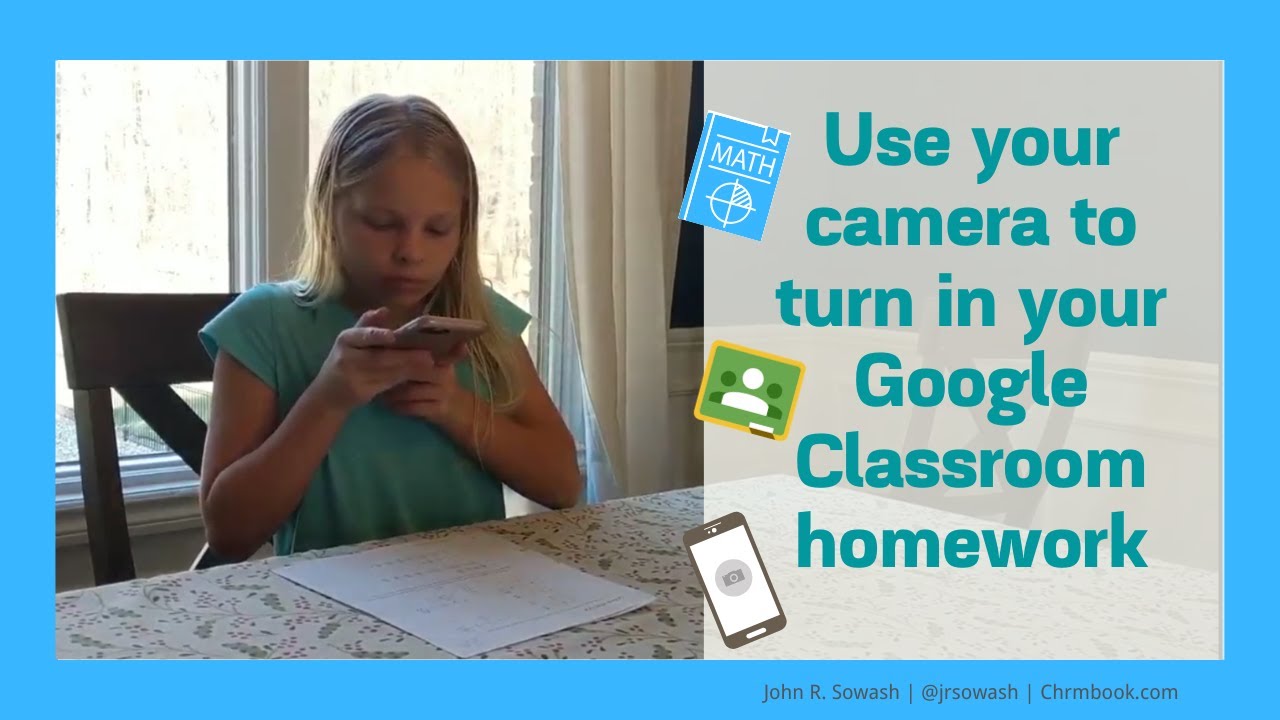
Some assignments are easier to do with paper and pencil. But how do you get it to your teacher?
This video will help parents and students digitize paper assignments using the camera on your mobile phone or tablet.
👉 Do you need step by step instructions with screenshots? Open this guide: https://tinyurl.com/ssj7oyj
How to turn in your Google Classroom assignment using your mobile phone:
1️⃣ Download the Google Classroom app on your mobile device
2️⃣ Open up the app and sign in to your SCHOOL account
Tip: if you have multiple students, they will all need to sign in. You can easily switch between their accounts on the same device.
3️⃣ Open up the class and find the assignment you need to complete.
(Your teacher will post an assignment to Google Classroom each time you need to turn in your work.)
4️⃣ Find the arrow at the bottom of your screen where it says “your work" and press "add attachment."
5️⃣ Select "take photo" and snap a clear picture of your assignment.
6️⃣ Add additional pages (if you have them)
7️⃣ Press the "turn in" button!👉
This video will help parents and students digitize paper assignments using the camera on your mobile phone or tablet.
👉 Do you need step by step instructions with screenshots? Open this guide: https://tinyurl.com/ssj7oyj
How to turn in your Google Classroom assignment using your mobile phone:
1️⃣ Download the Google Classroom app on your mobile device
2️⃣ Open up the app and sign in to your SCHOOL account
Tip: if you have multiple students, they will all need to sign in. You can easily switch between their accounts on the same device.
3️⃣ Open up the class and find the assignment you need to complete.
(Your teacher will post an assignment to Google Classroom each time you need to turn in your work.)
4️⃣ Find the arrow at the bottom of your screen where it says “your work" and press "add attachment."
5️⃣ Select "take photo" and snap a clear picture of your assignment.
6️⃣ Add additional pages (if you have them)
7️⃣ Press the "turn in" button!👉
Video Information
Views
235.7K
Likes
1.7K
Duration
1:51
Published
Apr 6, 2020
User Reviews
4.3
(47)