Build JavaFX UIs Easily with Scene Builder
Learn to create interactive JavaFX user interfaces quickly using Scene Builder. Install, design, and customize with just a few clicks! 🎨

BELLSOFT
1.3K views • Mar 6, 2025
About this video
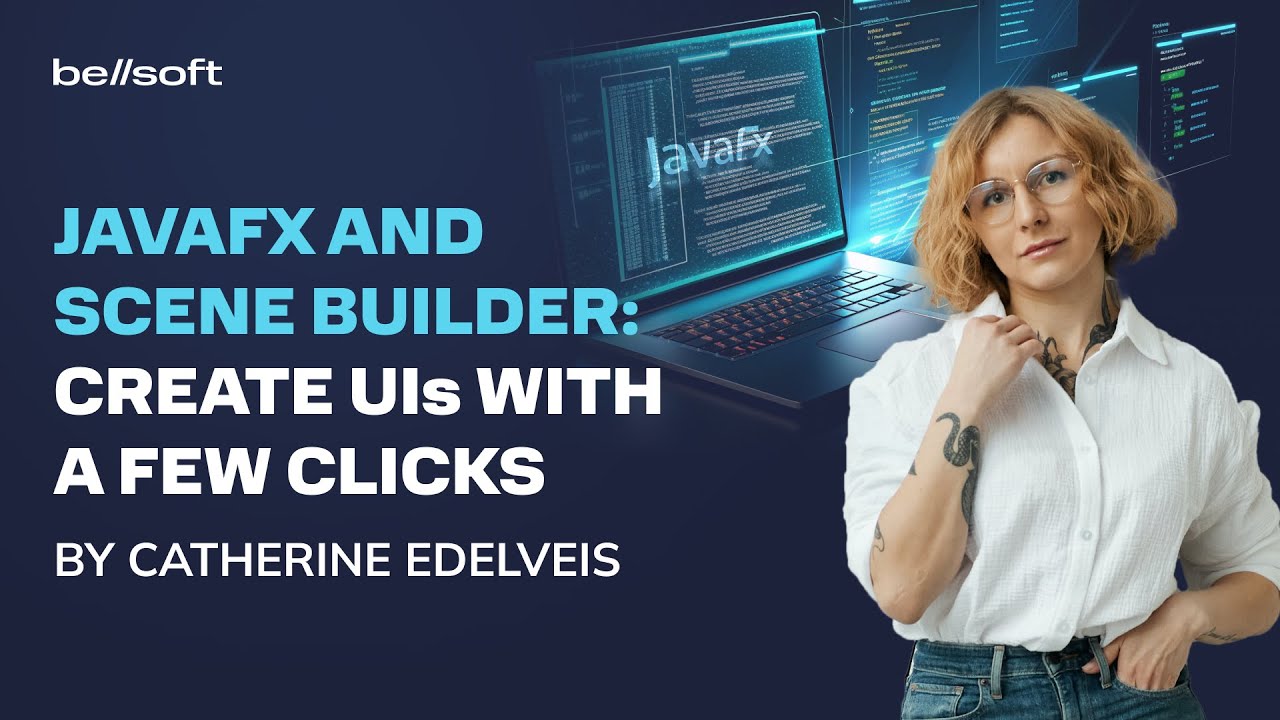
Creating user interfaces with JavaFX is easy! Simply install Scene Builder and create a layout with a few clicks!
In this video we will create an interactive To Do app and in the process we will learn how to design UIs without coding.
0:00 Introduction
Part 1. Install Scene Builder and set up the environment
0:19 Install Scene Builder
0:34 Integrate Scene Builder with IntelliJ IDEA
Part 2. What is FXML and how it is related to JavaFX
1:08 What is FXML
1:40 Layout code and Application code
Part 3. Create a User Interface for a To Do Application
1:58 Create a new JavaFX project
2:32 Introduction to the Scene Builder interface
3:26 Create design for To Do app
Part 4. Connect the User Interface to Application Code
6:07 Write main application class
7:18 Create necessary classes and methods
8:28 Test the application
8:45 Make the interface adaptive
10:24 Conclusion
Useful links:
Download Scene Builder: https://gluonhq.com/products/scene-builder/
Get Liberica JDK Full with OpenJFX: https://bell-sw.com/pages/downloads/?version=java-21&package=jdk-full
Read our blog: https://bell-sw.com/blog/
Visit us on LinkedIn: / bell-sw
Get in touch with Catherine on X: https://x.com/cat_edelveis
In this video we will create an interactive To Do app and in the process we will learn how to design UIs without coding.
0:00 Introduction
Part 1. Install Scene Builder and set up the environment
0:19 Install Scene Builder
0:34 Integrate Scene Builder with IntelliJ IDEA
Part 2. What is FXML and how it is related to JavaFX
1:08 What is FXML
1:40 Layout code and Application code
Part 3. Create a User Interface for a To Do Application
1:58 Create a new JavaFX project
2:32 Introduction to the Scene Builder interface
3:26 Create design for To Do app
Part 4. Connect the User Interface to Application Code
6:07 Write main application class
7:18 Create necessary classes and methods
8:28 Test the application
8:45 Make the interface adaptive
10:24 Conclusion
Useful links:
Download Scene Builder: https://gluonhq.com/products/scene-builder/
Get Liberica JDK Full with OpenJFX: https://bell-sw.com/pages/downloads/?version=java-21&package=jdk-full
Read our blog: https://bell-sw.com/blog/
Visit us on LinkedIn: / bell-sw
Get in touch with Catherine on X: https://x.com/cat_edelveis
Video Information
Views
1.3K
Likes
52
Duration
11:10
Published
Mar 6, 2025
User Reviews
4.5
(1) Related Trending Topics
LIVE TRENDSRelated trending topics. Click any trend to explore more videos.
No specific trending topics match this video yet.
Explore All Trends