Upgrade Windows 11 to 22H2 on unsupported hardware
In this video, I'll explain how to upgrade to Windows 11 22H2 from an existing Windows 11 installation running on unsupported hardware. On Windows 11 install...

jensd_be
88.9K views • Sep 28, 2022
About this video
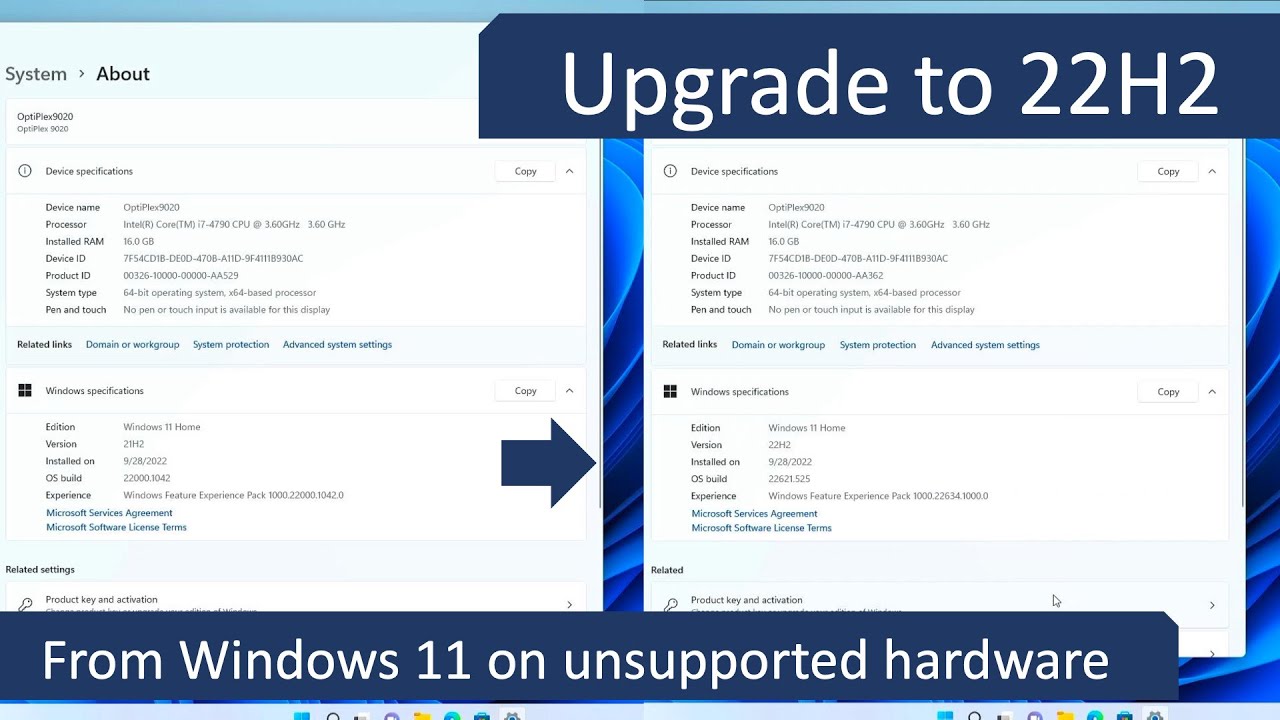
In this video, I'll explain how to upgrade to Windows 11 22H2 from an existing Windows 11 installation running on unsupported hardware. On Windows 11 installations that used any of the workarounds to overcome the hardware check, the 22H2 update will most likely not be offered through Windows update.
In the meanwhile, Microsoft has released version 24H2 of Windows 11, which requires a bit of a different approach.
In the meanwhile, Microsoft has released version 25H2 of Windows 11, which requires a different approach.
You can find updated videos for 25H2 over here:
- Upgrade from Windows 11 which is already on 24H2 on unsupported hardware: https://youtu.be/LkG87oX-aRU
- Perform a fresh installation of Windows 11 25H2 on unsupported hardware: https://youtu.be/ONywTBNc1Fs
- Upgrade from Windows 10 or an older version of Windows 11 like 23H2 or 22H2 on unsupported hardware: https://youtu.be/uVnQaG06XOA
Downloads:
- Replacement appraiserres.dll: https://jensd.be/download/appraiserres.zip
- Windows 11 ISO: https://www.microsoft.com/en-us/software-download/windows11
Chapters:
00:00 - Introduction
02:36 - Download the Windows 11 22H2 ISO
04:07 - Hardware check workaround
05:37 - Upgrade to Windows 11 22H2
06:54 - After the upgrade
In the meanwhile, Microsoft has released version 24H2 of Windows 11, which requires a bit of a different approach.
In the meanwhile, Microsoft has released version 25H2 of Windows 11, which requires a different approach.
You can find updated videos for 25H2 over here:
- Upgrade from Windows 11 which is already on 24H2 on unsupported hardware: https://youtu.be/LkG87oX-aRU
- Perform a fresh installation of Windows 11 25H2 on unsupported hardware: https://youtu.be/ONywTBNc1Fs
- Upgrade from Windows 10 or an older version of Windows 11 like 23H2 or 22H2 on unsupported hardware: https://youtu.be/uVnQaG06XOA
Downloads:
- Replacement appraiserres.dll: https://jensd.be/download/appraiserres.zip
- Windows 11 ISO: https://www.microsoft.com/en-us/software-download/windows11
Chapters:
00:00 - Introduction
02:36 - Download the Windows 11 22H2 ISO
04:07 - Hardware check workaround
05:37 - Upgrade to Windows 11 22H2
06:54 - After the upgrade
Video Information
Views
88.9K
Likes
1.8K
Duration
7:53
Published
Sep 28, 2022
User Reviews
4.7
(17) Related Trending Topics
LIVE TRENDSRelated trending topics. Click any trend to explore more videos.
No specific trending topics match this video yet.
Explore All Trends