Boost Android Internet Speed 🚀
Learn how to enhance your Android's internet speed by adjusting developer options for faster connectivity.

Smart & Easy
816.7K views • Aug 12, 2025
About this video
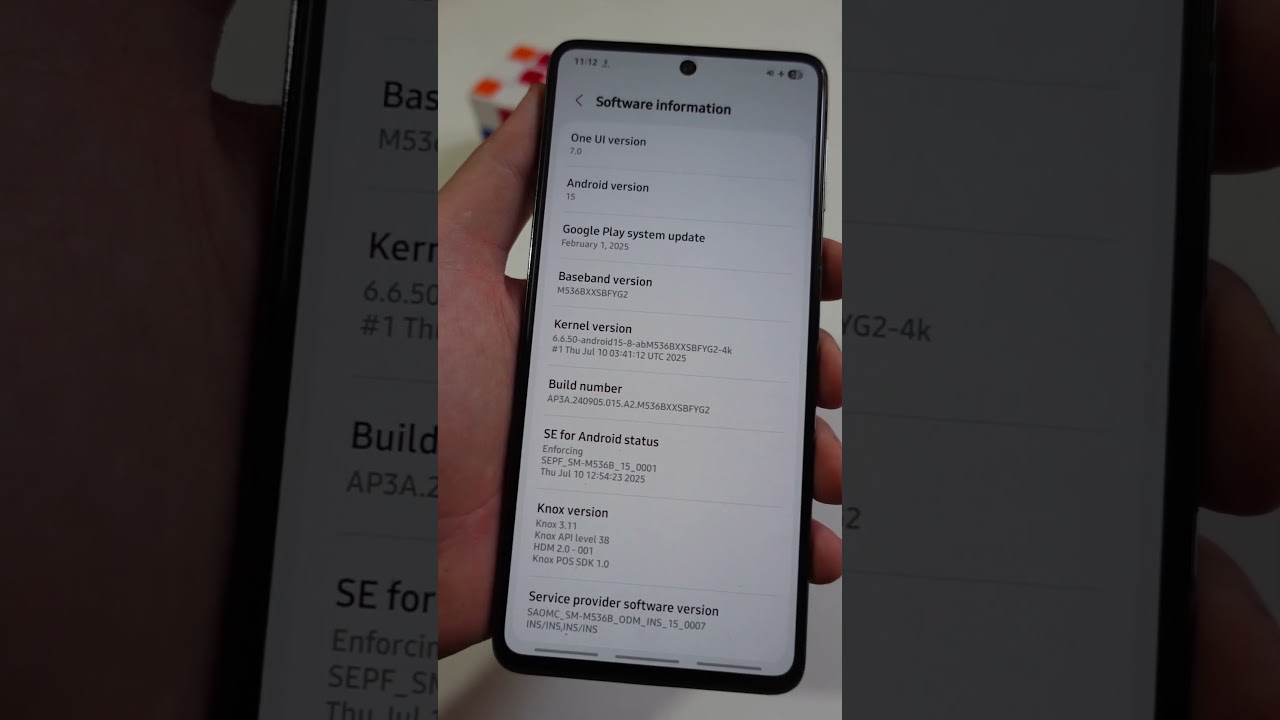
Speed up your Android using Developer options. In this short, I show how to set Network download rate limit to No limit and enable Mobile data always active for quicker switching.
Steps covered:
1) Settings, About phone, Software information
2) Tap Build number until Developer mode is on
3) Open Developer options
4) Set Network download rate limit, choose No limit
5) Turn on Mobile data always active
Did this speed up your connection? Comment your results. Like and subscribe for more quick phone tips.
#TechTips #Android #PhoneHacks
Steps covered:
1) Settings, About phone, Software information
2) Tap Build number until Developer mode is on
3) Open Developer options
4) Set Network download rate limit, choose No limit
5) Turn on Mobile data always active
Did this speed up your connection? Comment your results. Like and subscribe for more quick phone tips.
#TechTips #Android #PhoneHacks
Video Information
Views
816.7K
Likes
8.0K
Duration
1:02
Published
Aug 12, 2025
User Reviews
4.5
(163) Related Trending Topics
LIVE TRENDSRelated trending topics. Click any trend to explore more videos.
No specific trending topics match this video yet.
Explore All Trends